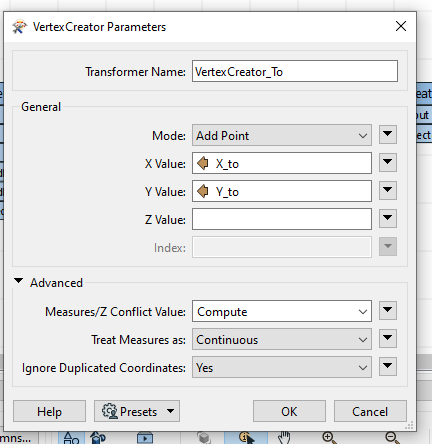
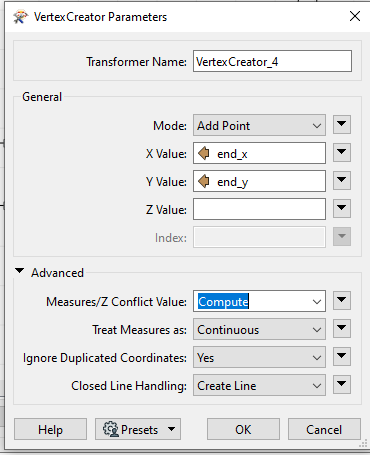
I have a table with start and end x/y and need to create line for each. I created vertexes but no line is produced. How do I create a line for each coordinate pair?
Question
I have a table with start and end x/y and need to create line for each. I created vertexes but no line is produced. How do I create a line for each coordinate pair?
I have tried both those approaches. The first VertexCreator creates a point on the map but the second VertexCreator (as Add Point) seems to remove all geographic entities.
Note that in your data there will be (at least) 304 features with start_X = end_X and start_Y = end_Y. I got rid of those in the TestFilter, but the presence of these features should not be the source of your problem.
I noticed that my CreateVertex has an extra parameter under advanced that yours does not - "Closed Line Handling" I wonder why they are different and if that could be the source of the issue?:
I exported the table and created a new workflow with a reader for the table and two vertexcreators. This process was sucessful but it still does not work in the larger/original workflow. Seems to be a bug? I'll see if I can report it.




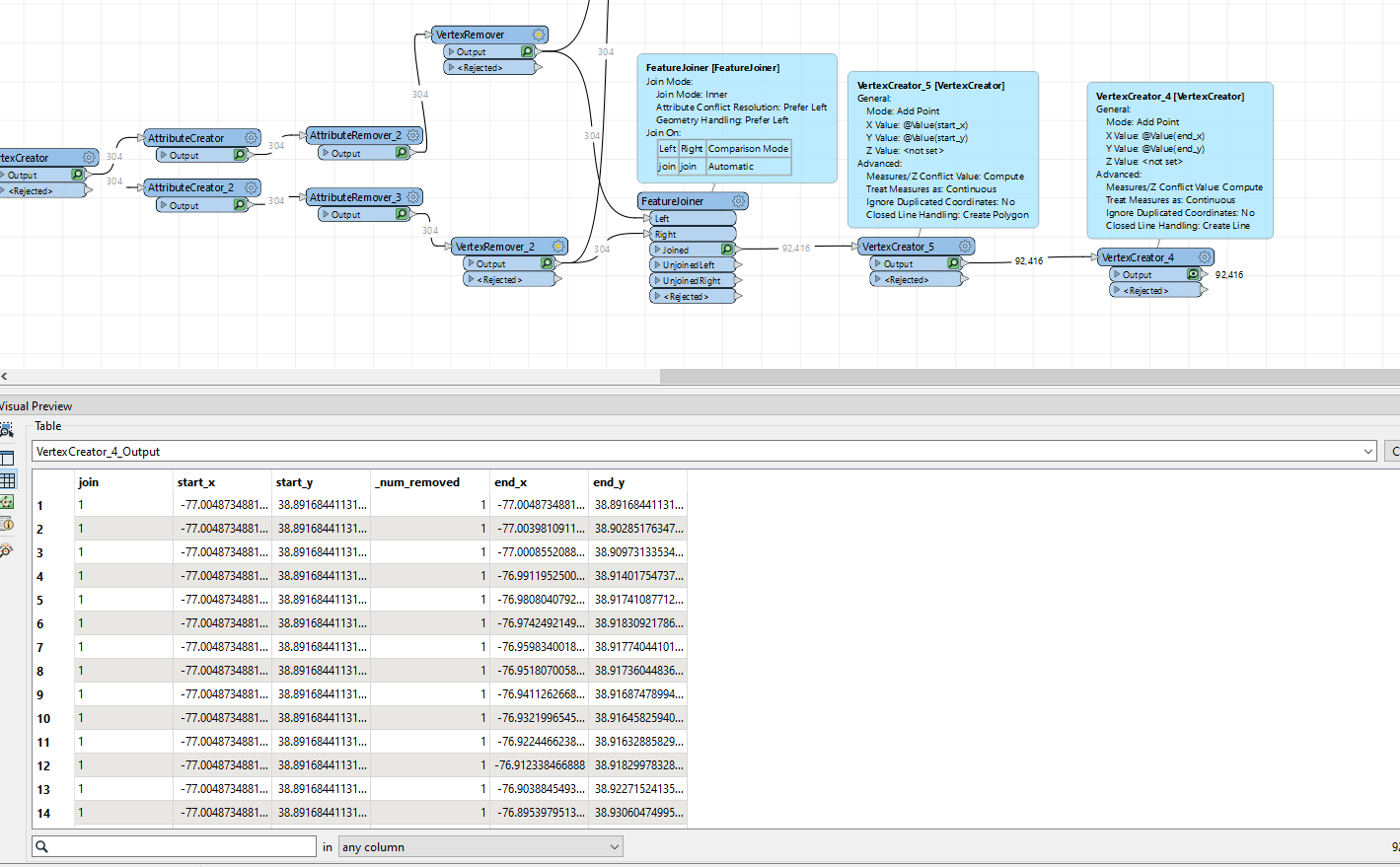









 Note that in your data there will be (at least) 304 features with start_X = end_X and start_Y = end_Y. I got rid of those in the TestFilter, but the presence of these features should not be the source of your problem.