


Question

FME Flow Token rights seem changed after upgrading to 2026.2

  • August 25, 2026
  • 5 replies
  • 34 views

jeroen_hack
Contributor
Forum|alt.badge.img+14

About half a year go we set up a API Token thats being used by an external Web Application which triggers jobs on our FME Flow environment. This worked all fine till we upgraded to 2026.2 this summer.

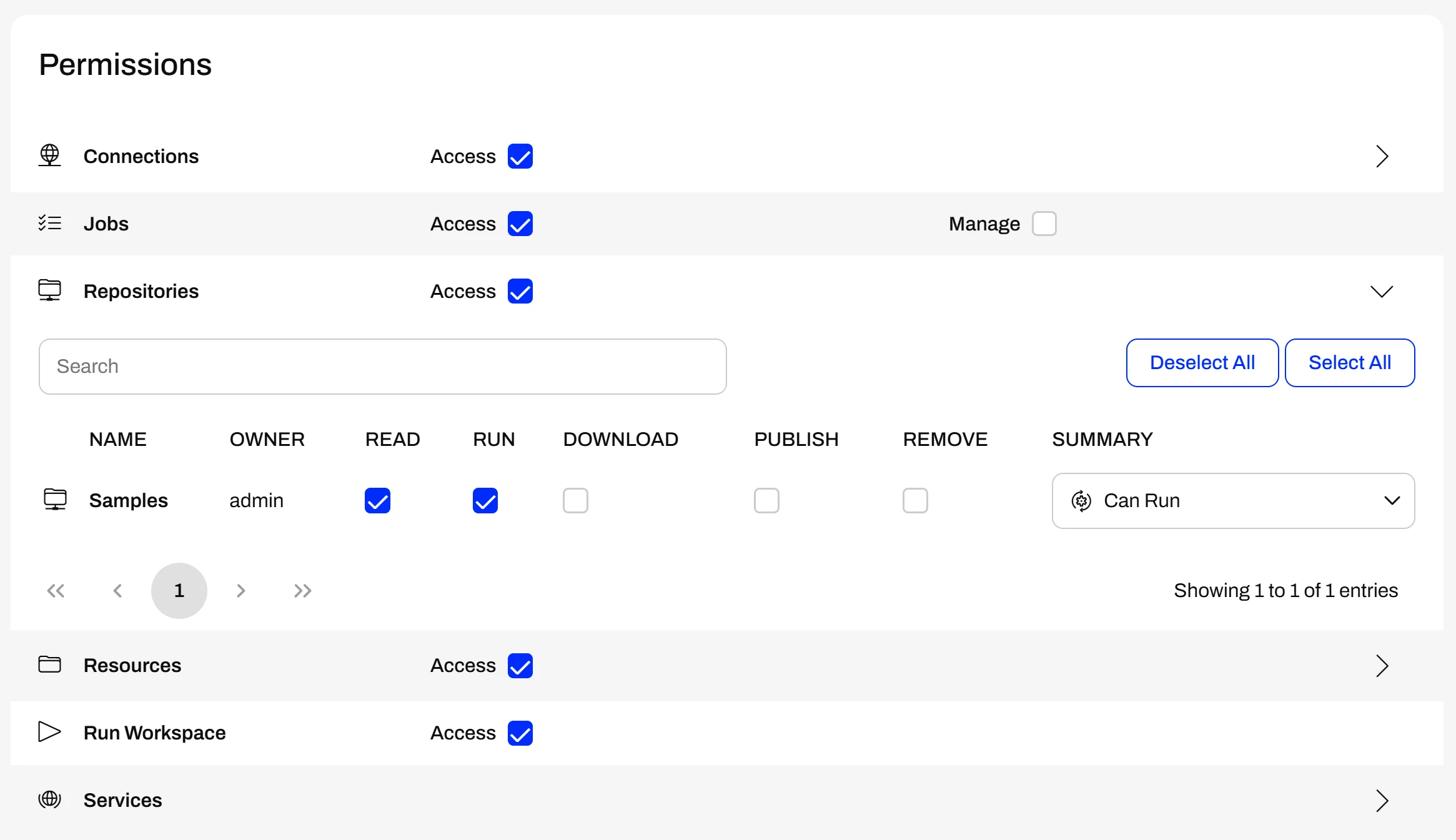
The right's we had set up were:

Jobs Access

Recources Access (only to the required resources folder)

Run Workspace Access

Since the upgrade to 2026.2 nothing was changed by us in these settings. The web application can still start jobs as needed. But any request of GET /jobs/{id} , /jobs/{id}/result en /jobs/{id}/log gives a 403 error now. The only way i found around it is to give the API Token the Jobs Manage permisson.
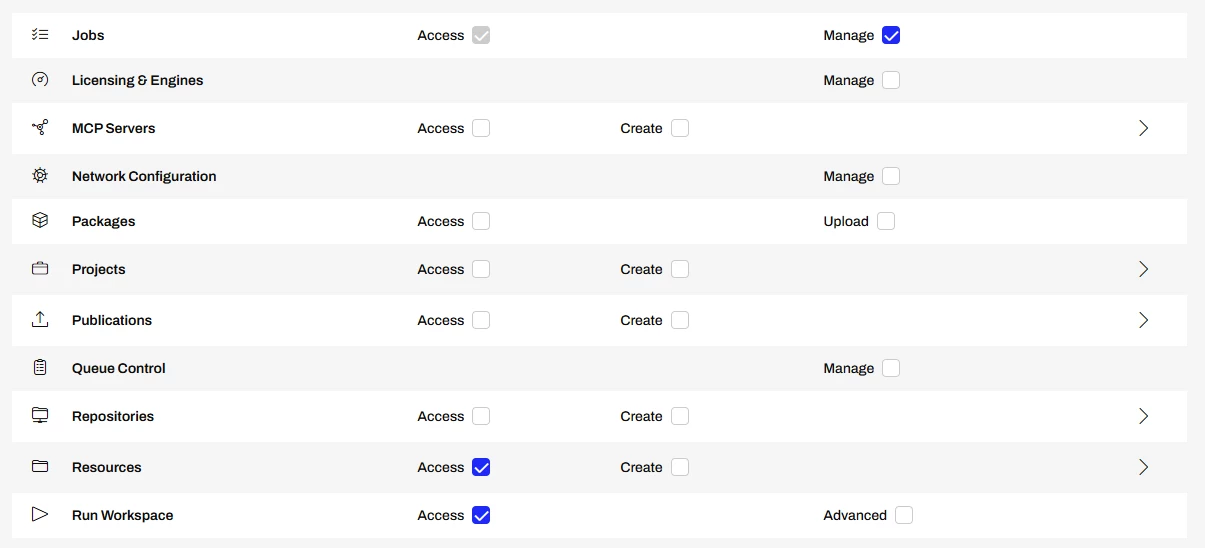
But this feels wrong to me. If i read the documentation this would give the token access to all users jobs instead of only the ones started through this API Token. I can't find any mention about changes concerning this (only about the Tokens for FME Flow Apps which we are not using).


Anybody has any idea what could be the cause here? Am i overlooking something?
5 replies

j.botterill
Evangelist
Forum|alt.badge.img+66
  • Evangelist
  • August 25, 2026

Yes there is a big change in how Flow apps are authenticated in version I upgraded to… unknowingly… it is documented here.

  1. Managing-Flow-App-Permissions-in-FME-Flow-2026-1-or-Newer
  2. Managing Flow App Permissions in 2026.1 | Community

From FME Flow 2026.1 onwards:

  • Flow App tokens are deprecated.
  • Flow Apps now run under the context of the App Author (owner).
  • The role assigned must have permissions to Resources, Web Connections, and Database Connections 

You need to go to User management > Items > Workspace apps and change the owner to a admin level or whichever role has scope to access resource/connections.


@evieatsafe ​@LizAtSafe    not sure if REST V4 api token generation…. or the Flow app token deprecation are documented in planning tips in Upgrading FME Flow.

  •  the FME Deprecations – FME Support Center could include the PORTALFEATURESERVICES (recommend using ARCGISFEATURESERVICE safe.esri.agol package)
  •  the Flow app token deprecation - including links to recommended actions
  • V3 api with tips to the v4 articles in the recommended actions

jeroen_hack
Contributor
Forum|alt.badge.img+14
  • Author
  • Contributor
  • August 25, 2026

@j.botterill Yes these are changes to FME Flow Apps. But we don’t use these. We use our own build Web application which does calls through the REST API (with an API token).

This seems different from the FME Flow Apps functionality (at least that's how i've interpreted it so far). I havent found any documentation yet that the REST API is also affected by this change to FME Flow Apps.


j.botterill
Evangelist
Forum|alt.badge.img+66
  • Evangelist
  • August 25, 2026

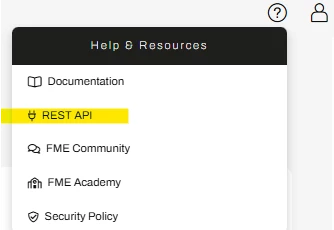
You might want to go into Flow.. top right and find the REST api document.

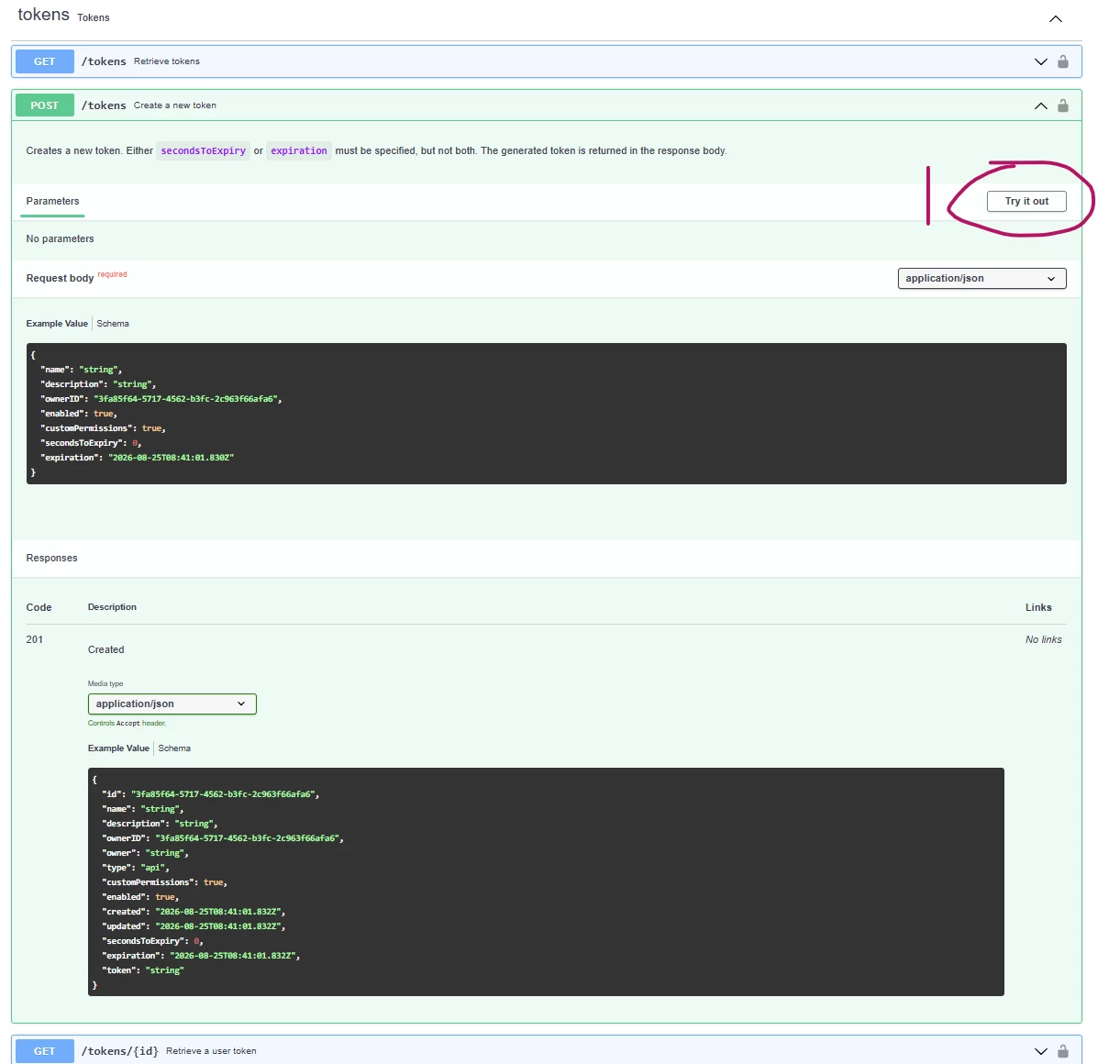
In the right corner, get token and sign in to get 1 hour token

This lets you use the Try it Now

NOTE. in v4 you need the JSON https://docs.safe.com/fme/html/FME_JSON_GUI/

{
  "name": "string",
  "description": "string",
  "ownerID": "3fa85f64-5717-4562-b3fc-2c963f66afa6",
  "enabled": true,
  "customPermissions": true,
  "secondsToExpiry": 0,
  "expiration": "2026-08-25T08:41:22.382Z"
}

Hit execute to ensure the JSON above you are parsing externally to the REST api is valid

Check the cURL

Response


check dependencies

As a result of the token deprecation, all FME admins upgrading to 2026 should review:

  1. Repository permissions.
  2. Resource permissions.
  3. Web Connection permissions.
  4. Database Connection permissions.
  5. Service permissions (Data Download, Job Submitter, etc.)   Role-Based and User-Based Access Control

itsmatt
Celebrity
Forum|alt.badge.img+48
  • Celebrity
  • August 25, 2026

That definitly seems wrong to me as well. You shouldn’t need to grant the manage permissions to view jobs you own. 2026.2 has seen some security changes so it’s possible this was an over correction. 

Have you tired simulating the settings for a user rather than a token? If you set up an user in 2026.2 with the same permissions as the token and then try and access the jobs via the UI do you still get an issue?

Not that it really matters but which end point are you using to trigger the jobs? Are you using api/v4 or something like the JobSubmitter/DataDownloadService


j.botterill
Evangelist
Forum|alt.badge.img+66
  • Evangelist
  • August 26, 2026

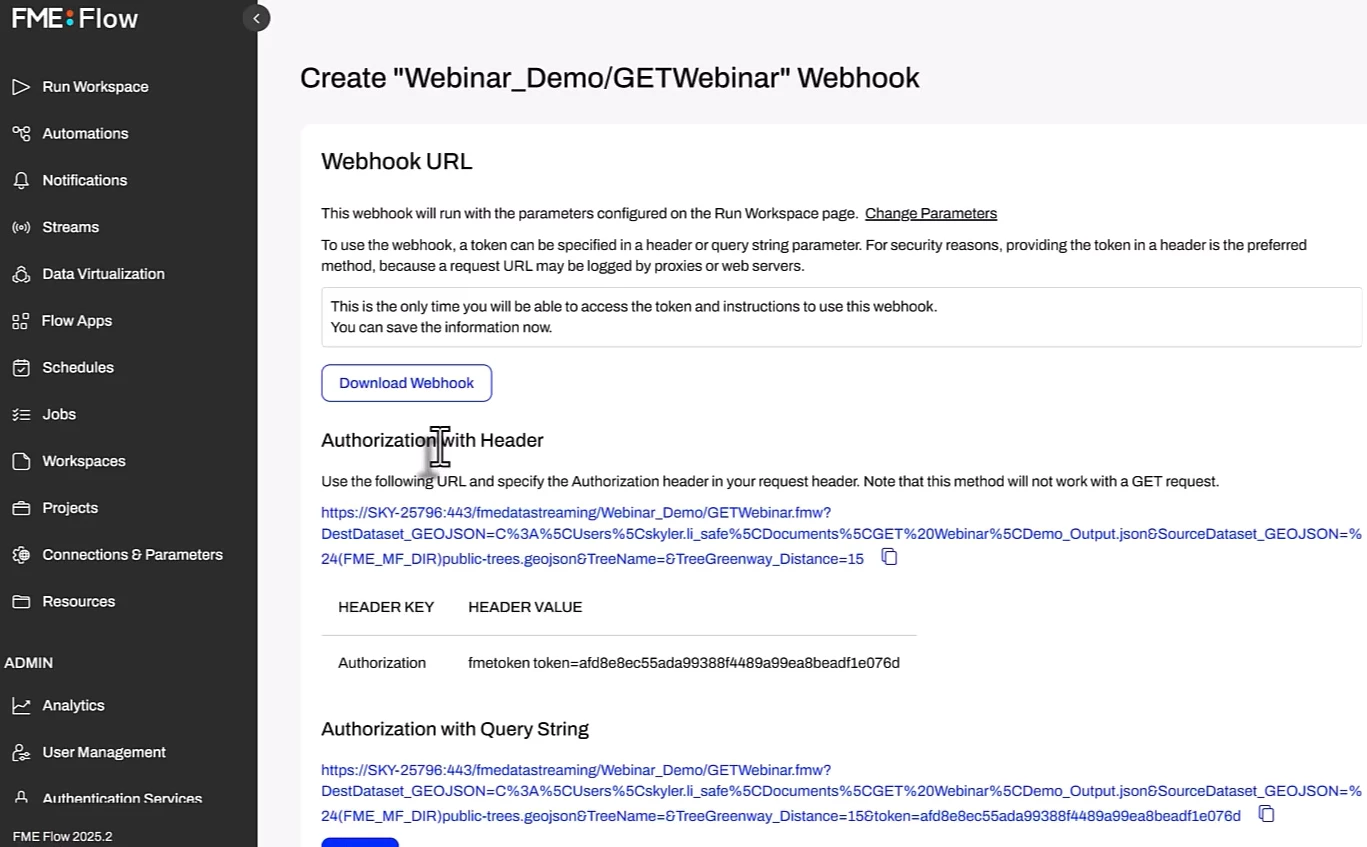
How is the external application calling the jobs? Are you using a webhook URL