Question

Is function DateTimeNow() in >2026 no longer supported.... in favour of CurrentDateTime? ISO_8601 durations

  • June 23, 2026
  • 1 reply
  • 25 views

j.botterill
Influencer
Forum|alt.badge.img+58

Today I placed a default value for a date User Parameter as

@DateTimeFormat(@DateTimeAdd(@DateTimeNow(),-14,'day'),'%Y%m%d')

essentially the date widget in FME flow would go back 2 weeks, this used to work fine….


But alas, in 2026 it is now returning something wild
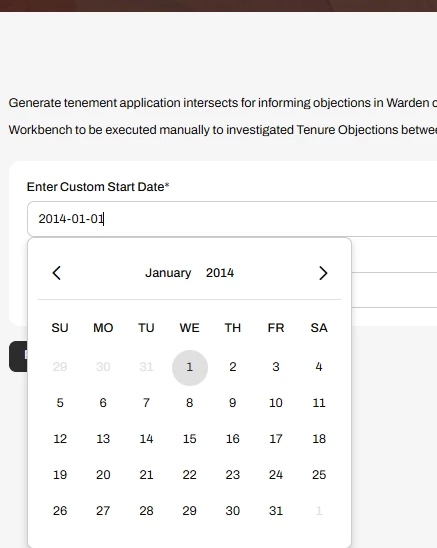
 

Where is this highlight in Change logs? I read something about ‘better support for SQL date’… but nothing about Date\Time functions

Am I supposed to use this now ?
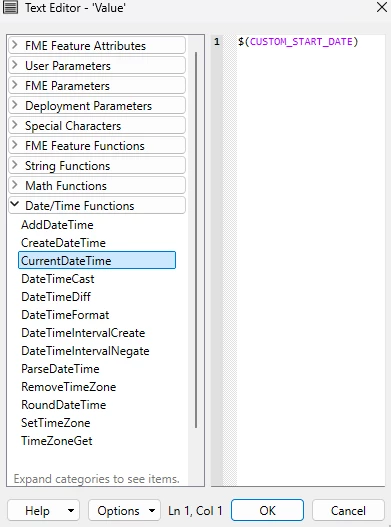
a new datatime function?

Here is the help documentation https://docs.safe.com/fme/2026.1/html/FME-Form-Documentation/FME-Form/!Transformer_Parameters/Date-Time-Functions.htm

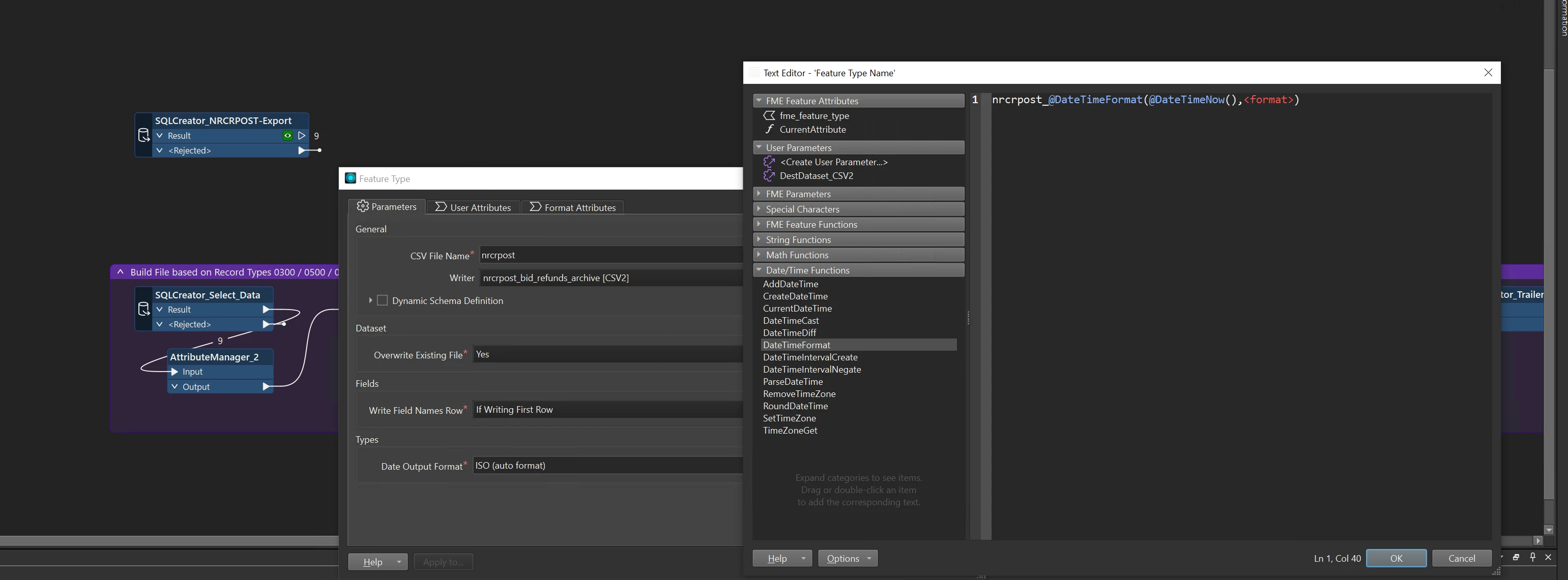
When we upgrade transformers, will the @DateTimeNow() functions get transformed into @CurrentDateTime ?

Also the @DateTImeAdd is this going to be converted to @AddDateTime


I can see the syntax 

@AddDateTime(<datetime>,<interval>)

https://en.wikipedia.org/wiki/ISO_8601#Durations


So this 

@DateTimeFormat(@DateTimeAdd(@DateTimeNow(),-14,'day'),'%Y%m%d')

has become

@DateTimeFormat(@AddDateTime(@CurrentDateTime(),P-14D),'%Y%m%d')


The above didn’t help in Flow workspace app

 

1 reply

johnglick82
Contributor
Forum|alt.badge.img+3
  • Contributor
  • June 24, 2026

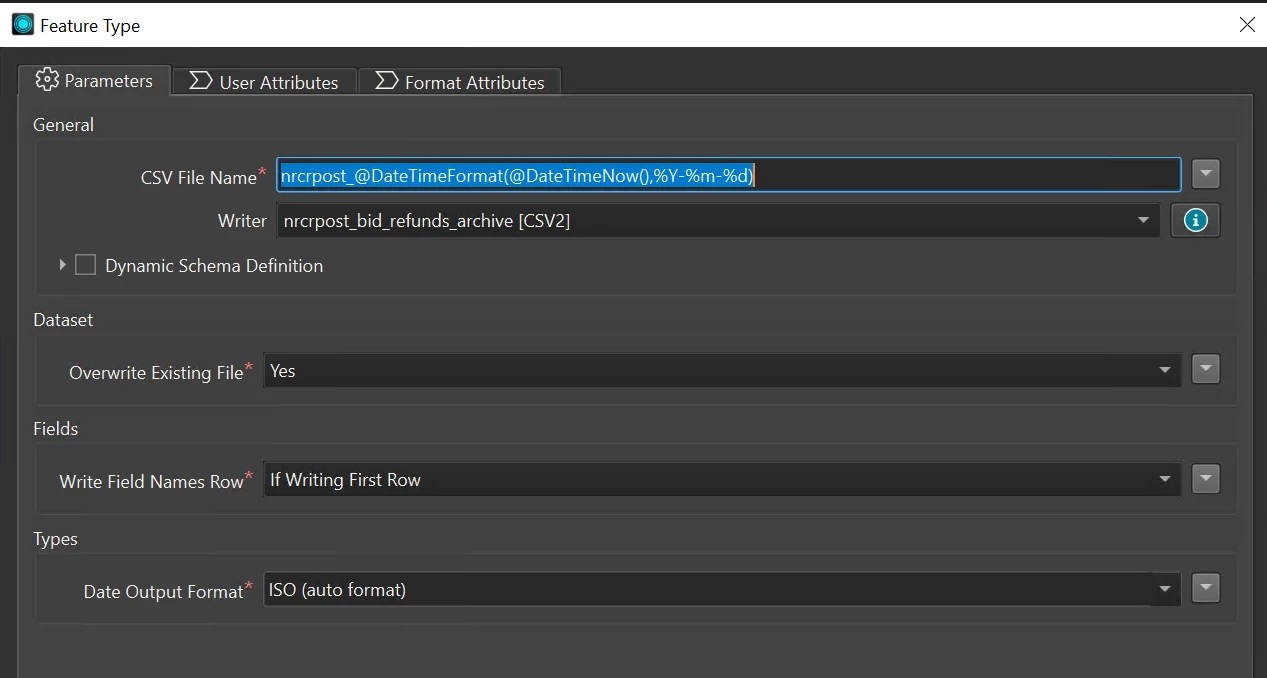
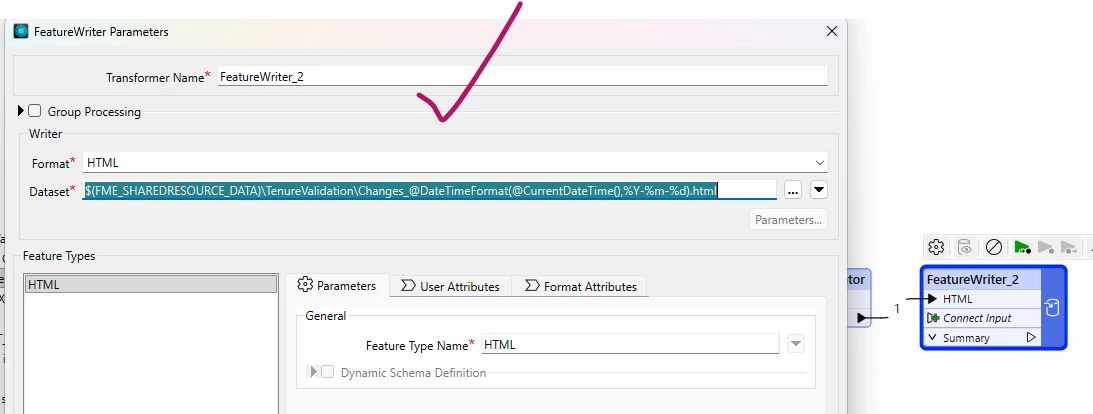
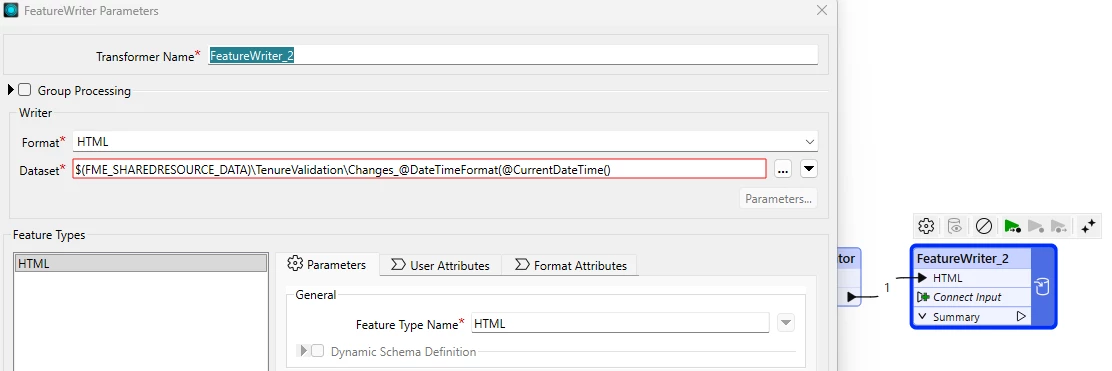
From what I can see, the DateTimeNow functions are not being replaced in workspaces when upgraded, I have quite a few that rely on date calculations so I’m interested in this.  Either way they seem to work fine inside the workspace.    
The user parameter evaluating in Flow however is different, as it appears to only return literal strings and does not evaluate functions (anymore).  A scripted parameter can be used, the only downside is I haven’t found a way to have the scripted parameter populate the default date. What I’ve used in cases where I need the date populated (works in 2026) is to create a separate workspace webhook to generate the desired date and use the “Dynamic Parameter Configuration” option on the workspace app.  They even made an option generate the schema!  

  1. Create a workspace which takes ISO date intervals as a user parameter I call it iso_period.  
  2. Add an attribute manager to adjust today’s date by the $iso_period parameter.
  3. Add a json templater, setting the values according to the schema generated by the “Dynamic Parameter Configuration”.  
  4. Add a textfile writer (I suppose generic would work as well).  Set MIME type to application/json and provide a file name. 
  5. Publish to Flow using streaming and test it. (should return the json in browser)
  6. Create a webhook from workspace published in step 5 and copy the url.  
  7. Go back to the flow app and enable Configuration Loading at Launch under Dynamic Parameter Configuration.  
  8. Select URL as the Data Source and paste the webhook into the URL. 

Using this setup has allowed me to use the same webhook for multiple apps since I can just edit the iso_period query parameter in the configuration for each app.  For what it’s worth I’ve attached the workspace template used to generate the dates.