Best Answer

FME 2020: How to filter dwg file based on hatches and Areas (polylines)?

  • November 15, 2021
  • 2 replies
  • 80 views

jamal
Forum|alt.badge.img+5

FME 2020: How to filter dwg file based on hatches and Areas (polylines)?


I couldn’t figure out how to filter dwg file based on hatches and Areas (polylines).
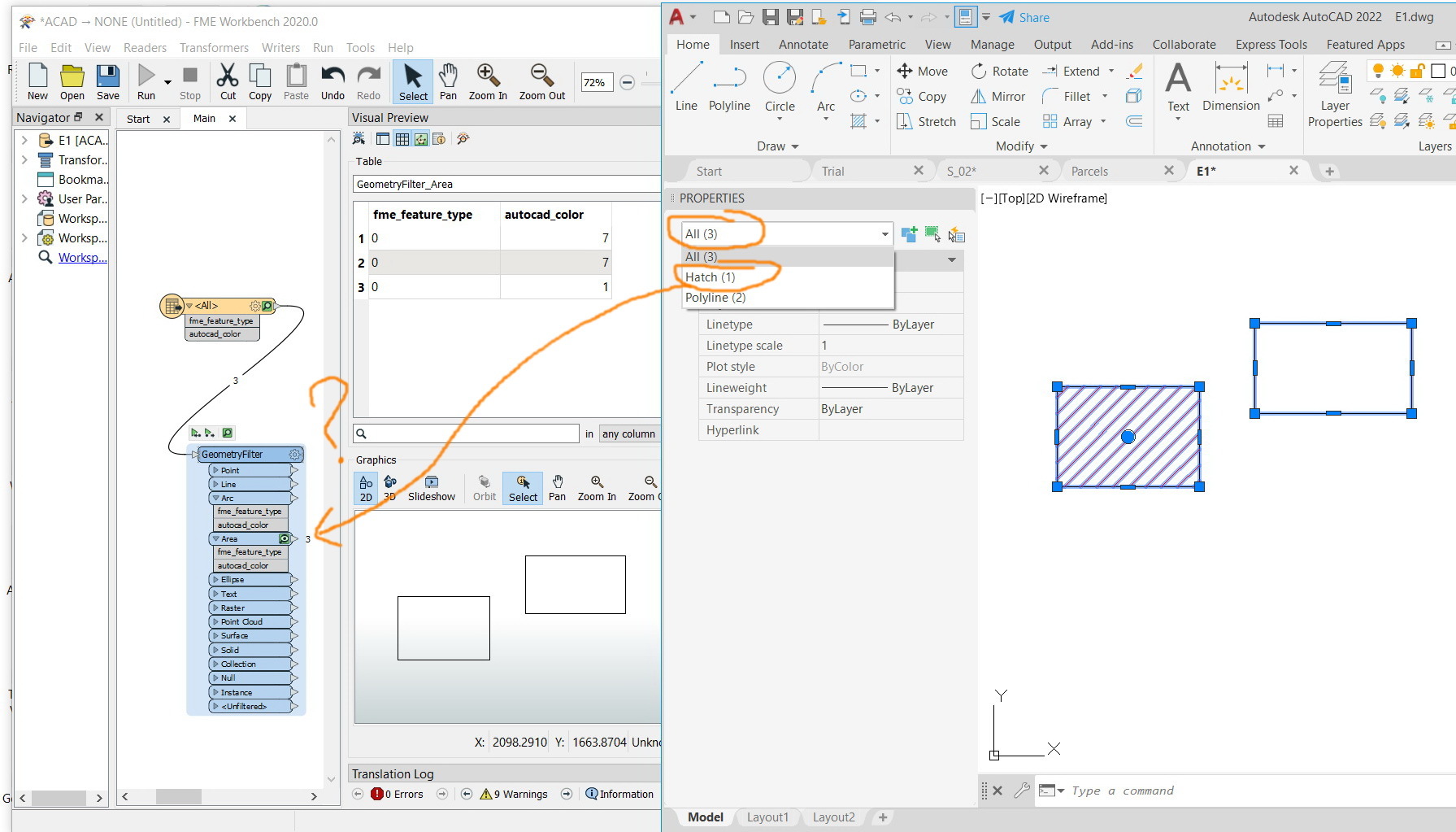


Clip_1134

Best answer by jkr_wrk

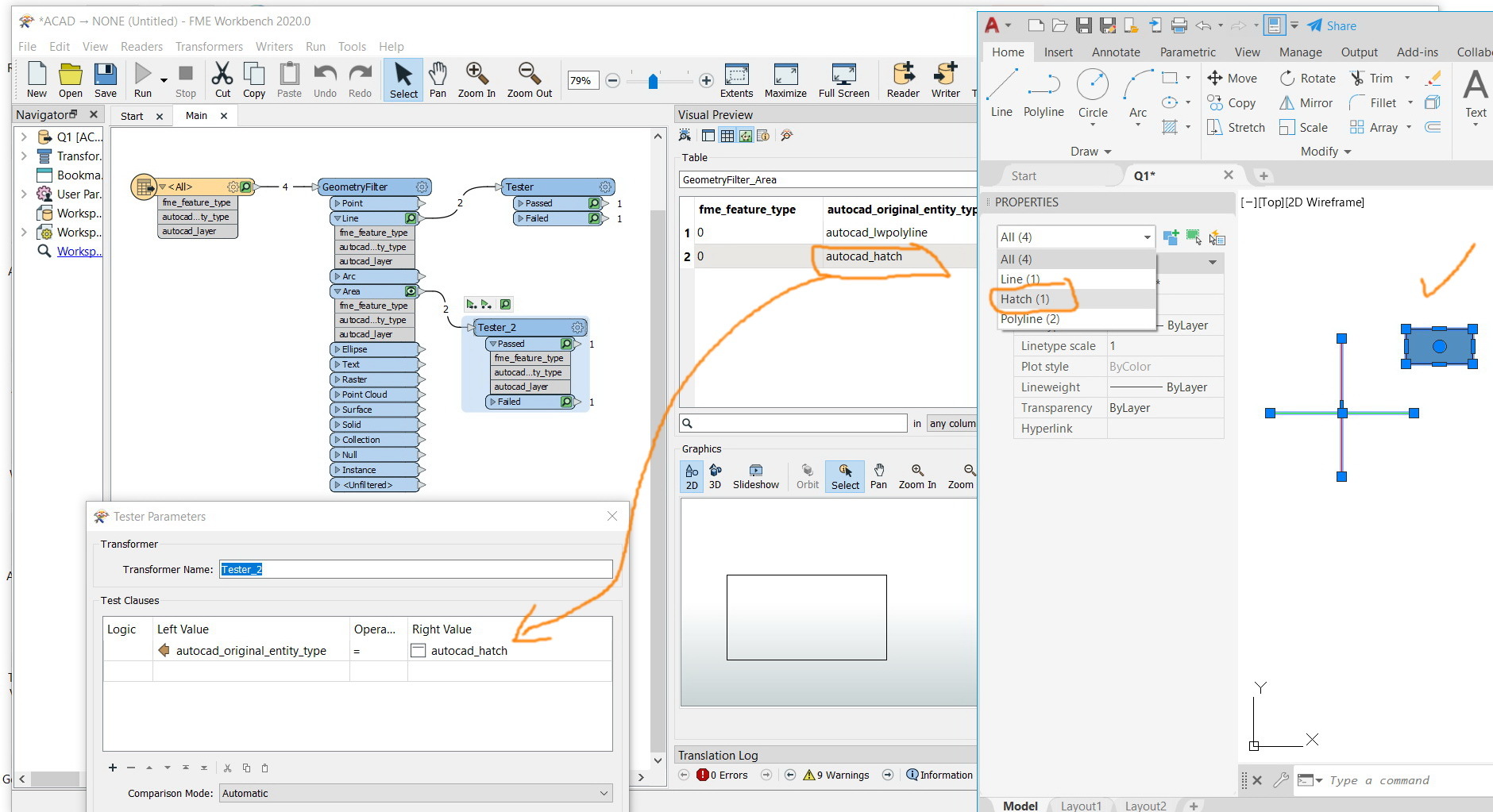
You can expose all kinds of autocad attributes. If you click on the feature you will see all attributes in the feature information window.


Like: autocad_entity_handle, autocad_frozen and autocad_entity


I guess the autocad_entity contains the type of autocad feature.


The geometry filter tells what kind of geometry it is: single point, multipoint, lines, closed lines etc.


This post is closed to further activity.
It may be an old question, an answered question, an implemented idea, or a notification-only post.
Please check post dates before relying on any information in a question or answer.
For follow-up or related questions, please post a new question or idea.
If there is a genuine update to be made, please contact us and request that the post is reopened.

2 replies

jkr_wrk
Influencer
Forum|alt.badge.img+36
  • Best Answer
  • November 15, 2021

You can expose all kinds of autocad attributes. If you click on the feature you will see all attributes in the feature information window.


Like: autocad_entity_handle, autocad_frozen and autocad_entity


I guess the autocad_entity contains the type of autocad feature.


The geometry filter tells what kind of geometry it is: single point, multipoint, lines, closed lines etc.



jamal
Forum|alt.badge.img+5
  • Author
  • November 16, 2021

Thank you for the help. It works fine


Clip_1136