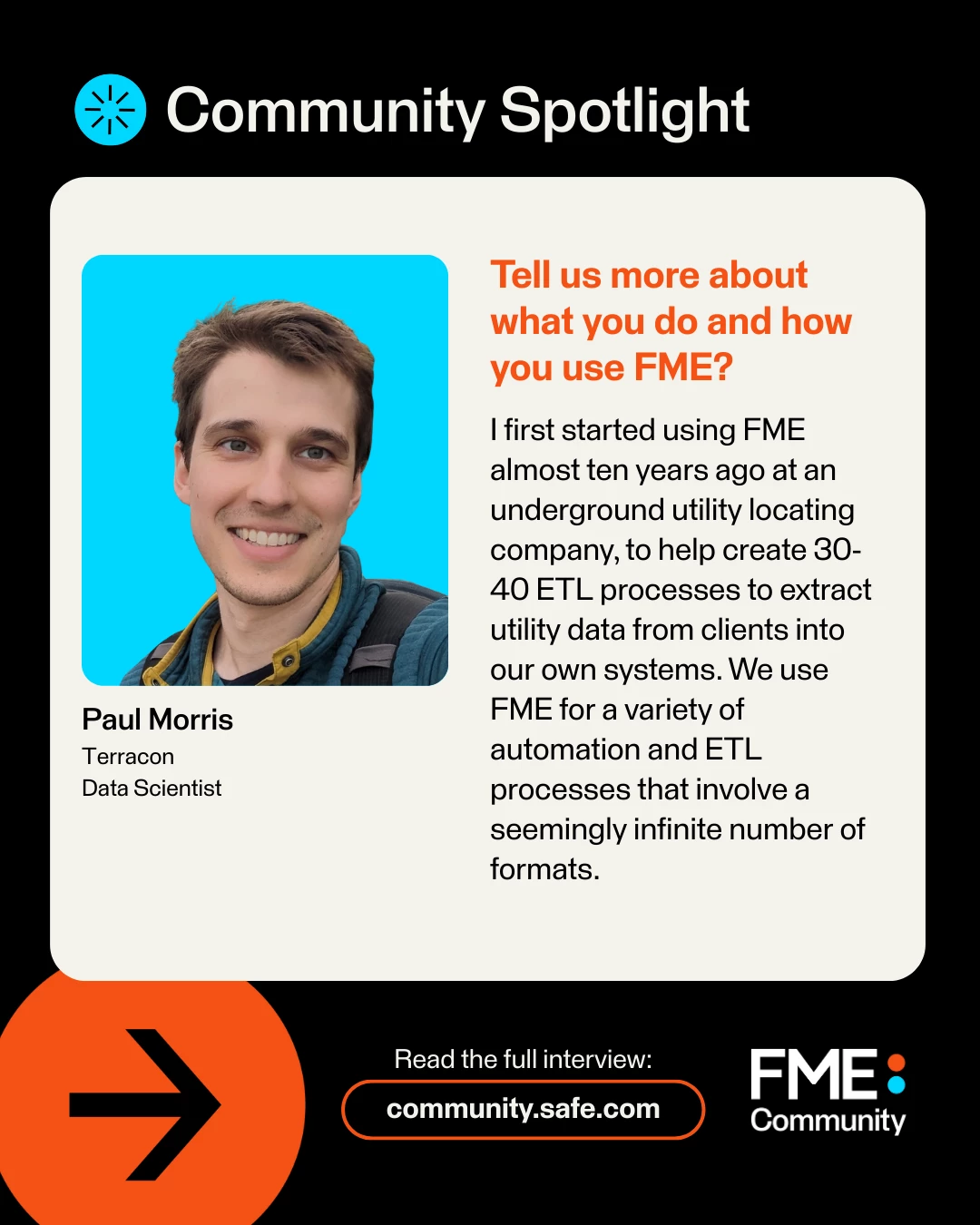



Welcome to our December FME Community User Spotlight! Every month, we spotlight a user in the community whose active participation and helpful contributions have been invaluable. We’re excited to highlight their experiences and insights!
User Spotlight: Paul Morris / @paul_m
What company do you currently work for?
Terracon, a 100 percent employee-owned consulting engineering firm.
What’s your current job role and title?
Data Scientist
Tell us more about what you do and how you use FME?
I first started using FME almost ten years ago at an underground utility locating company to help create 30-40 ETL processes to extract utility data from clients into our own systems. Now, I work at Terracon, a civil engineering consulting firm. We use FME for a variety of automation and ETL processes involving a seemingly infinite number of formats. We have many FME workspaces to keep data up to date for projects, products, dashboards, and initiatives. FME has been excellent for checking data quality across millions of records in our systems. Our team uses FME to push data and perform analysis and have found it works with almost all our platforms and databases including ArcGIS, Postgres, MS SQL, Oracle, and many APIs. We have even used FME to create some very cool HTML reports with images, maps, tables, and fancy interactive JavaScript charts!
Why did you join the FME Community?
I joined the FME community to see how others were working through similar problems and advance my knowledge of ETL and data automation. Sometimes I’ll browse posts and try to help out, but the FME Community is so quick and helpful that most are already answered!
What tips do you have for users on how to get the most out of the FME Community?
Be curious! There are so many things that you can do with FME and a lot of questions or problems have already been solved by some very intelligent and creative people.
Tell us about some of the exciting use cases you've built using FME.
- Self-serve applications in FME Flow where a user uploads a project extent or a state name and gets back a report with maps and tables on expected conditions or the work our company has done in the area.
- Real-time tracking and analytics of our fleet.
- Creating and updating a 3D model in ArcGIS online with near real-time updates.
- Analyzing millions of polygons of data to create coverage maps for the United States.
- I used the FME Flow API to populate database tables to help create a dashboard showing the hundreds of thousands of jobs we’ve run in FME Flow with details about when they were run, who ran them, what team ran them, job duration, and more.
- ETL workflows to keep data in sync between platforms, enable spatial analytics, and power BI, Grafana, and ArcGIS dashboards.
- Calculating company-wide greenhouse gas emissions.
- I've even used FME to help map Google's location data on me and present it at several conferences!
What's one of your favourite tips or tricks for using FME?
The Shared FME Folders option under FME Options → Default Paths is a hidden gem. You can add coordinate systems, create complex custom transformers, create format readers and use the shared folders option in FME Form to give everyone on your team access. It enables others to easily use custom coordinate systems, call APIs, and read complex custom formats without having to spend hours on research or building their own solution.
If you were stranded on an island and could only bring three things with you, what would they be?
Realistically, a satellite phone to make a call and share my GPS location, a water filtration tool, and a case of MRE rations. Otherwise, let’s make it a vacation with a hiking backpack, piano, and solar-powered e-reader.
If you could work from anywhere in the world, where would it be?
There are so many places, and I’d have to try out a bunch. After the 2022 FME UC, I was impressed with Vancouver. Some time in a remote cabin on the South Island of New Zealand, or the jungles of Costa Rica could prove beneficial. If my employer is listening, I hear exposure to nature greatly improves productivity!
Would you like to be featured on Spotlight of the Month? Fill out this form here!
We’ll see you in the New Year for our next Spotlight!