Question

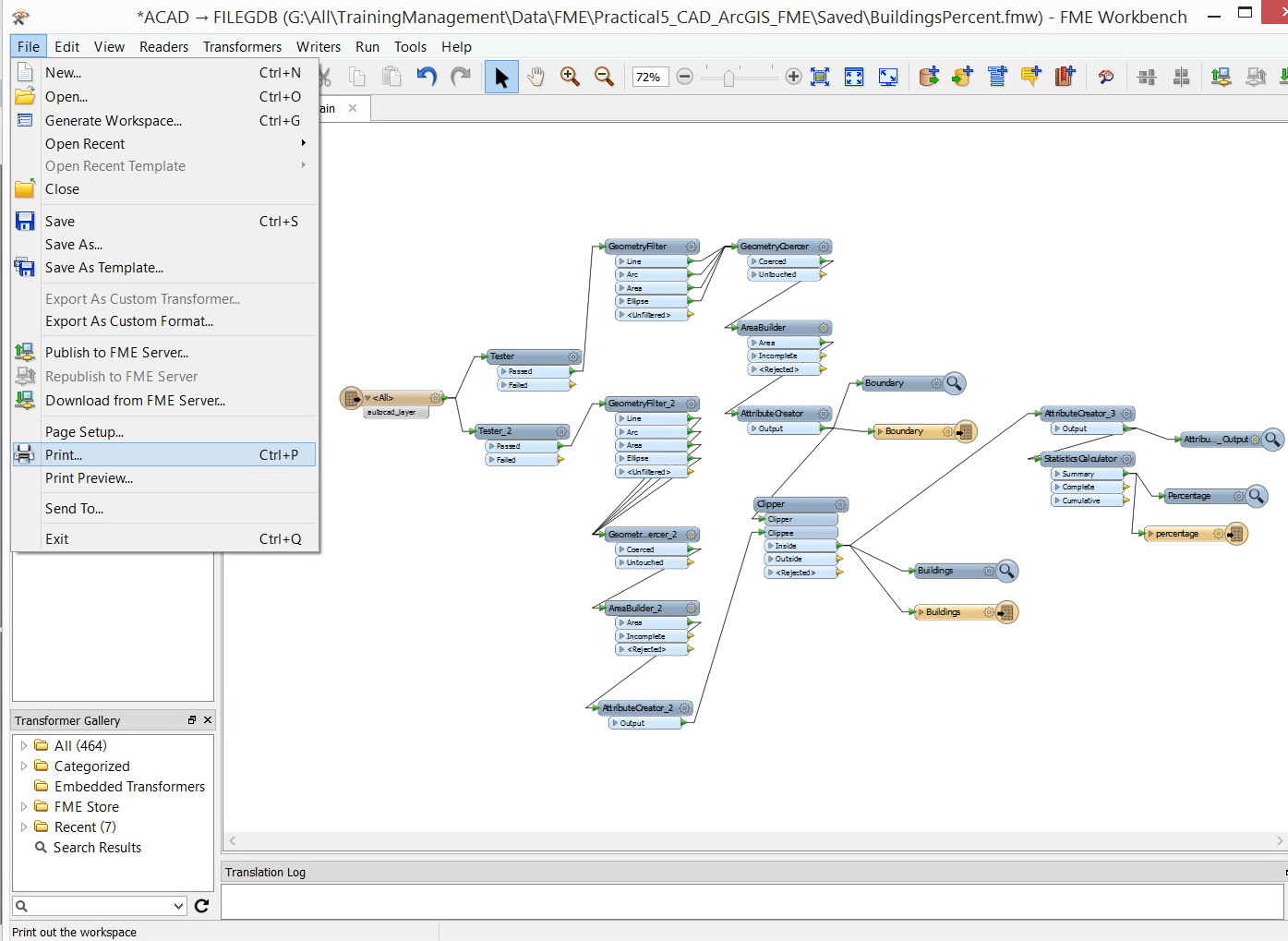
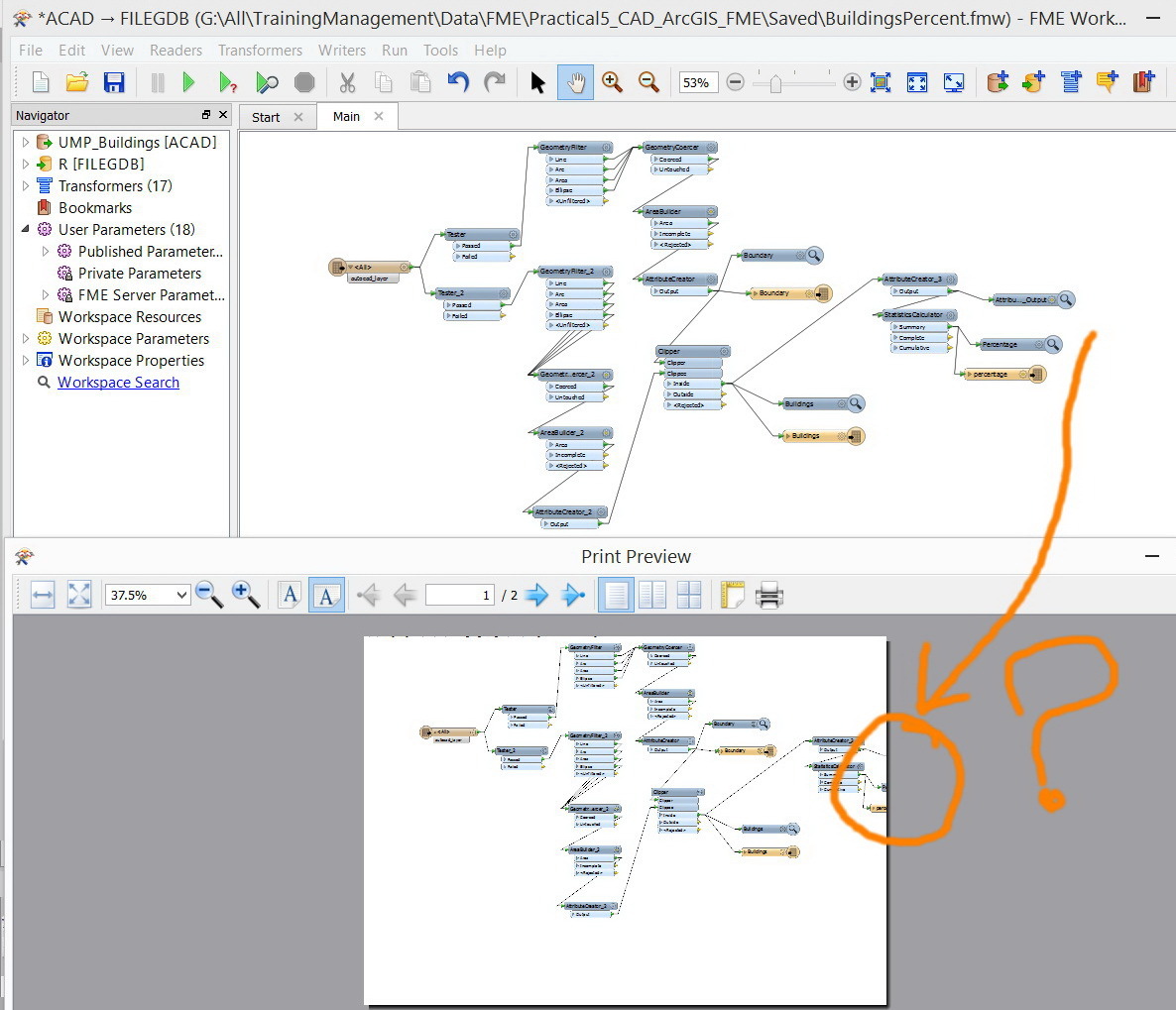
Sufficient tools to control printing in FME Desktop appear to be unavailable,

  • July 1, 2015
  • 4 replies
  • 58 views

majdoleen
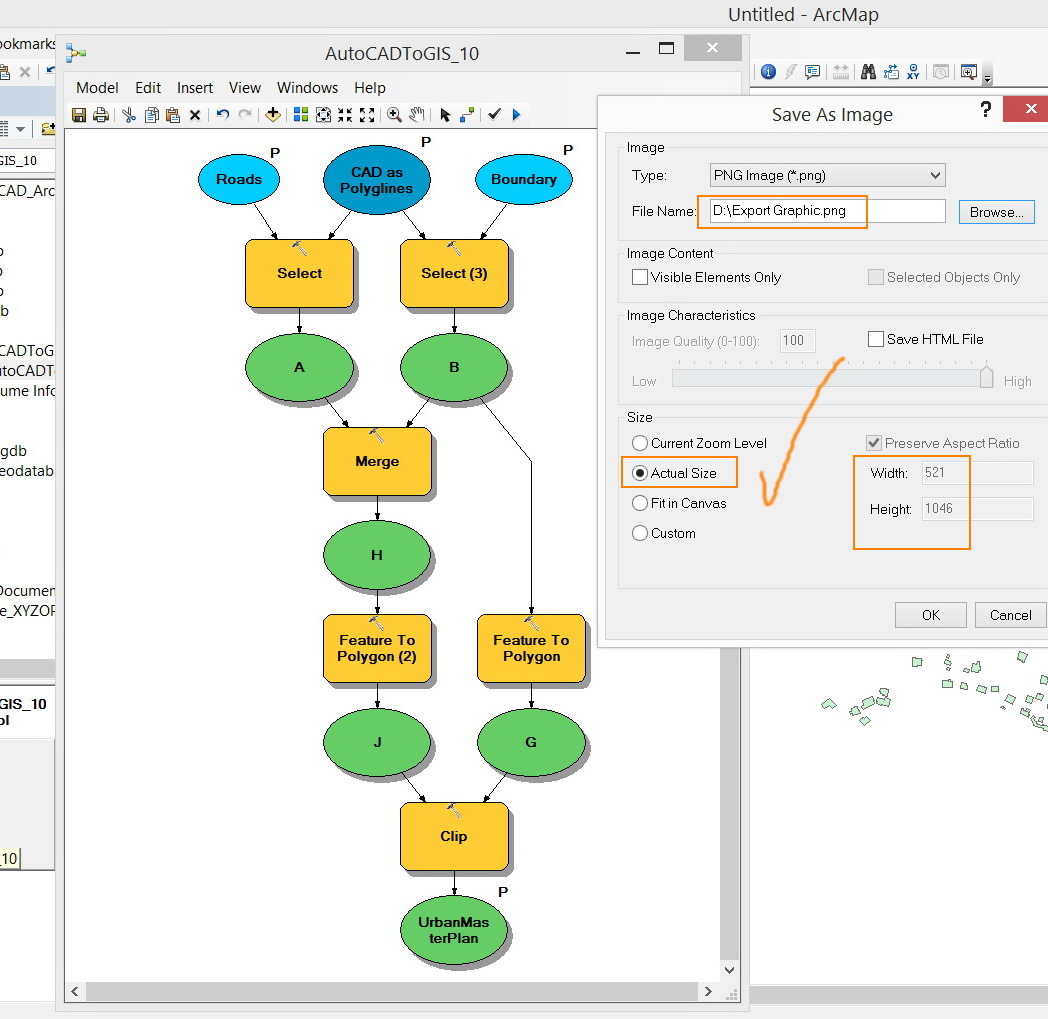
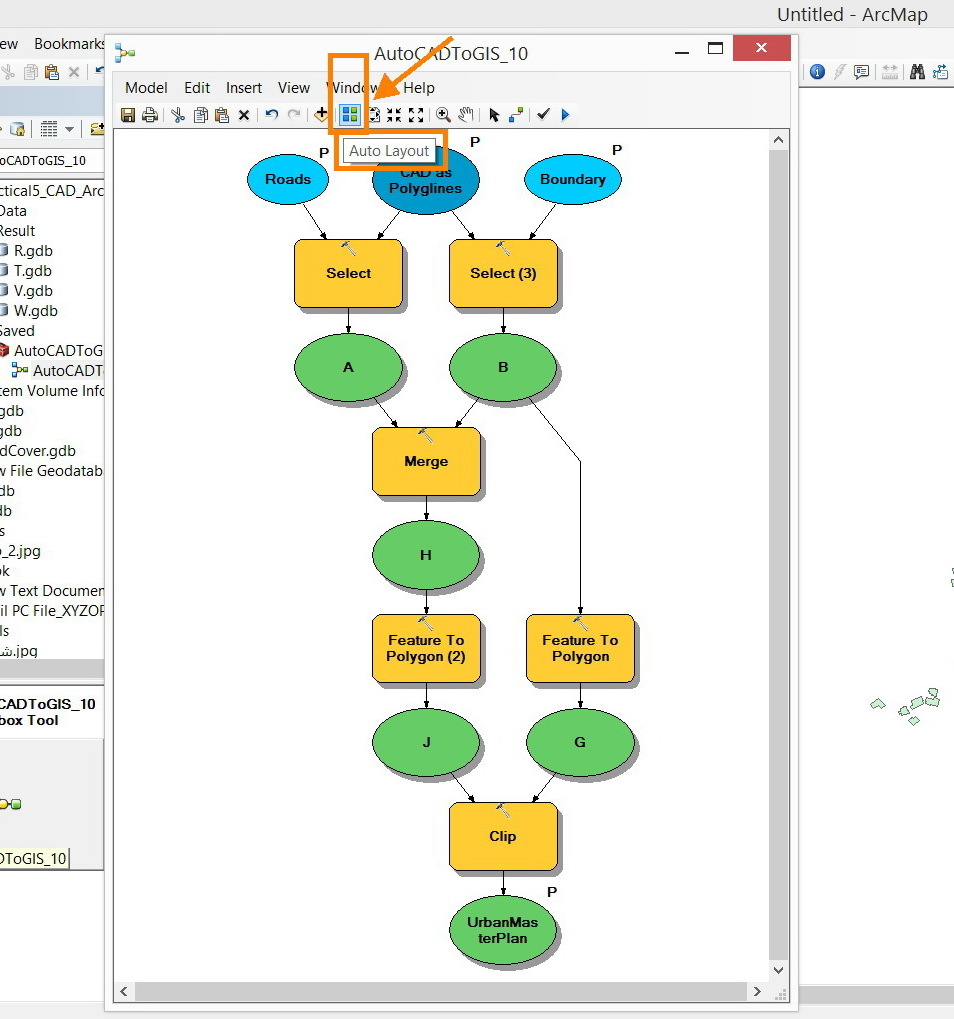
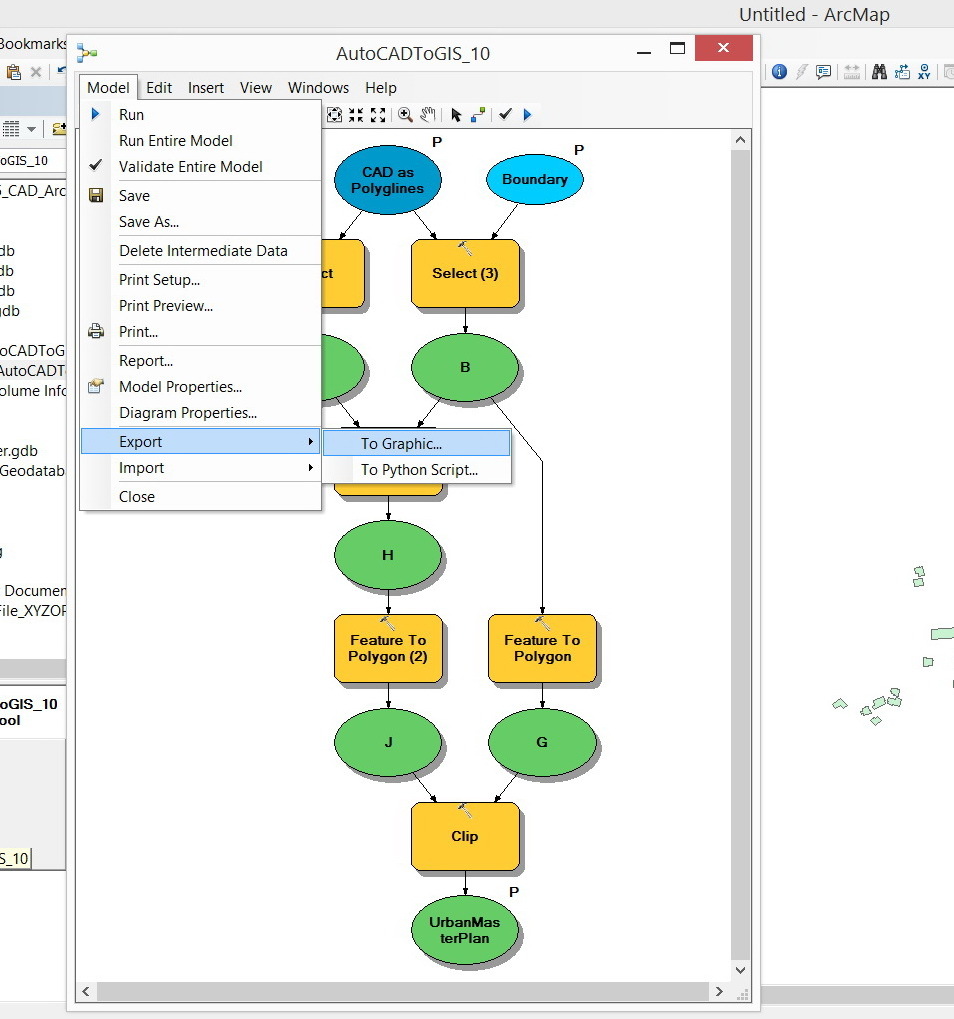
I couldn’t figure out if the FME Desktop has equivalent tools like those available in the ArcGIS Desktop such that model\\workbench can be AUTOMATICALLY fitted in A4 (Auto Layout) and thus easily printed in A4\\A3 etc.


Best,


Majdoleen
This post is closed to further activity.
It may be an old question, an answered question, an implemented idea, or a notification-only post.
Please check post dates before relying on any information in a question or answer.
For follow-up or related questions, please post a new question or idea.
If there is a genuine update to be made, please contact us and request that the post is reopened.
4 replies

geospatiallover
Participant
Forum|alt.badge.img+6
While not the answer to your question, I hope the printing tool will be added to the Inspector as well.

gio
Contributor
Forum|alt.badge.img+15
  • Contributor
  • July 3, 2015
yes, trying to get a workbench on one page, even if it would be A0 format... is seemingly impossible.


I usualy go for  screencopying to other aplications.

fmelizard
Safer
Forum|alt.badge.img+22
  • Safer
  • October 14, 2016

FME 2017 will have great improved print control. Just saw it demo'd now. Will be in betas by late Oct for certain.


ahmad_saleh
Forum|alt.badge.img

Hi delta,

I have downloaded the 2017 Beta, but there is no control on the print, can you pass the link of the demo ?

Thanks