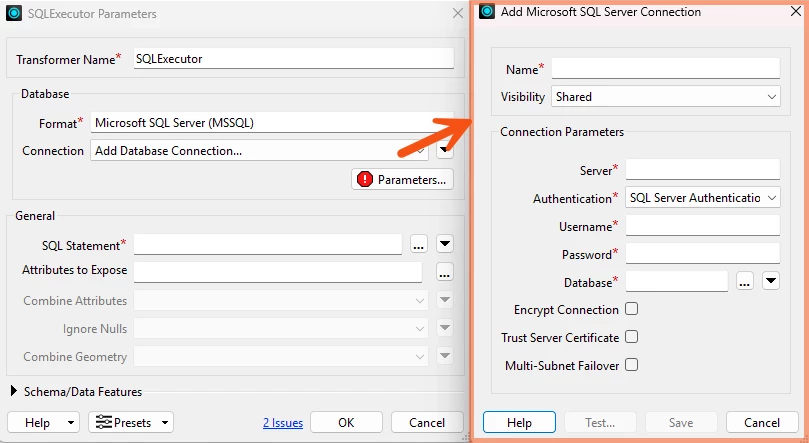



I have a workspace on FME Flow that ultimately creates records in a SQL Server non-spatial database using two SQLExecutor transformers with queries that came directly from the DBA. I didn’t write the queries and I only basically understand what they do because I’m not a SQL person, but they both are sandwiched between “BEGIN TRANSACTION → COMMIT” statements.
Up until recently, the SQLExecutor transformers in question used hard-coded server/username etc and it all worked fine. However, during our most recent FME Flow software update (to 2024, but I don’t think Flow is the problem here as it is present in my Form testing as well) I was informed by our FME administrator that I could no longer use hard-coded server/username details, I had to switch to using an ESRI ArcSDE Geodb connection file to connect to this SQL Server database.
This change worked just fine for other, more simple, Select and Insert sql queries, but these two mentioned above just stopped working.
I confess I find myself completely stumped. There are no error messages, they simply don’t produce the expected results in the database. If I switch back to hard-coded passwords, it all works fine again. The queries haven’t changed and the connection file was created in ArcGIS Pro using the same details.
Can someone point me in the right direction on how to fix this?