
Question

Removing the “overlap” (duplicates) with the option (create new feature),

  • March 28, 2014
  • 2 replies
  • 93 views

jamal
Forum|alt.badge.img+5
Removing the “overlap” (duplicates) with the option (create new feature),


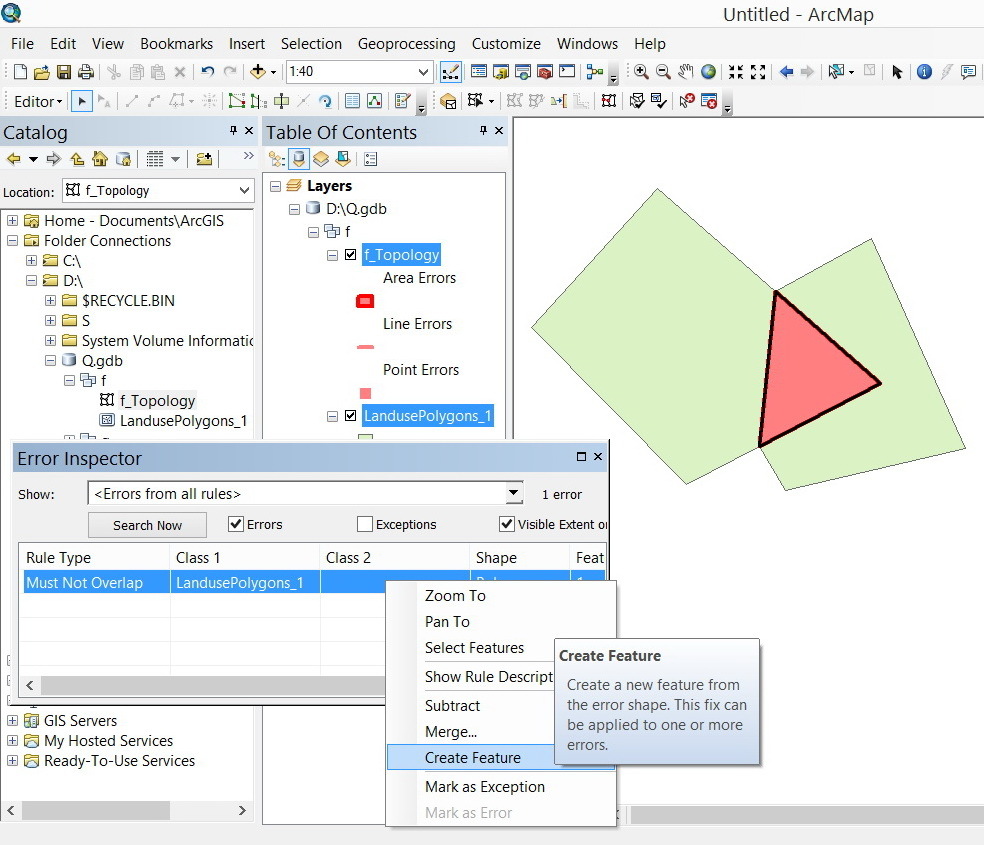
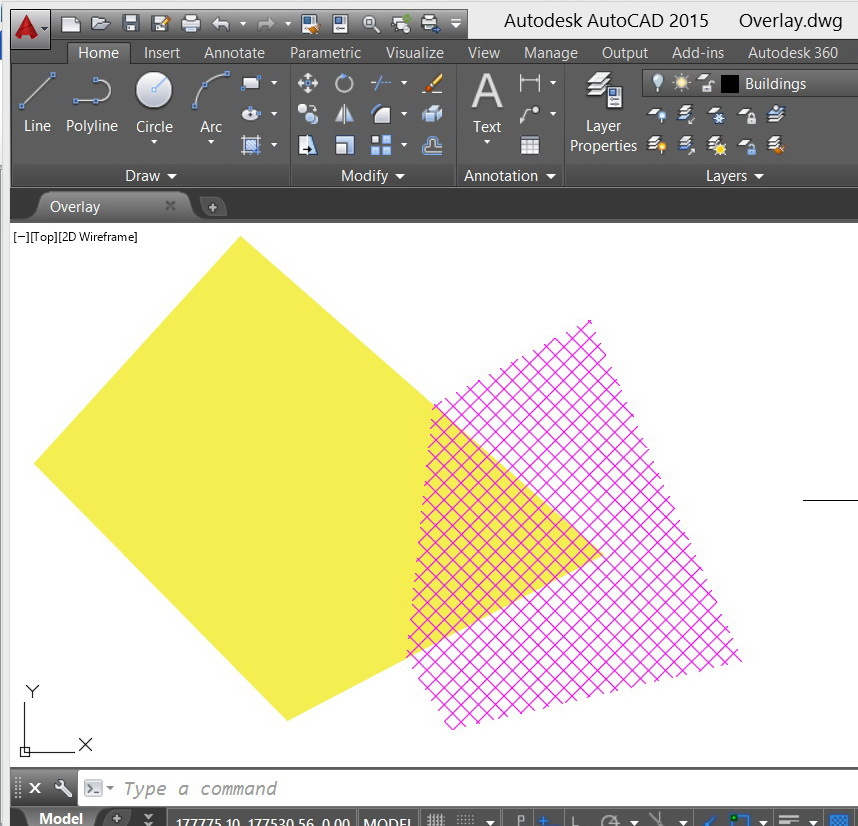
I have two hatches that are overlapped. I wanted to convert them to areas and then to eleminte the overlap by adding new feature for the overlapped area (as we do in the topology of the ArcGIS).
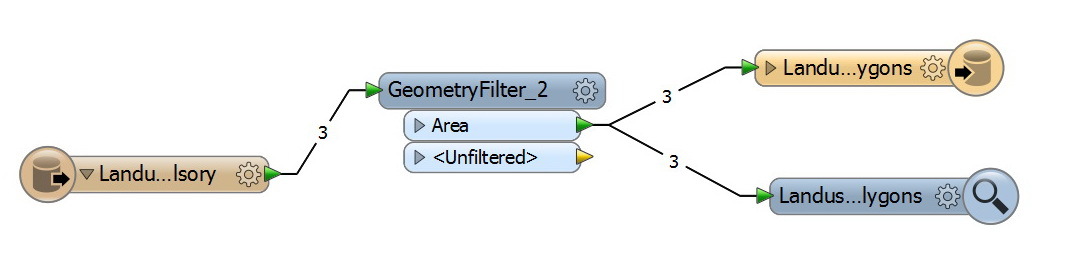


How this might be accomplished in the FME?


CAD File:


http://www.mediafire.com/download/rt7sfabb9whzzi4/Overlay.dwg


Thank you


Best


Jamal

This post is closed to further activity.
It may be an old question, an answered question, an implemented idea, or a notification-only post.
Please check post dates before relying on any information in a question or answer.
For follow-up or related questions, please post a new question or idea.
If there is a genuine update to be made, please contact us and request that the post is reopened.

2 replies

david_r
Celebrity
  • March 28, 2014
Hi,


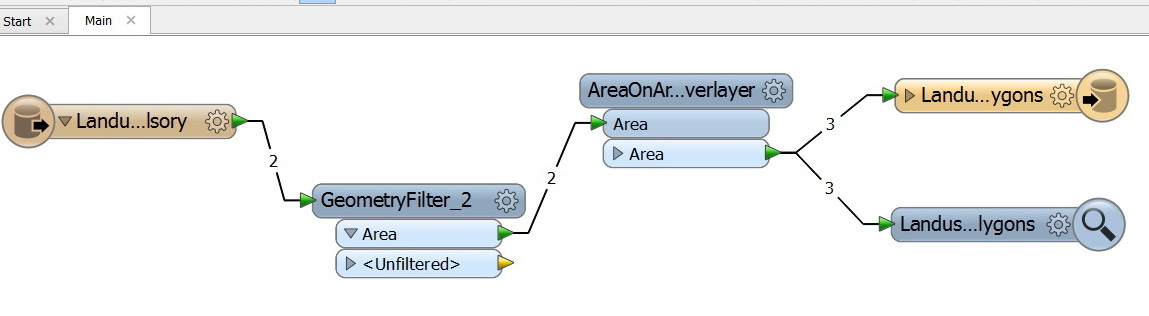
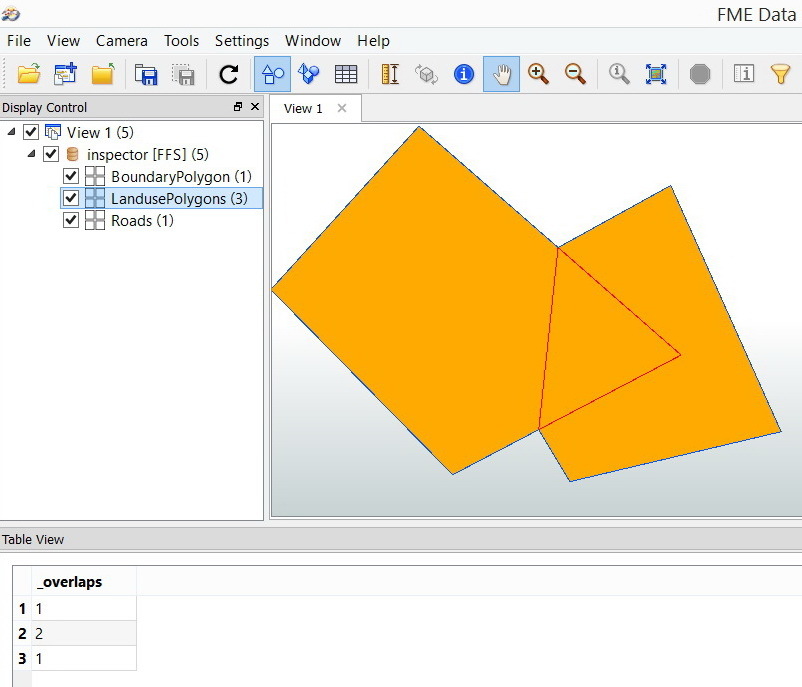
you can use the AreaOnAreaOverlayer, check the "_overlaps" count attribute to filter out the overlapping parts.


David

jamal
Forum|alt.badge.img+5
  • Author
  • March 28, 2014
Thank you for the help David. It works fine.


Best


Jamal