


Question

LRS Basics - Create route from a line with start and end measures as attributes

  • March 20, 2026
  • 3 replies
  • 12 views

asellars_hdr
Contributor
Forum|alt.badge.img+2

I am not sure why I am struggling with this one… I have tried quite a few options.  

What I would like to do is:

  1. Pull Alignment file from an XML (this has the starting value as an attribute, end value can be calculated by start value + line length)
  2. Set Start and End Measures
  3. Kick out an m-enabled polyline that is geometrically calibrated

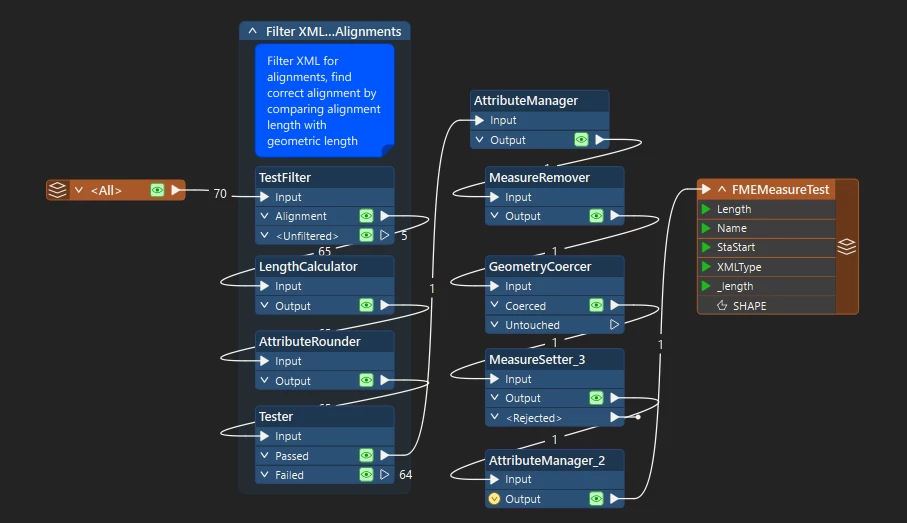
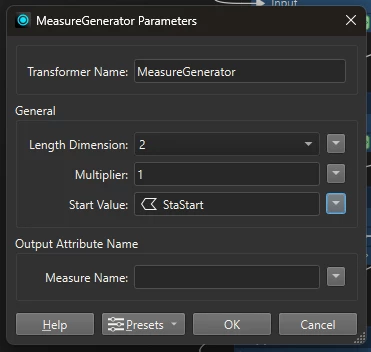
I have the workbench set up to pull this in, using a geometry coercer to make sure it is a line, then I have been trying the measure generator and measure setters to get these values to stick with no luck. 


3 replies

DanAtSafe
Safer
Forum|alt.badge.img+23
  • Safer
  • March 20, 2026

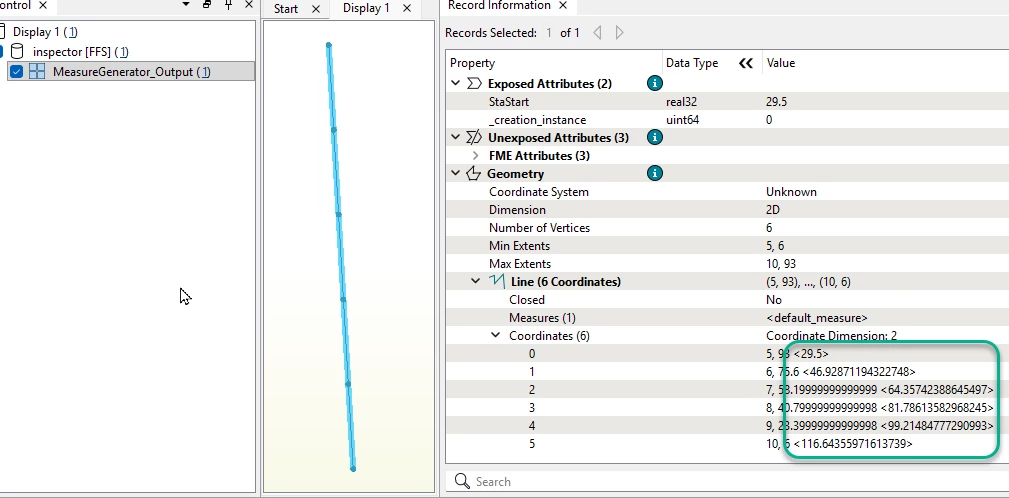
Hi ​@asellars_hdr The MeasureGenerator and MeasureSetter apply measures to every coordinate of the line (geometry).  If you give the measures a name then you can have multiple measures on a single line.  Use a MeasureExtractor to convert the measures to attributes.


asellars_hdr
Contributor
Forum|alt.badge.img+2
  • Author
  • Contributor
  • March 20, 2026

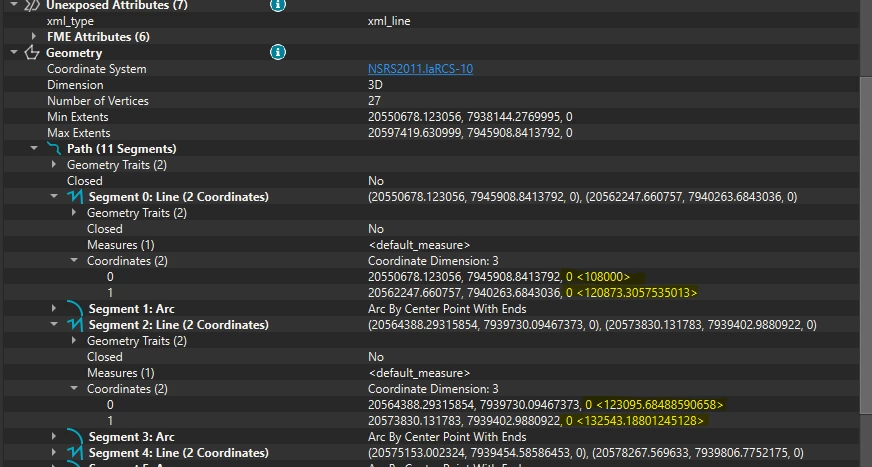
Thank you for the reply Dan.  I am not sure if I follow.  The line currently has no measures associated with it to be extracted.  What I have is a line (made up of several paths) and then I have a start value and end value.  I need to get these measures associated with the starting and ending vertices and then calibrate the line geometriclly between.  

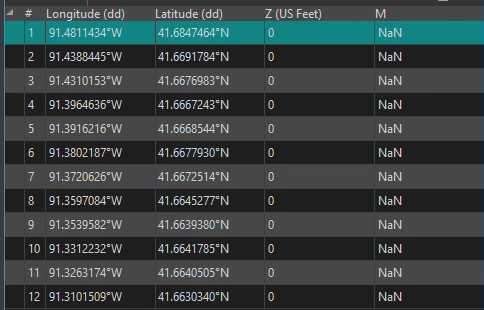
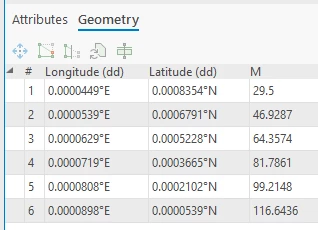
Think of this operation in ArcGIS Pro using the Create Routes gp tool.  You give it a line, a start measure, and an end measure, and it spits out a polyline that has a measure associated with each vertex. 


DanAtSafe
Safer
Forum|alt.badge.img+23
  • Safer
  • March 20, 2026
Do you see the measures in the Record Information window?