



I am really stuck on trying to cut some labels that overflow my frame when using the PDFPageFormatter. I have a bounding box which is used as the clipper extent for my data. It clips my lines, my points, but not my text labels. I guess that has to do with the fact that the anchor point is inside the frame, while the labels are too long and go over the clipping box, and don’t have real geometry. I have tried TextStroker - that does cut my labels, but they are not keeping the symbology I added + in a PDF, they are no longer selectable or searchable (I need them to be). I also tried buffering, but that will innevitably also discard labels that are supposed to be in the frame. In the PDFPageFormatter, I also set the “Clip Input Features” = Yes.
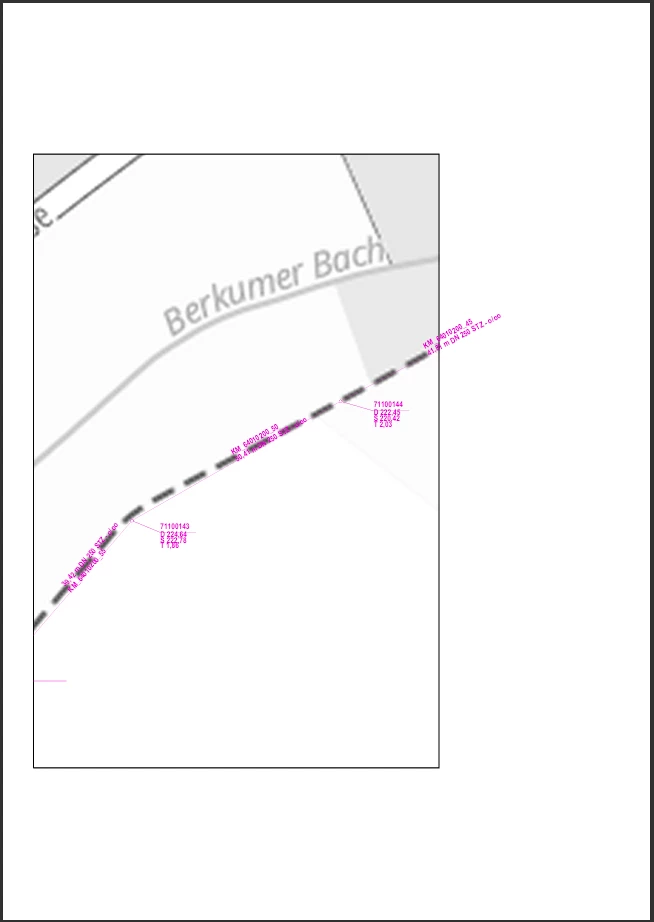
I have had the same problem in FME 2025.2.3.0, FME 2026.1, and now in FME(R) 2026.2.0.0 20260401 - Build 26291. Updating did not help.
Even if I tried to mask the overflowing labels by creating a thick white border around the map, the problem would remain that the PDFPageFormatter would not print my map in the center of the layout anymore and not fill the page (that is already the case with the overflowing labels).
I posted it both Landscape and Portrait because even if in Landscape the labels don’t visibly overflow, the map is still not centered nor filling the entire map.
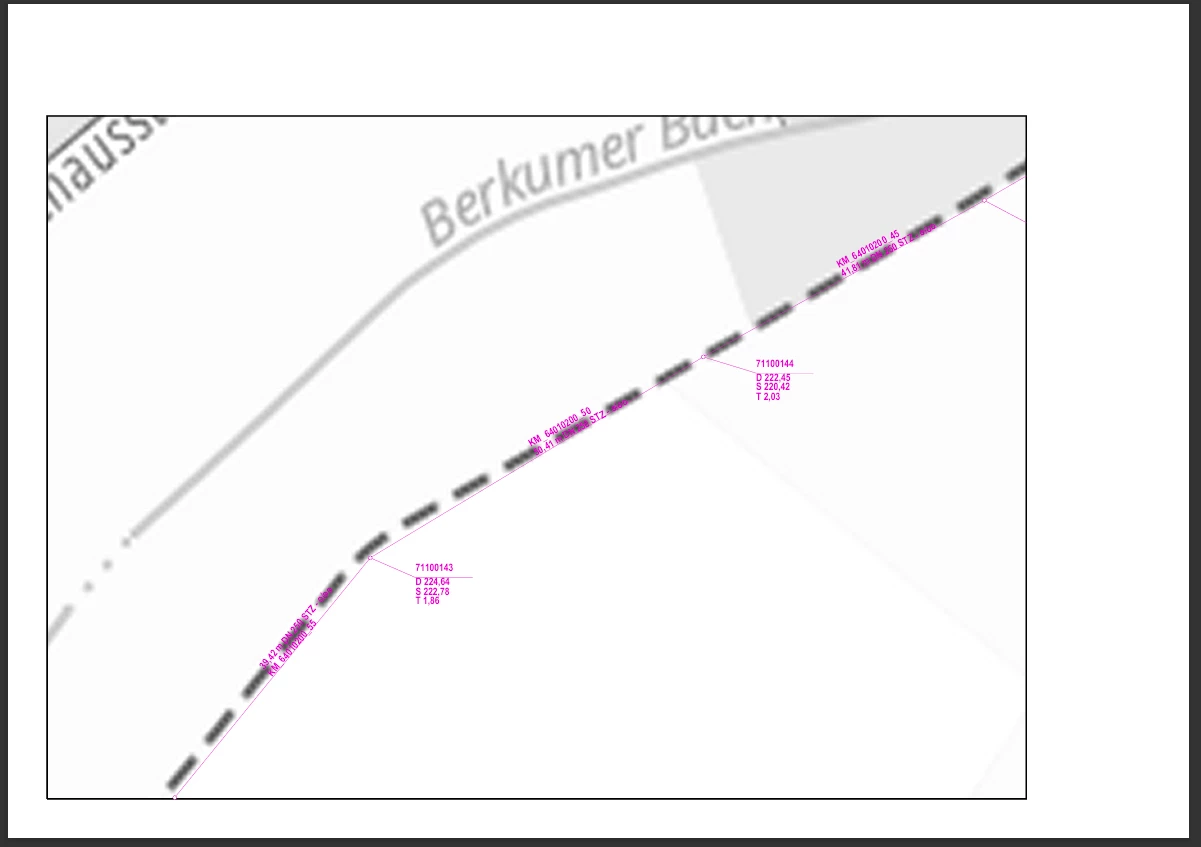
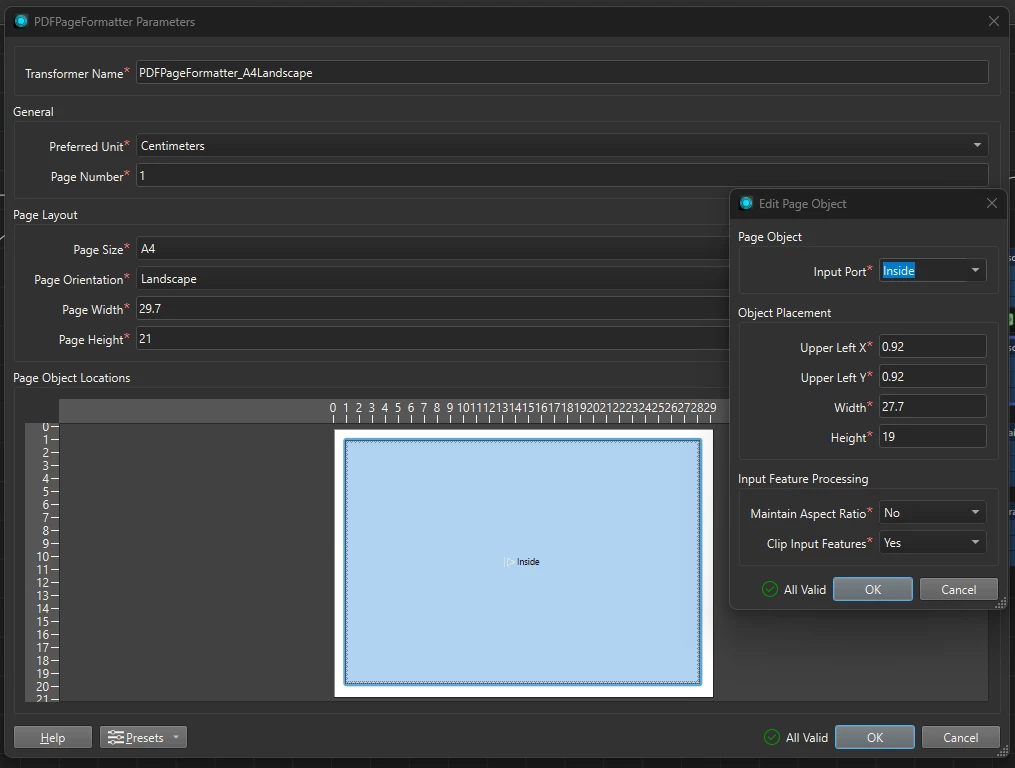
Is there another fix on cutting the text labels AND centering the map? :)
Thank you!