Question

Custom icon to a coordinate ?


Forum|alt.badge.img

Is there any way to assign or place an icon to a coordinate instead of the default "bullet" ? I have the icon, I have the coordinate.

I'm aware of the KMLStyler capabilities (in fact, this is pretty much what I need), the trick is I create the output from a generic writer, so we have the ability to create other geo\\cad format then KML. I would like to have my own .jpg icon linked to the coordinate itself, so I expect it to be "see able" whatever the output I've made available.

Does it make sense ? Any hint in order to get it done ?

Thanks much, regards.

This post is closed to further activity.
It may be an old question, an answered question, an implemented idea, or a notification-only post.
Please check post dates before relying on any information in a question or answer.
For follow-up or related questions, please post a new question or idea.
If there is a genuine update to be made, please contact us and request that the post is reopened.

3 replies

gio
Contributor
Forum|alt.badge.img+15
  • Contributor
  • November 1, 2018

move the jpg and then write it with world file = yes


jpeg_esrishape2jpeg.fmwt


mark2atsafe
Safer
Forum|alt.badge.img+59

It really depends on the format that is being written to. Can you write both raster and vector, or link vector to raster, as you can with KML/KMZ?

If you are using DGN or DWG as the output format, then there are geometry types (cells and inserts) that can be set up just like in KML.

A standard solution for nearly any format would be to write the jpg file name to a field in the output data, and use that as a link to the jpg. Again, that sort of depends on where you are using the output, and how it can "see" a linked object.

Or - as gio suggests - you could add the raster feature at the location where the point exists. But then you have both a vector dataset and a separate raster one.

If the output is fully raster then you could merge the jpg onto the raster data itself. At least then you would only get a single output file/format. But I get the feeling this is not what you want.

In short, KML is specifically designed to do this. Other formats (DGN/DWG) might be. But otherwise there's not really a generic method other than saving the jpg file name as an attribute.


Forum|alt.badge.img

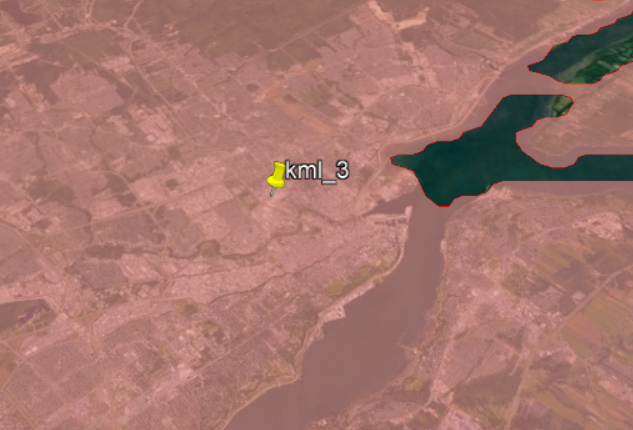
Thank you gentleman's. My ultimate goal is to get the desired jpg icon (attached) instead of this default Google icon. Icon is localized at a coordinate that come from my workflow. I know that I could use the KMLStyler transformer to do it, but like I said, I write the final output thru a generic writer in order to have the ability to write into different formats, so I would like to get the same desired jpg icon if I publish in MapInfo or ESRI format.

I went thru your recommendations but I did not succeed :(.