Question

Calculating polygon area

  • November 18, 2018
  • 6 replies
  • 109 views

Forum|alt.badge.img

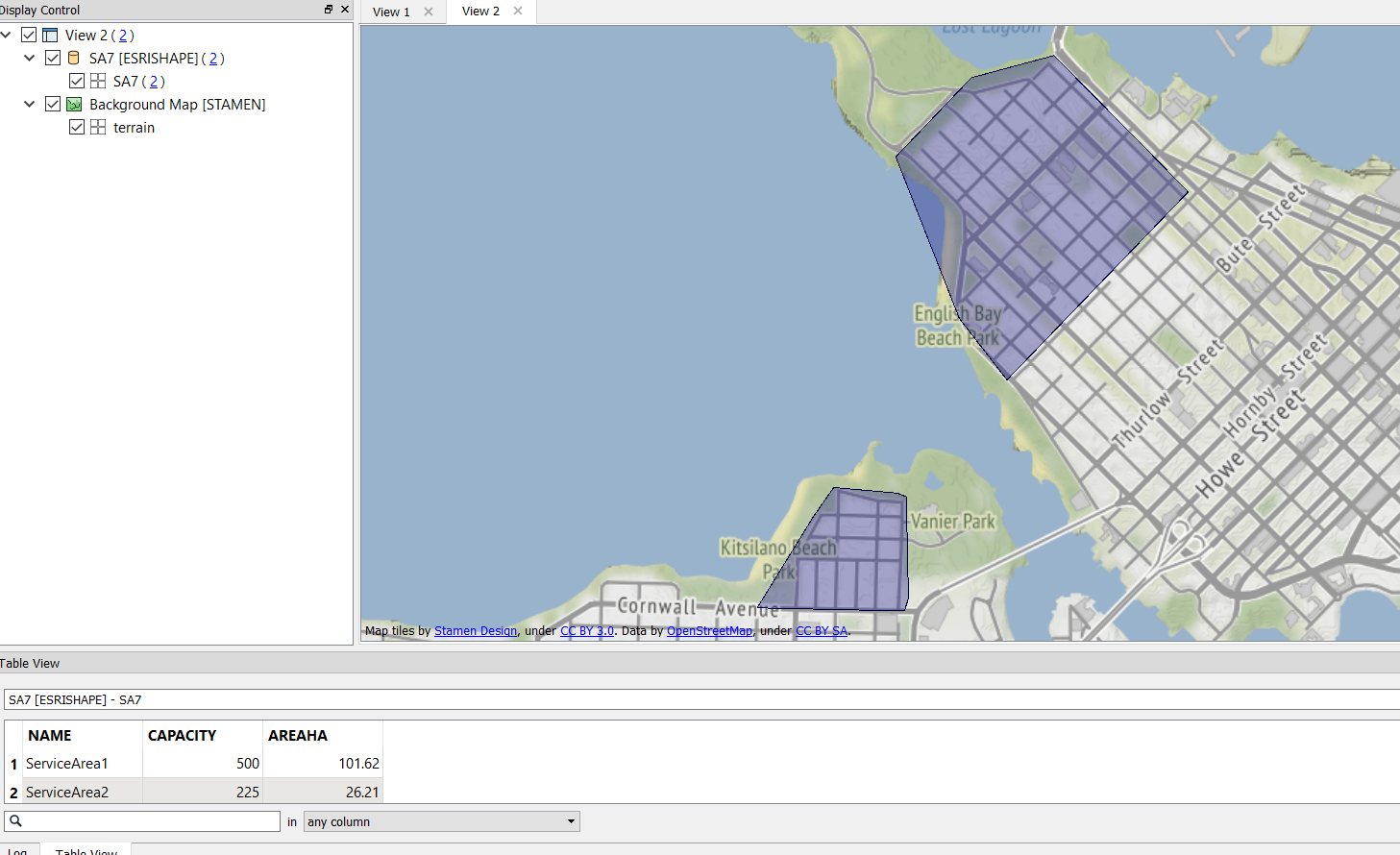
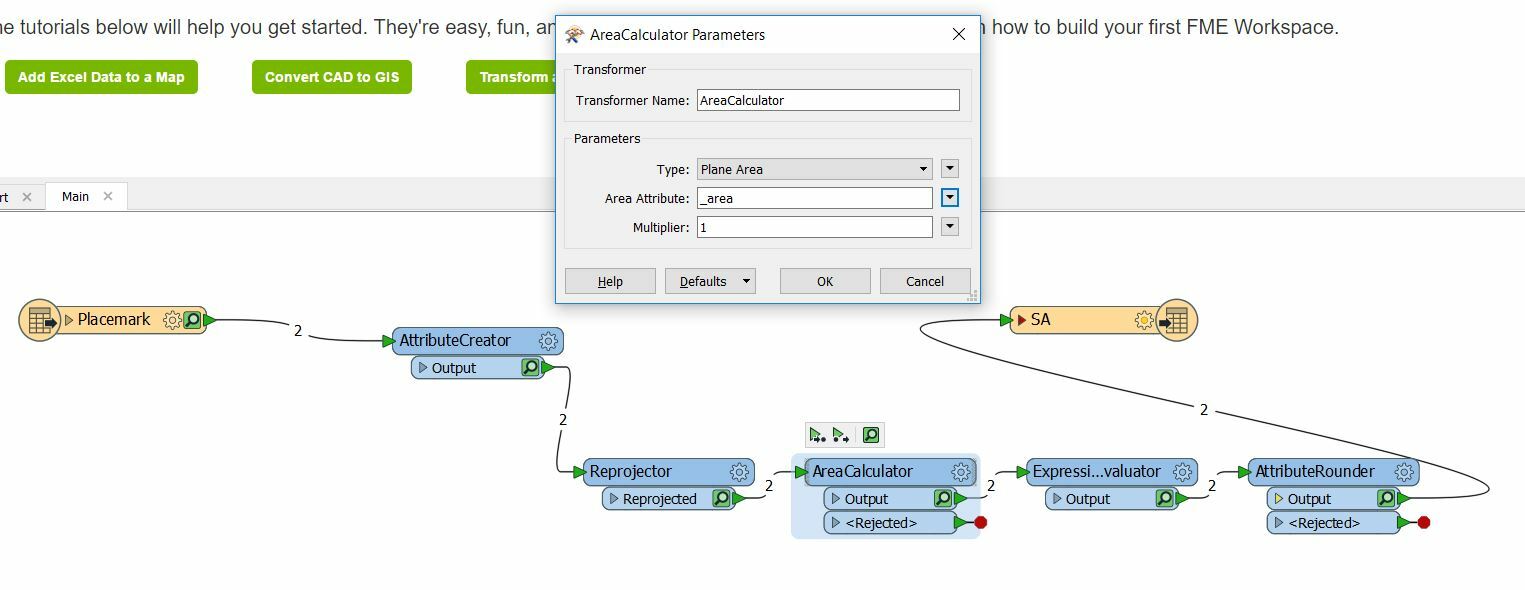
I am converting a kml to shp and trying to calculate the area of the resulting polygons. It seems to run okay, but I don't see the calculated result. The field that should have it is blank in the attribute table in ArcMap. Here is the AreaCalculator transformer:
This is Inspector:
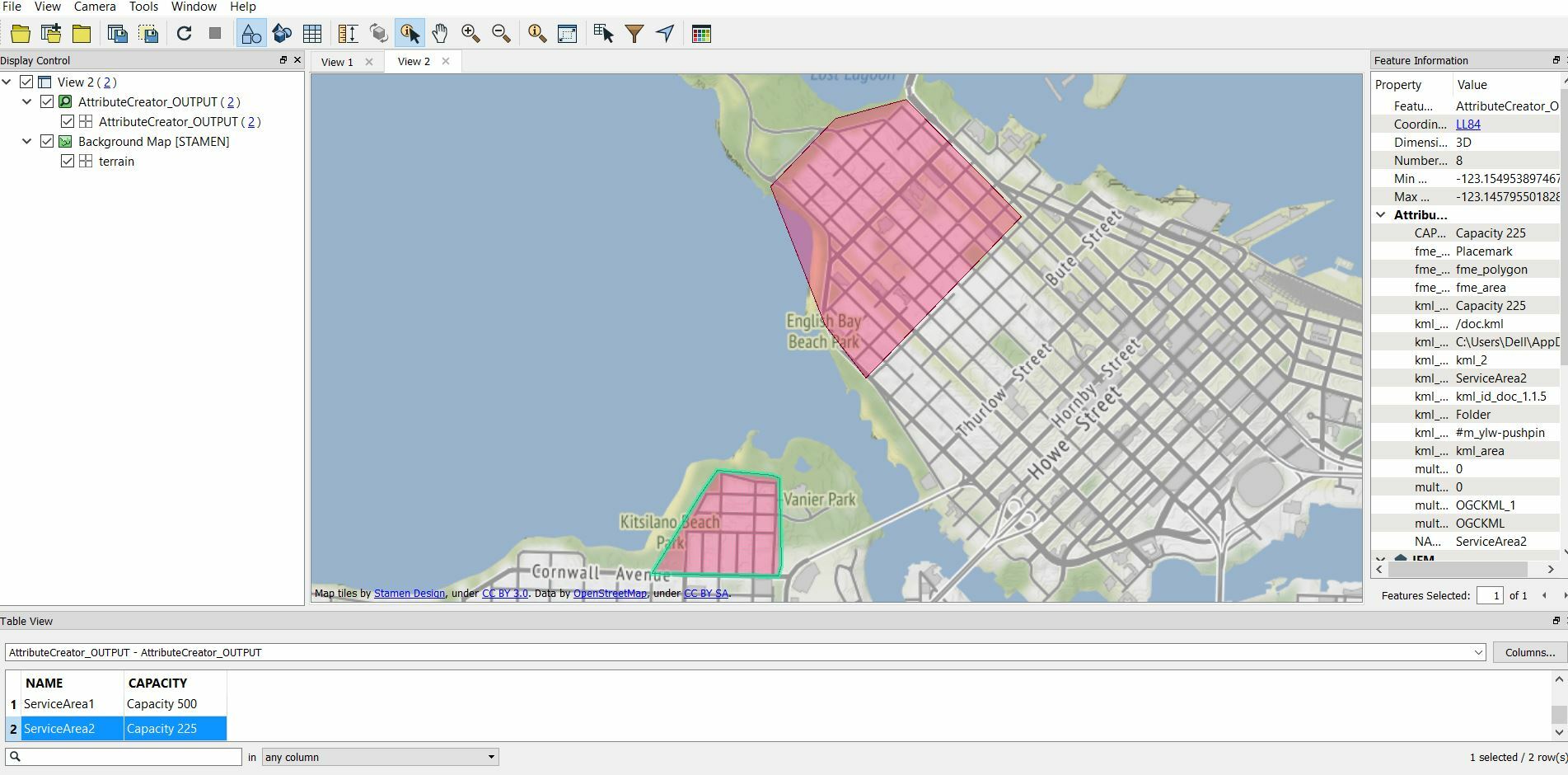
Is it actually doing the calculation? Where is the result?

Thank you..

This post is closed to further activity.
It may be an old question, an answered question, an implemented idea, or a notification-only post.
Please check post dates before relying on any information in a question or answer.
For follow-up or related questions, please post a new question or idea.
If there is a genuine update to be made, please contact us and request that the post is reopened.

6 replies

fmelizard
Safer
Forum|alt.badge.img+21
  • Safer
  • November 18, 2018

Hi @regulusdeneb Is _area an attribute on the output schema or does the ExpressionEvaluator set a new attribute with the area? The Data Inspector is only showing the output of the AttributeCreator which is before the AreaCalculator.


Forum|alt.badge.img
  • Author
  • November 19, 2018

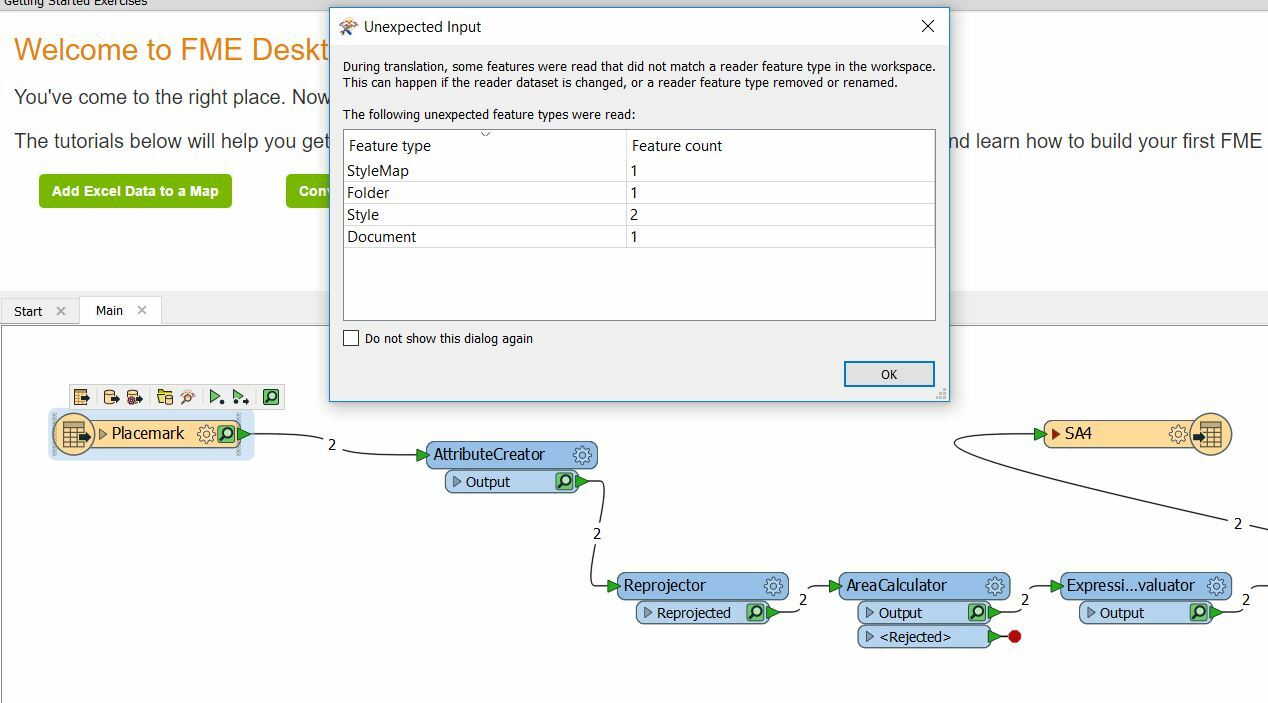
I changed _result to AREAHA in ExperssionEvaluator and AttributeRounder and the result still does not get written. I should have mentioned this earlier (sorry).. I have a dialog box pop up when I run it that says, "...some features were read that did not match a reader feature type in the workspace." Is this what is causing the problem?

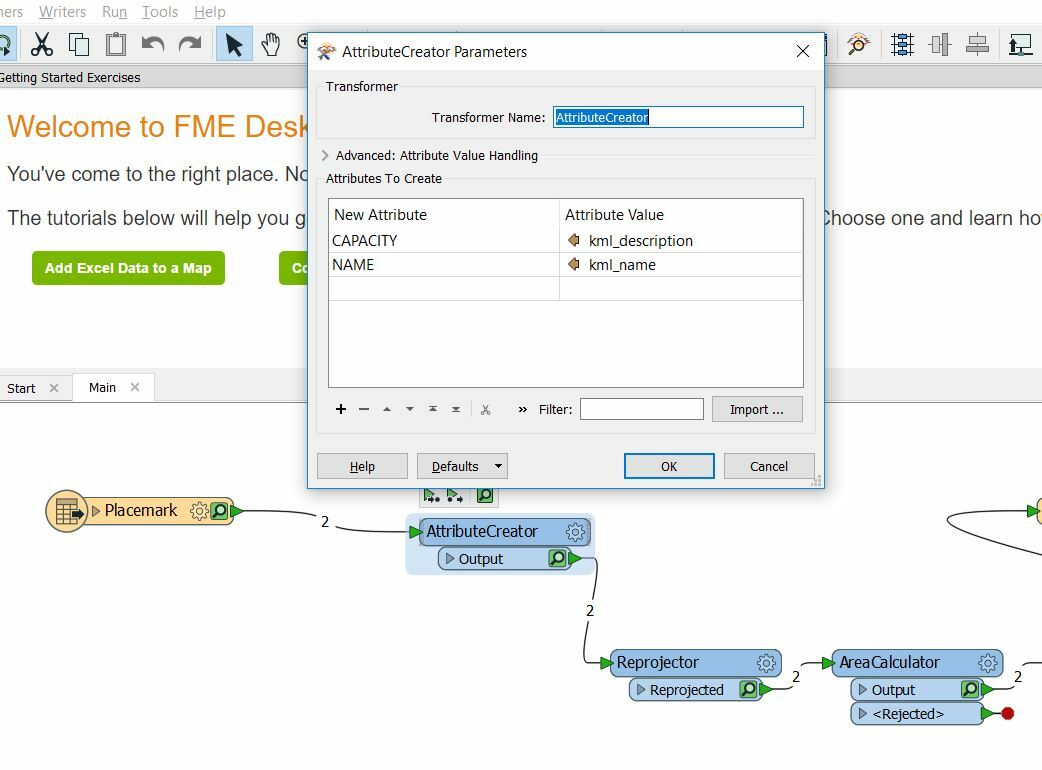
I expose kml_description and kml_name in the reader, then change their names in AttributeCreator, then reproject to UTM NAD83. Thank you..


fmelizard
Safer
Forum|alt.badge.img+21
  • Safer
  • November 19, 2018

I changed _result to AREAHA in ExperssionEvaluator and AttributeRounder and the result still does not get written. I should have mentioned this earlier (sorry).. I have a dialog box pop up when I run it that says, "...some features were read that did not match a reader feature type in the workspace." Is this what is causing the problem?

I expose kml_description and kml_name in the reader, then change their names in AttributeCreator, then reproject to UTM NAD83. Thank you..

@regulusdeneb I don't think the pop-up is the problem. Can you send your workspace to https://www.safe.com/support/report-a-problem/ ? Thanks


Forum|alt.badge.img+2

Hi @regulusdeneb

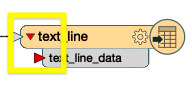
I see there is a red arrow on the input of the Writer.

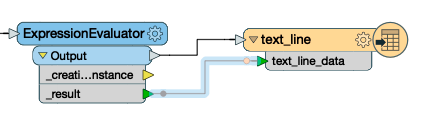
This would suggest that some of the writer attributes are not picking up an input. If you click on the drop down arrow you will be able to see which ones are missing and manually connect them to the right output from the ExpressionEvaluator.


Forum|alt.badge.img
  • Author
  • November 20, 2018

Hi @regulusdeneb

I see there is a red arrow on the input of the Writer.

This would suggest that some of the writer attributes are not picking up an input. If you click on the drop down arrow you will be able to see which ones are missing and manually connect them to the right output from the ExpressionEvaluator.


Thank you both for your help to this point. I have uploaded the workspace to Safe at @DanAtSafe's request. Btw, I managed to hook up kml_descri in the writer with kml_description in AttributeRounder and made kml_descri's arrow green. But I still get "Unexpected input" to pop up when I run it.


Forum|alt.badge.img
  • Author
  • December 16, 2018

Thank you again for the help. I ran this after almost a month away from it and it works now despite that I did not change anything. I guess I just needed to close FME and reboot maybe.