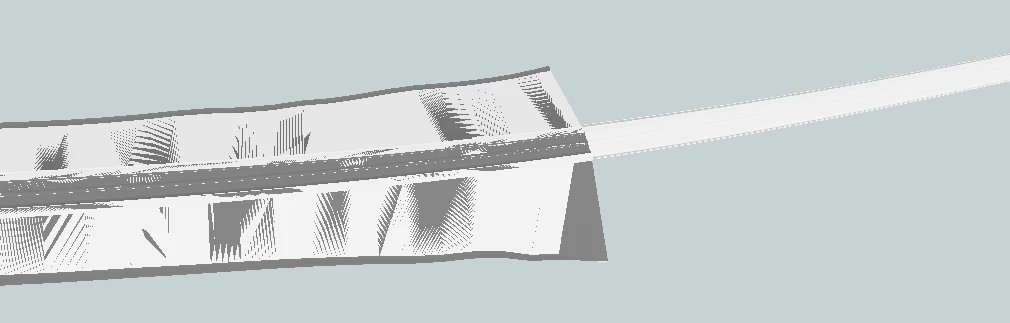
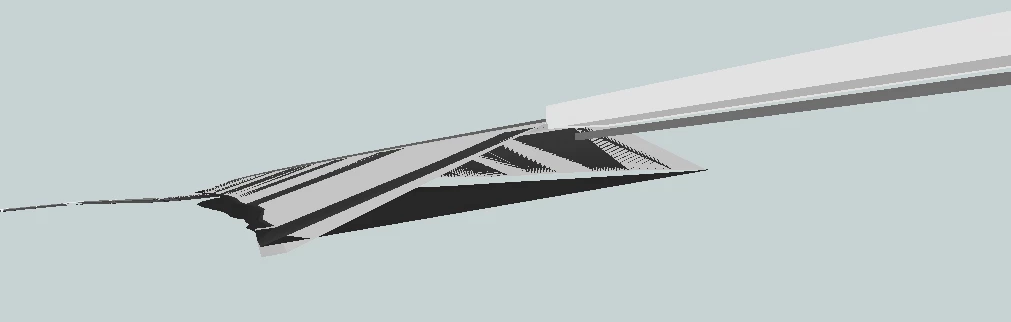
I’m trying to calculate volumes on meshes in a dgn file. The dgn file represents rail embankment / earthworks (ballast, formation, etc.). Below a screengrab of the design:
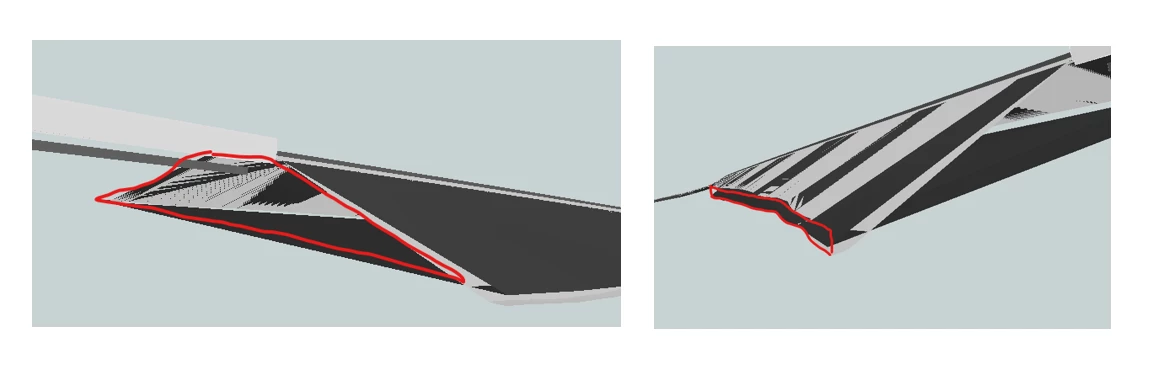
My current workaround is DGN Reader → SurfaceBuilder → SolidBuilder → VolumeCalculator but am finding that some of the meshes are not closed. Before calculating any volume I need to close the meshes but can’t work it out,
Any idea about how close the unclose meshes?
Thanks!
Best answer by daveatsafe
Two possible solutions:
Use Hub transformer TINVolumeCalculator to calculate volumes of both the top surfaces and the bottom surfaces to a common base elevation, then subtract the bottom value from the top value to get the total volume. (DWG_Calculate_Volumens_safe.fmw)
Extrude the top surfaces and the bottom surfaces down, then clip the bottom solid from the top to get the resultant, and measure its volume. (DWG_Calculate_Volumens_safe2.fmw)
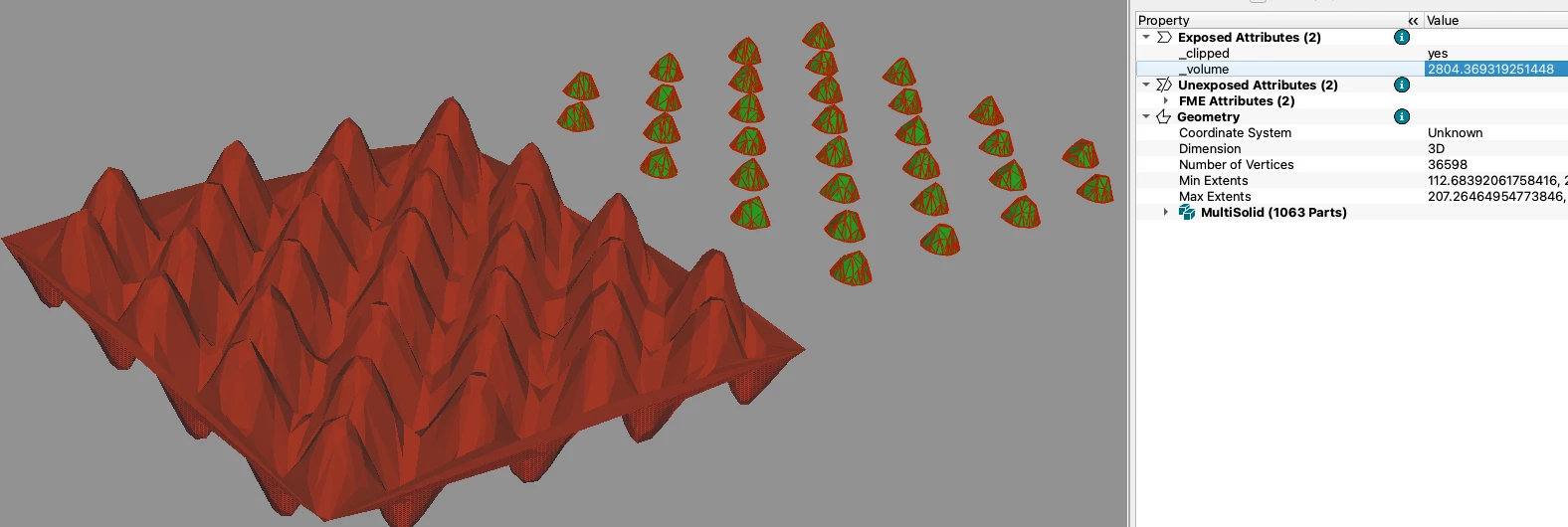
Here is an idea, but it’s not a perfect or universal solution. If your meshes have flat bottom surface, you can extrude them down by a number exceeding your real values. Then, you also extrude the bottom part only (or its footprint or convex hull, or maybe even a buffer) - also down and even more. Before extruding, make sure you coerce both objects to surfaces. Then your second extrusion becomes a clipper for your first extrusion. The output form the outside port is the solid you are looking for. The screenshot here show a mesh with just a single surface, it is not closed at all (red), but after the process I described I get a properly closed solid (green), and I can calculate its volume.
Use Hub transformer TINVolumeCalculator to calculate volumes of both the top surfaces and the bottom surfaces to a common base elevation, then subtract the bottom value from the top value to get the total volume. (DWG_Calculate_Volumens_safe.fmw)
Extrude the top surfaces and the bottom surfaces down, then clip the bottom solid from the top to get the resultant, and measure its volume. (DWG_Calculate_Volumens_safe2.fmw)