



There have been some exciting updates to the user interface in FME 2025.2 for both FME Form and FME Flow. Functionally, the software remains the same, but these changes were introduced to improve clarity for users.
FME Form Changes
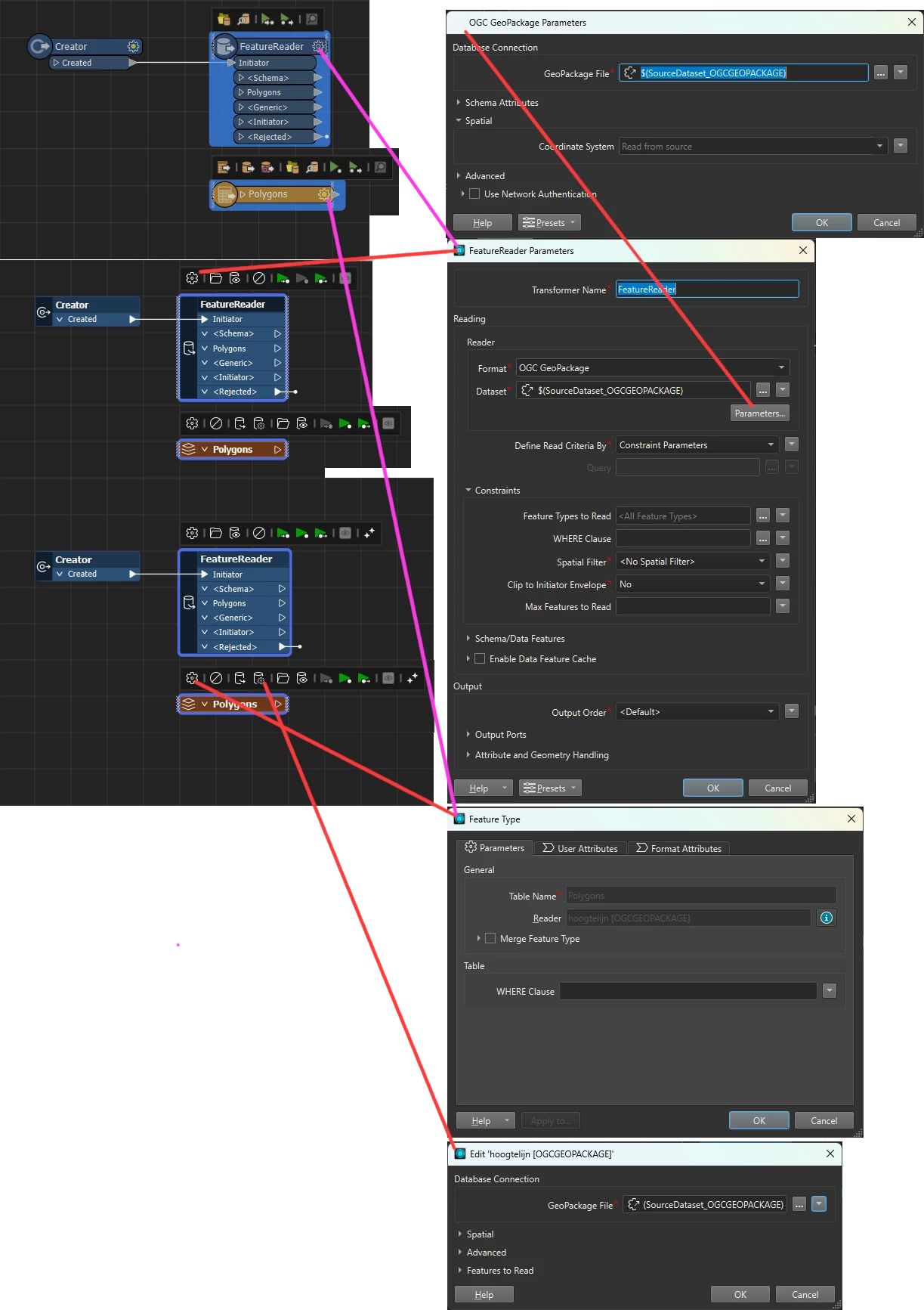
Coordinate System Parameter: This has been moved to the Parameters window. This parameter isn’t important for users who do not work with spatial data, and we wanted to reduce confusion in readers and writers. See Coordinate System Parameter Location Change for more details.
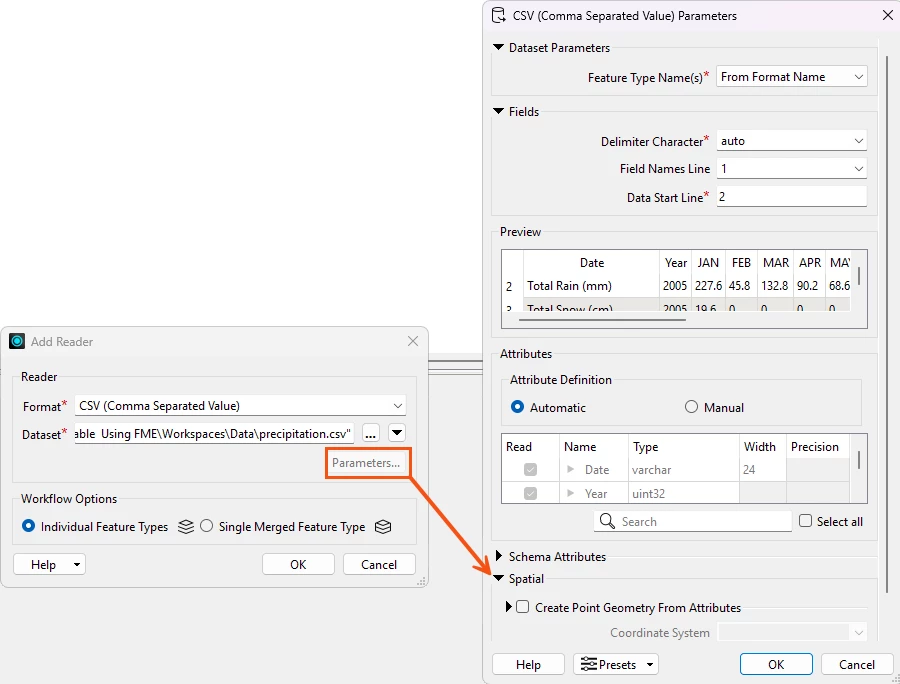
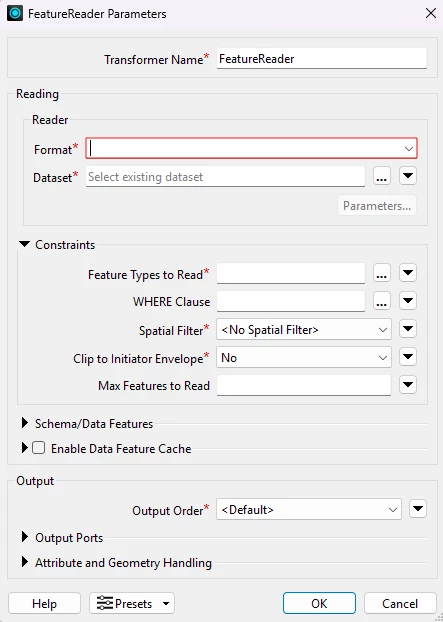
Parameter fields: These have been updated to show a red box around the field instead of highlighting the whole field red. This feels less visually aggressive while still signaling that an action needs to be taken. The field only appears red after invalid input.
Additionally, required fields now have a small asterisk to indicate they are required.
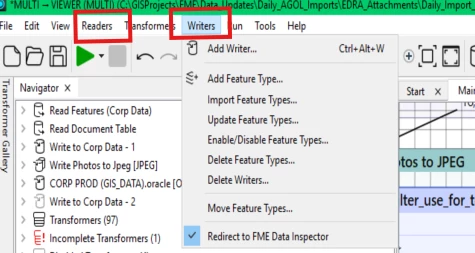
Workbench Window Name Updates: We want users to understand the purpose of each panel without needing prior knowledge of FME’s internal language.
| Current | 2025.2+ |
| History | Edit History |
| Feature Inspector | Breakpoint Inspector |
| Feature Information | Record Information |
| Visual Preview | Data Preview |
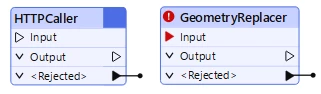
Input Optional Transformers: For select transformers, the creator transformer is no longer required as an input. The need for a creator transformer was confusing for new users as it often served little purpose. For more information on which transformers this applies to, please see Transformers with an Optional Input.
When no input is valid for a transformer, the input triangle appears as a black line. When input is required, the triangle is red.
Spatial and Non-spatial Readers and Writers Combined: To reduce the number of readers and writers, we have combined some of the spatial and non-spatial ones into one item. This will reduce confusion for users and the need to keep multiple readers and writers updated. For more information on which readers and writers this applies to, please see Combined Spatial and Non-Spatial Readers and Writers
Workspaces authored in previous versions will continue to function, but moving forward, using the combined reader/writer will be required.
FME Flow Changes
The navigation changes in FME Flow have been made so users can easily see the options for each action in the menu. This will reduce the number of page loads required to perform tasks and organize related actions together.
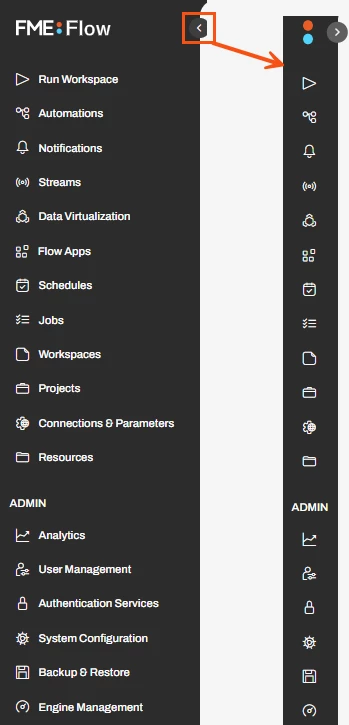
The menu has been updated to show only the top-level items, such as Run Workspace and Automations. Users must click on the headings to access additional functionality within those.
This helps users easily find the page they are looking for without having to open multiple headings. Depending on your screen size and resolution, users may have to scroll down to see all the options.
The sidebar can be minimized, allowing more space for working in Flow. When the sidebar is collapsed, the page names disappear, but small icons appear.
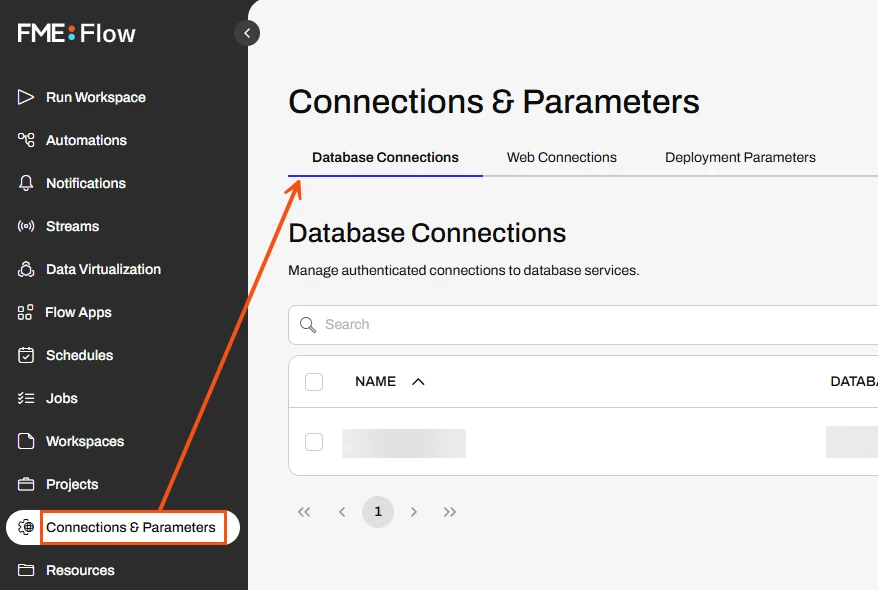
Previously, users could access items such as the database and web connections from the menu bar, but as part of the reorganization, these have been moved to the Connections & Parameters page.
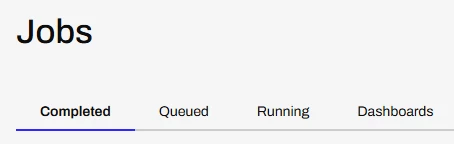
The Dashboards tab is visible on the Jobs Page: Accessing dashboards can now be done from the Jobs page instead of the menu.
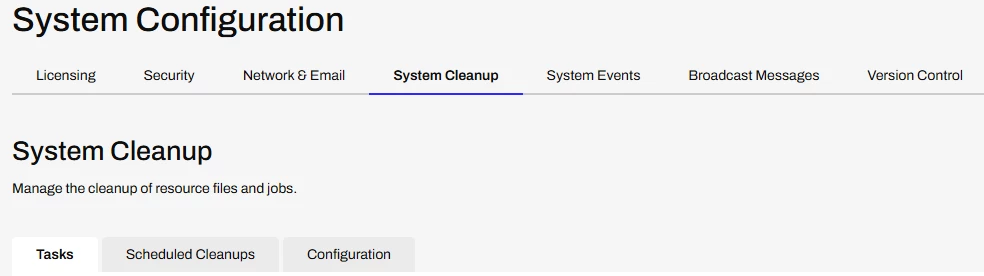
The System Configuration tab has been implemented. Users with admin or system-level configuration in FME flow can use tabbed navigation to perform system tasks. The new organization is clearer and requires fewer page loads when switching between tasks.