
I’m trying to connect to Salesforce in form with 2026.2, but every time I do, FME never finishs authenicating. My log in on Salesforce goes fine, but it still says waiting authenication in FME. Do I need to change a setting?

Solved
FME 2026.2 Authication not working


 +2
+2- Contributor
Best answer by desiree_at_safe
Hi
That hang after Salesforce login usually means the redirect isn't making it back to FME's listener. Can you check the Callback URL on your External (or Connected) App in Salesforce? For most FME builds from 2025.2 on (including 2026.2), this needs to be the Proxy Redirect: https://fmeauth.safe.com/v1/oauth2
I'd also ensure the redirect is set to Proxy Redirect and that PKCE is enabled in FME, with non-zero Code Verifier Length and State Length. Once that's set, you should see a browser dialog prompting you to open FME after logging in; that's your sign it's working!
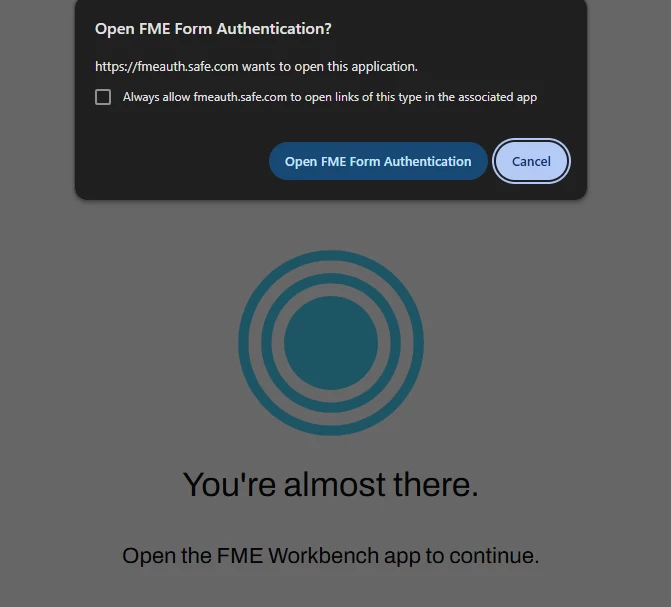
These are mentioned in the Troubleshooting section of the Connecting to Salesforce in FME article
If it's still hanging after that, is it possible network settings are blocking traffic? Such as a proxy, VPN, or firewall? That can sometimes cause authentication issues.
Hope this helps! 🙂 Let us know how those suggestions go!



