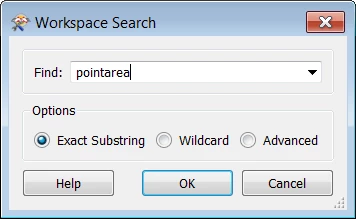
When searching for objects in Workbench with Workspace Search for a second time, the text in the field Find need to be cleared manually. (Backspace or select all delete.)
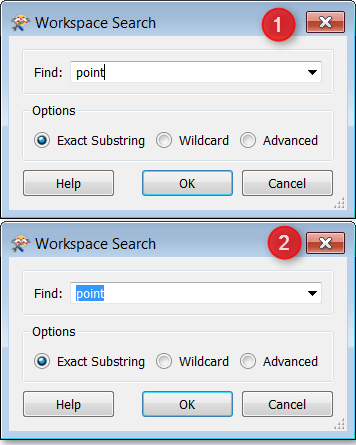
Suggestion is to always select the text in the field Find. This way you can hit a new search text without having to backspace the previous search text. This is the way other software (for example Notepad, Notepad++, Excel, etc.) works, feels naturally and speeds up multiple searches.
Current:
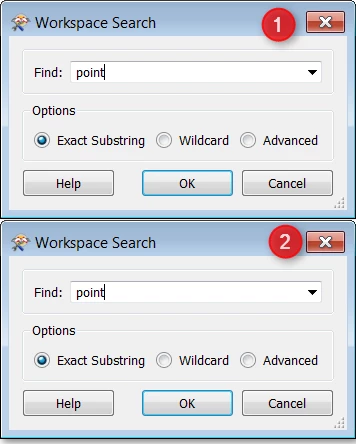
Proposed:
I understand this isn't a groundbreaking idea but it feels a bit annoying every now and then when I fail the second search.