


***Note from Migration:***
Original Title was: SchemaMapper - Change icon color to Red icon for invalid entries, and highlight the part is invalid
It happened that the SchemaMapper is no longer working for me.
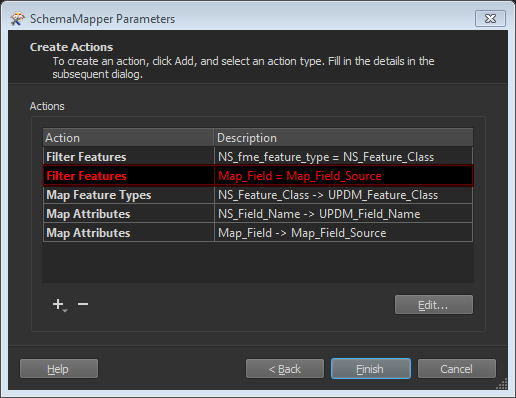
After I thoroughly investigated, I found out that one of the Filter Features part of the Schema Mapper parameters is no longer valid (in fact the attributes got renamed in the source Schema Mapping file).
If it visually has changed the SchemaMapper transformer icon toRed to indicate error, and highlighted which entry I should spot and validate, I wouldn't spent that much time to figure out what happened to cause the failure of the workspace.
At least, I'd suggest something like what shown in the snapshot.