


If a user changes the Connection Storage to FME Flow some challenges need to be solved.
Every time the user wants to add a new (Web) Connection which FME Flow doesn’t know, it can’t be added because the Service Definition need to be uploaded first.
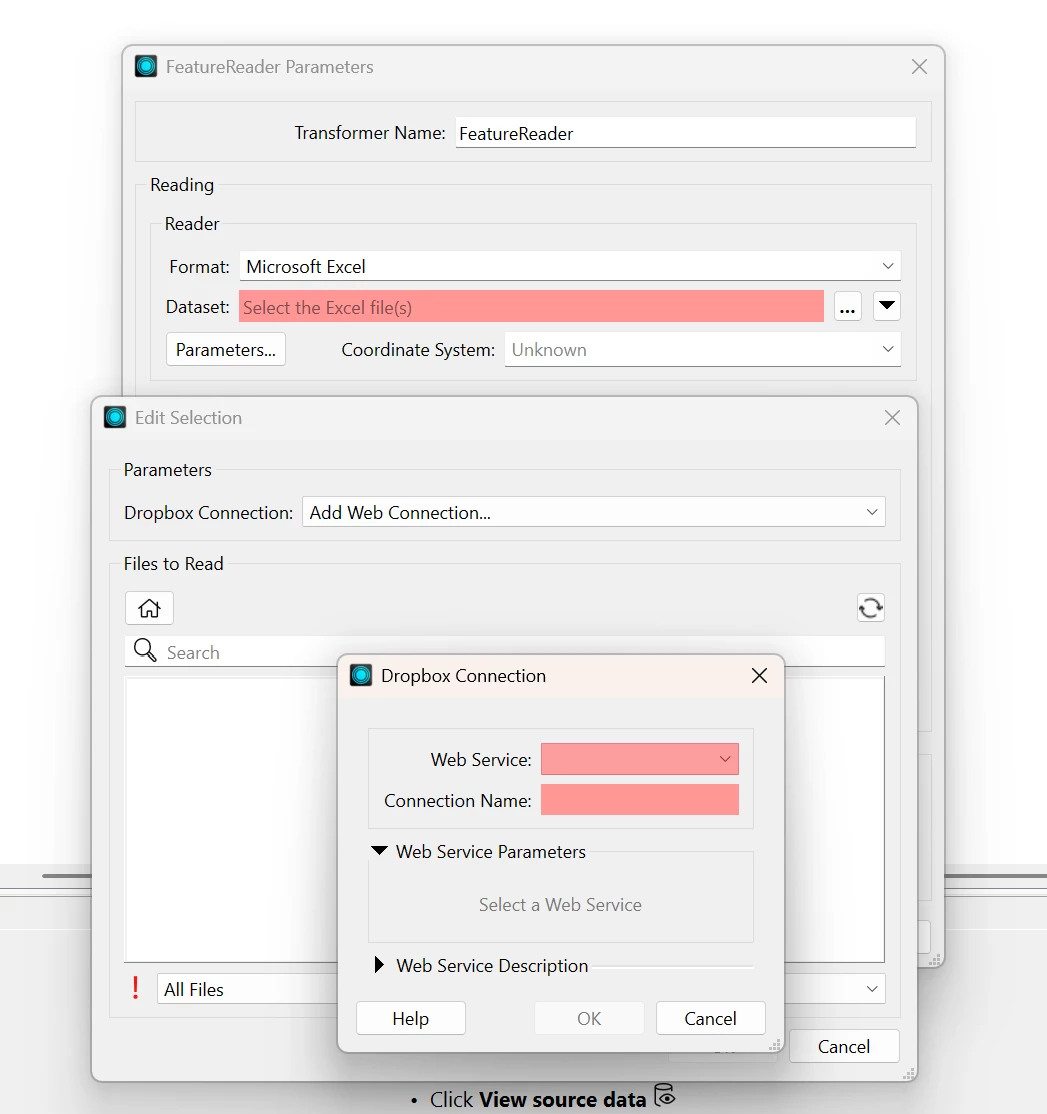
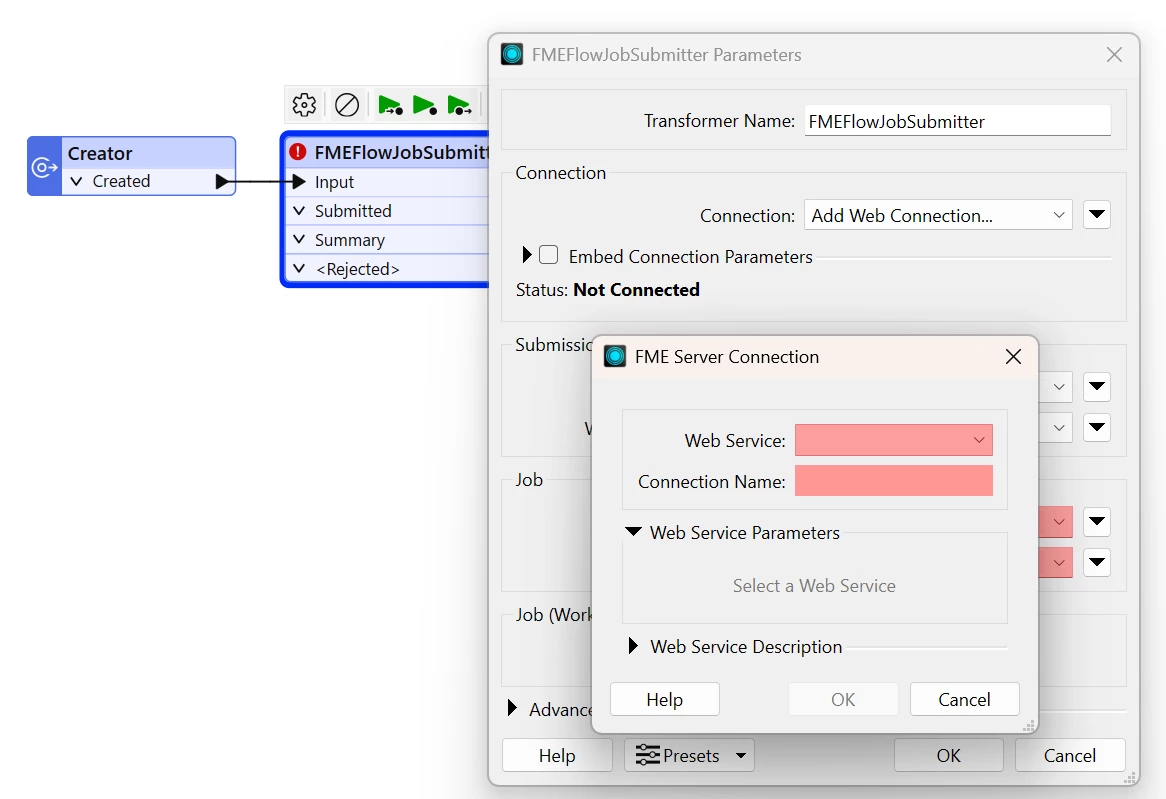
For example, on a completely new FME Flow only three Web Services are available. If the user wants to add a Dropbox Connection it is not possible at all and the Web Service dropdown stays empty [1].
For now to upload the Service Definition the user has to change the Connection Storage back to Local Storage and choose one of the following ways
- create a connection for this type and upload it to FME Flow
- upload just the Service Definition to FME Flow via FME Form
After that the user needs to change the Connection storage back to FME Flow.
Idea:
Add the functionality to
- upload the Service Definition if it doesn’t exist on FME Flow directly in the creation process for a new Connection, so that if a new Connection will be created it will automatically upload the Service Definition in the background
or
- store the details in the background and upload these during the Publishing Wizard if it will be necessary for the process to run on FME Flow
[1]