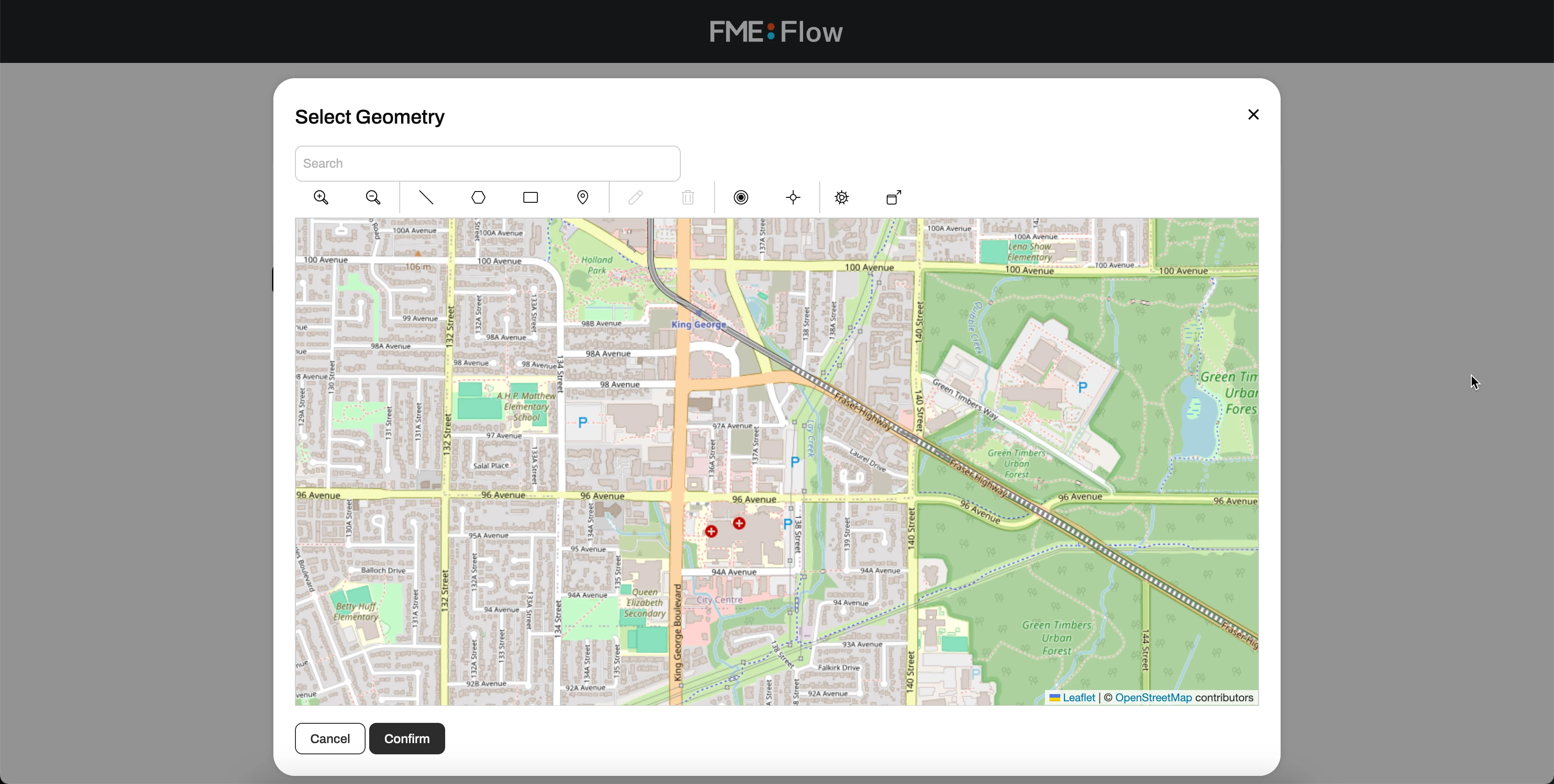



In FME Flow 2023 the geometry picker window for a geometry-type user parameter would fill almost all of the screen. We upgraded to 2024.2, and in this version the window only fills about a quarter of the screen, and the size can’t be increased. We’ve received complaints from customers that use our Flow apps that the smaller geometry picker window is much harder to use. It would be nice if the old max size of the window could be brought back. Also, with the new version there’s no lower limit on the window size, so you can make it disappear entirely, which is a bit inconvenient.

Archived
Bring back the bigger geometry picker window
This post is closed to further activity.
It may be an old question, an answered question, an implemented idea, or a notification-only post.
Please check post dates before relying on any information in a question or answer.
For follow-up or related questions, please post a new question or idea.
If there is a genuine update to be made, please contact us and request that the post is reopened.
It may be an old question, an answered question, an implemented idea, or a notification-only post.
Please check post dates before relying on any information in a question or answer.
For follow-up or related questions, please post a new question or idea.
If there is a genuine update to be made, please contact us and request that the post is reopened.