Released

Add option to set default bookmark colour

Related products:FME Form
  • May 31, 2016
  • 5 replies
  • 58 views

michaelfitzpatr
Contributor
Forum|alt.badge.img+1

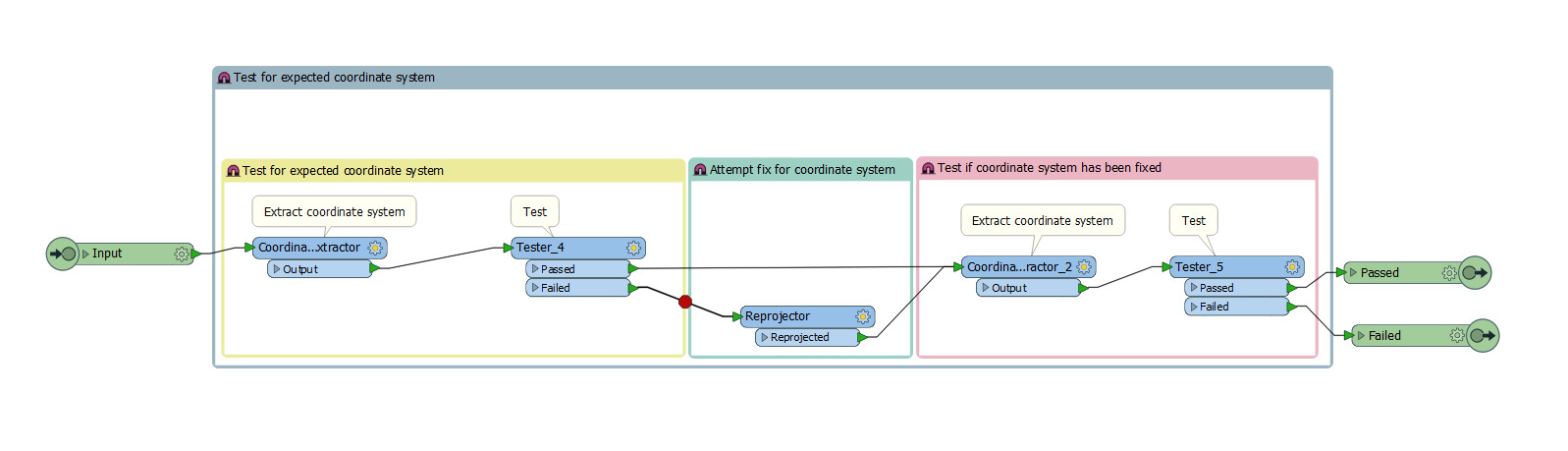
I find my workspace looks a lot cleaner when the majority of the bookmarks are set to 1 colour. It also allows me to highlight specific areas e.g. 'needs updating', 'testing', 'external source'. Credit to @adrianp1spatial


This post is closed to further activity.
It may be an old question, an answered question, an implemented idea, or a notification-only post.
Please check post dates before relying on any information in a question or answer.
For follow-up or related questions, please post a new question or idea.
If there is a genuine update to be made, please contact us and request that the post is reopened.

5 replies

Forum|alt.badge.img+2
  • August 16, 2017

Give this a bump to see if can get more up votes as I'd like this right now


redgeographics
VIP
Forum|alt.badge.img+62

You could set up a template with standard bookmarks you can copy, like this one by @lars_de_vries


ciarab
Contributor
Forum|alt.badge.img+10
  • Contributor
  • August 17, 2017
Yes @michaelfitzpatr, or even bookmarks nested in other bookmarks took the parent colour.


I'm forever changing them to match their parent group!

Forum|alt.badge.img+2
  • August 17, 2017


Nice workaround but I just love my keyboard shortcuts :)

adieporter
Forum|alt.badge.img

I give this a thumbs up too.

I would also like to extend to be able to set default styles options full stop, including annotations font, back ground colour etc. And whilst i'm at it possibly the option for a global update option to e.g set all annotations to same backhround colour