


Using AI for map georeferencing

  • April 16, 2026
  • 4 replies
  • 60 views

dmitribagh
Safer
Forum|alt.badge.img+18

I received a few old Soviet geological map scans to experiment with georeferencing. Can we place simple JPEGs where they belong in the world? It actually quite possible today with Gemini (other models, unfortunately, are not even close).

The idea is simple - find the the map on the scan with a segmentation mask, clip the scan with the mask, make small crops of the map corners and ask AI to find pixel coordinates of the neatline corner and read the coordinates. The old Soviet map sheet nomenclature is quite elegant, and it’s easy to make names and calculate projection zone from scale, latitudes and longitudes in the map corners, so I was able to build control vectors to transform the pixel coordinates into Gauss-Krüger. Of course it only makes sense with automation on multiple maps - drop your files in a folder, let FME do the work while you enjoy your coffee 😎

Now I am exploring whether I can replace Gemini with other models, especially local ones such as Gemma 4. So far, the results are mixed, but I am testing Visual Anchoring, which allows any model to be a little bit better than it is by itself. If I get something relatively reasonable, I certainly will share it here.

Check my LinkedIn post with more details about this scenario and watch the video of how it works.

Dmitri

 

4 replies

runneals
Enthusiast
Forum|alt.badge.img+29
  • Enthusiast
  • April 16, 2026

How does this work on non-standard maps? How about to extract features? I have a client that permits utilities to use their right of way, and the permit holders have to submit a map in their permit application showing where they ran their utilities at. The maps are of various qualities. I do have a milepost for every application that I’ve fed into Azure’s AI, but it has been pretty miss to do the georeferencing and feature extraction.


dijkdjv
Participant
Forum|alt.badge.img+2
  • Participant
  • April 17, 2026

How can we get this scenario / workspace to use in our process ?


dmitribagh
Safer
Forum|alt.badge.img+18
  • Author
  • Safer
  • April 17, 2026

@dijkdjv Here is the workspace, the input data, and the results. Please keep in mind a few things:

  • you’ll need your own Gemini connection
  • the process is built for very particular naming convention, which allows building projection name, and it might be not available for other sources.
  • my prompts are not necessarily the best. I went through a few iterations, and other prompts looked very different yielding similar results, but you’ll need to find your own that work best for your data
  • I had to adjust the prompt to each scale in my series of examples because their neatlines looked a bit different, so having three prompts for each map type is better than one prompt describing three different situations.

https://www.dropbox.com/scl/fi/g8x6su6aozwvcj5mq47d8/MapGeoreferencingV2.fmwt?rlkey=xlfmu0xnkksdn6kj5qmvz2g77&dl=0

Dmitri


dmitribagh
Safer
Forum|alt.badge.img+18
  • Author
  • Safer
  • April 17, 2026

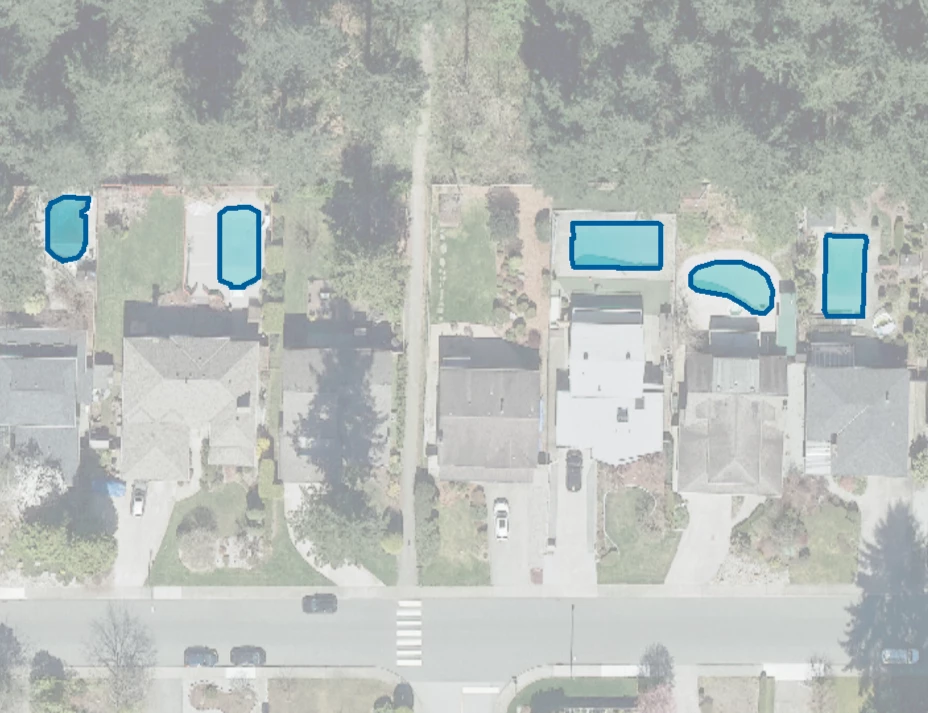
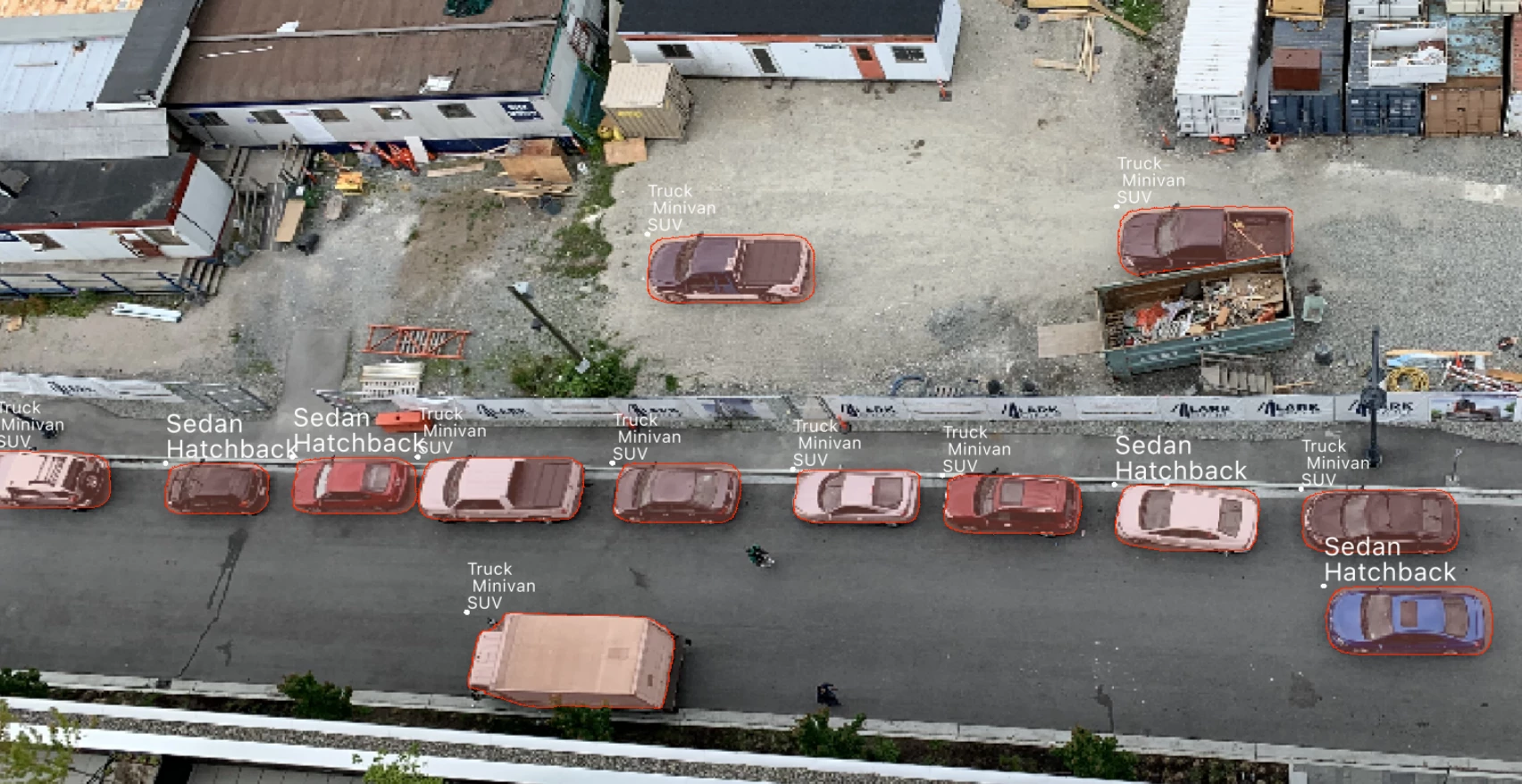
@runneals my process was specifically made for Soviet map sheet nomenclature which allows easily calculate where a map belongs in the world. Other maps may require some other methods - maybe reading (OCR) information outside the map frame or using other clues. For feature extraction, I would go with a more specialized tools such as Picterra, but Gemini (with FME, of course) is actually not bad with finding/extracting features. Here you can see a couple of examples:
 

Dmitri