


Question

Write Geodatabase as DWG / DXF and include attribute in the export.

  • February 2, 2026
  • 4 replies
  • 28 views

johnd
Contributor
Forum|alt.badge.img+3

Hi - I’m trying to write small areas of map data from a Geodatabase as a DWG / DXF file.

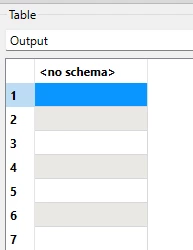
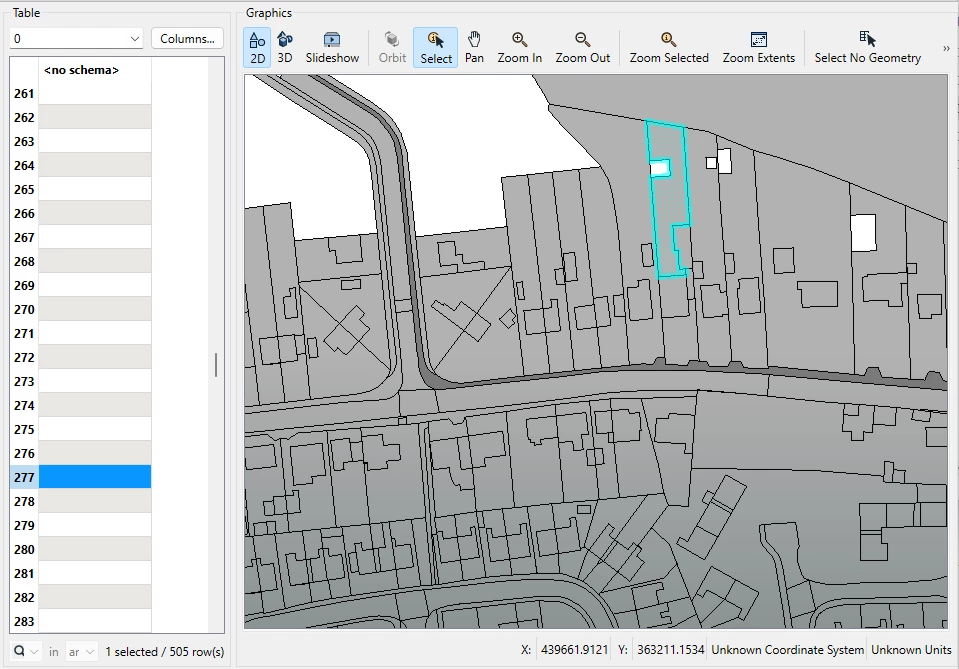
The spatial data is available when I open the exported file, but none of the attributes, only a single column called <no schema>:
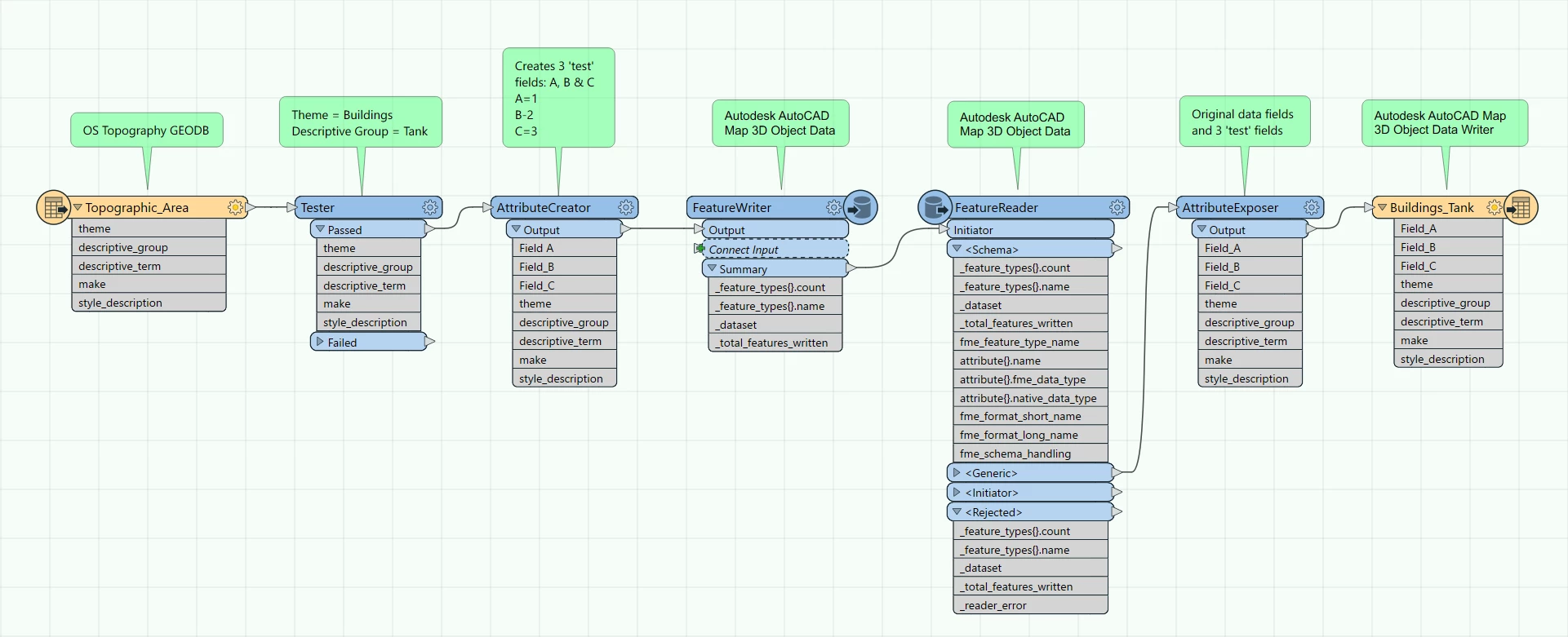
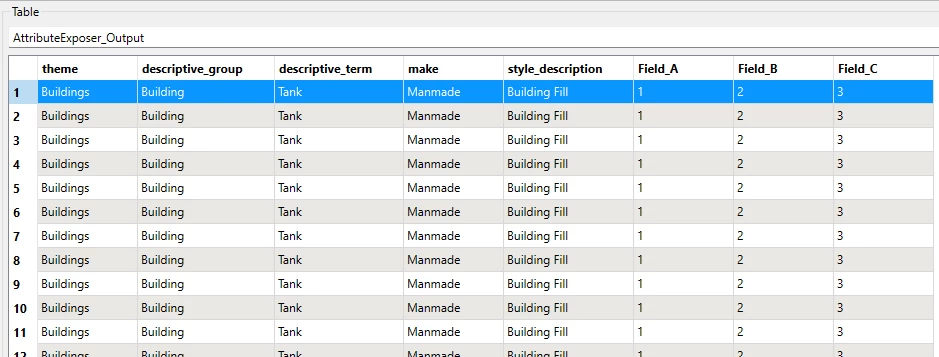
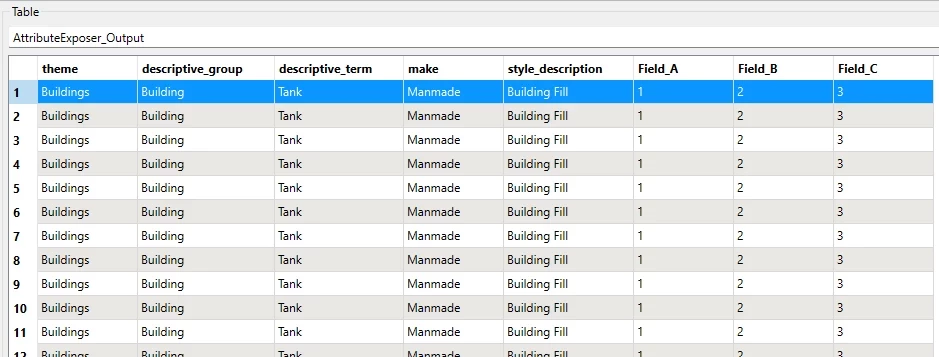
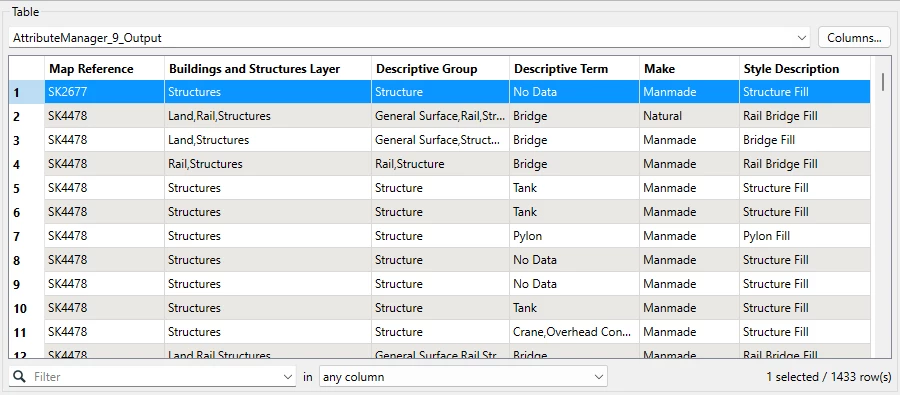
I’m wanting to include the following attributes:
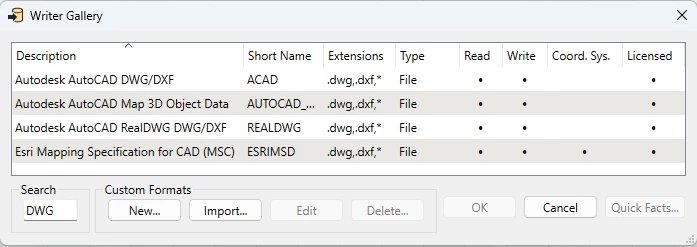
 but I have tried countless variations of the available Writers:
I just can’t get around the <no schema> issue.

Is it actually possible to include attributes within a DWG / DXF Writer?

If anyone can offer some step by step guidance, I’d be most grateful.

Cheers :)

FME(R) 2023.1.1.0 (20230928 - Build 23631 - WIN64)

4 replies

nielsgerrits
VIP
Forum|alt.badge.img+64

One way that works for me is to use the Map 3D Object Data writer. Make sure to check if it works using something like AutoCad to rule out issues with reading the data back in using FME.


johnd
Contributor
Forum|alt.badge.img+3
  • Author
  • Contributor
  • February 3, 2026

One way that works for me is to use the Map 3D Object Data writer. Make sure to check if it works using something like AutoCad to rule out issues with reading the data back in using FME.

Hi ​@nielsgerrits 

Thanks for the info - is there a particular way of configuring the Map 3D Object Data writer to ensure that the accompanying table data comes through in the export?

Thanks!


nielsgerrits
VIP
Forum|alt.badge.img+64

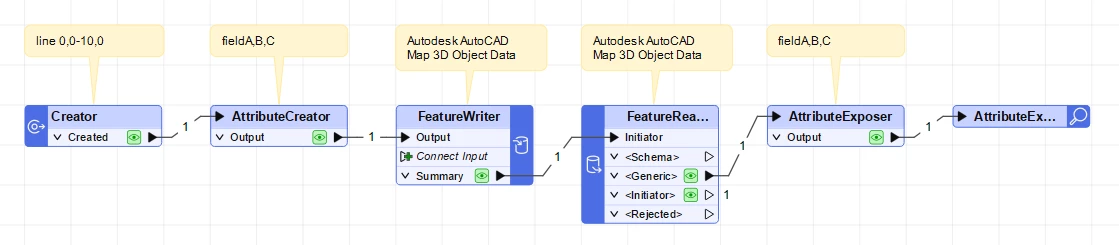
Nothing special, just write it as anything else. I find checking the hard part as my daily use of AutoDesk products was a long time ago. Created a sample workspace writing and reading back the written dwg with object data, see attachment.


johnd
Contributor
Forum|alt.badge.img+3
  • Author
  • Contributor
  • February 3, 2026

Nothing special, just write it as anything else. I find checking the hard part as my daily use of AutoDesk products was a long time ago. Created a sample workspace writing and reading back the written dwg with object data, see attachment.


Many thanks ​@nielsgerrits, I’ll give this a go later today, and if I may, get back to you with any queries?

Cheers!!