


Hi there,
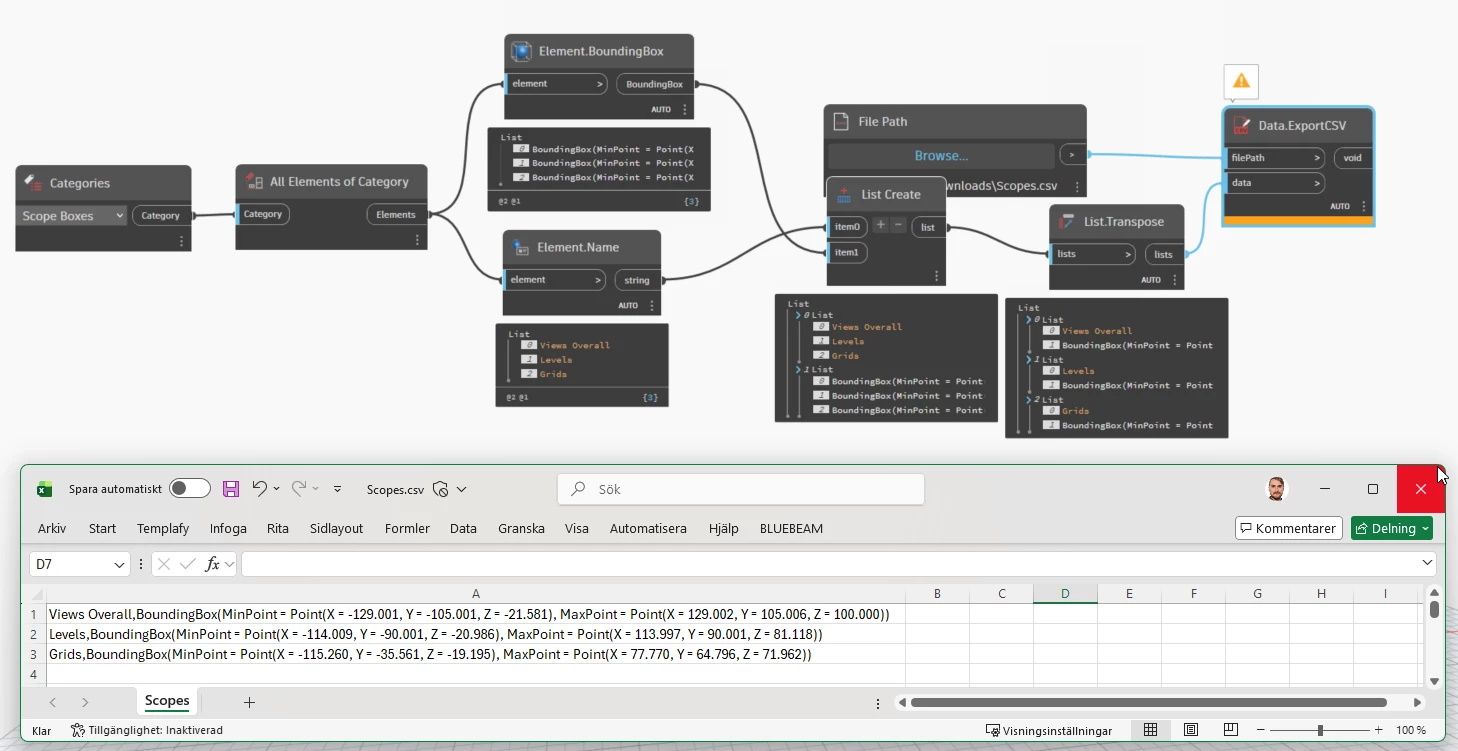
I'm currently trying to find a way to unlock the geometry off all scope box options that are part of a Revit file. The main idea is to write the Revit file into a GIS format and be able to filter the overall geometry by the different scope box options. However, I can’t seem to find/get the scope box geometry (or any coördinates related to a scope box) from a Revit file. I can only find some references to the scope box names.
For testing I used the first option of Snowdon Towers - Architectural file on this page: https://help.autodesk.com/view/RVT/2024/ENU/?guid=GUID-61EF2F22-3A1F-4317-B925-1E85F138BE88
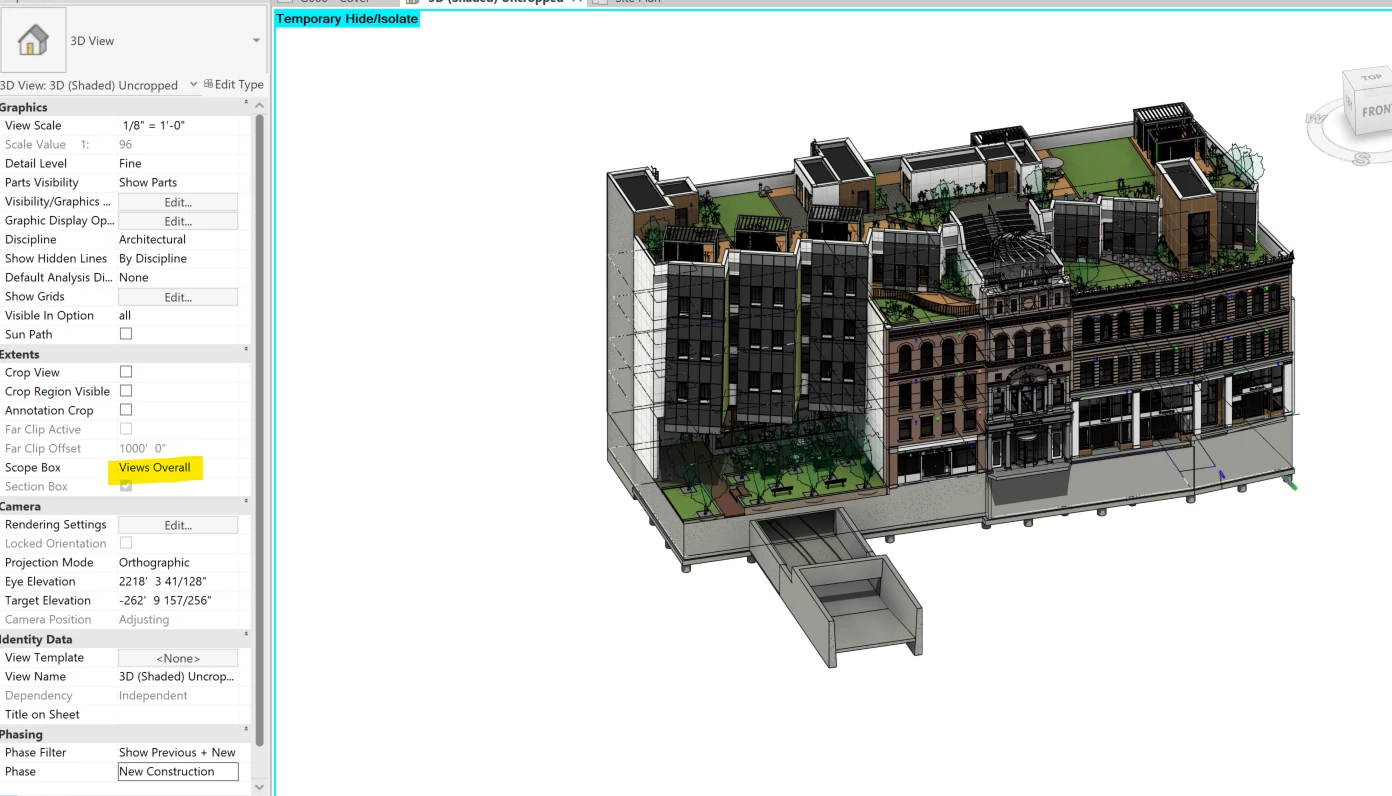
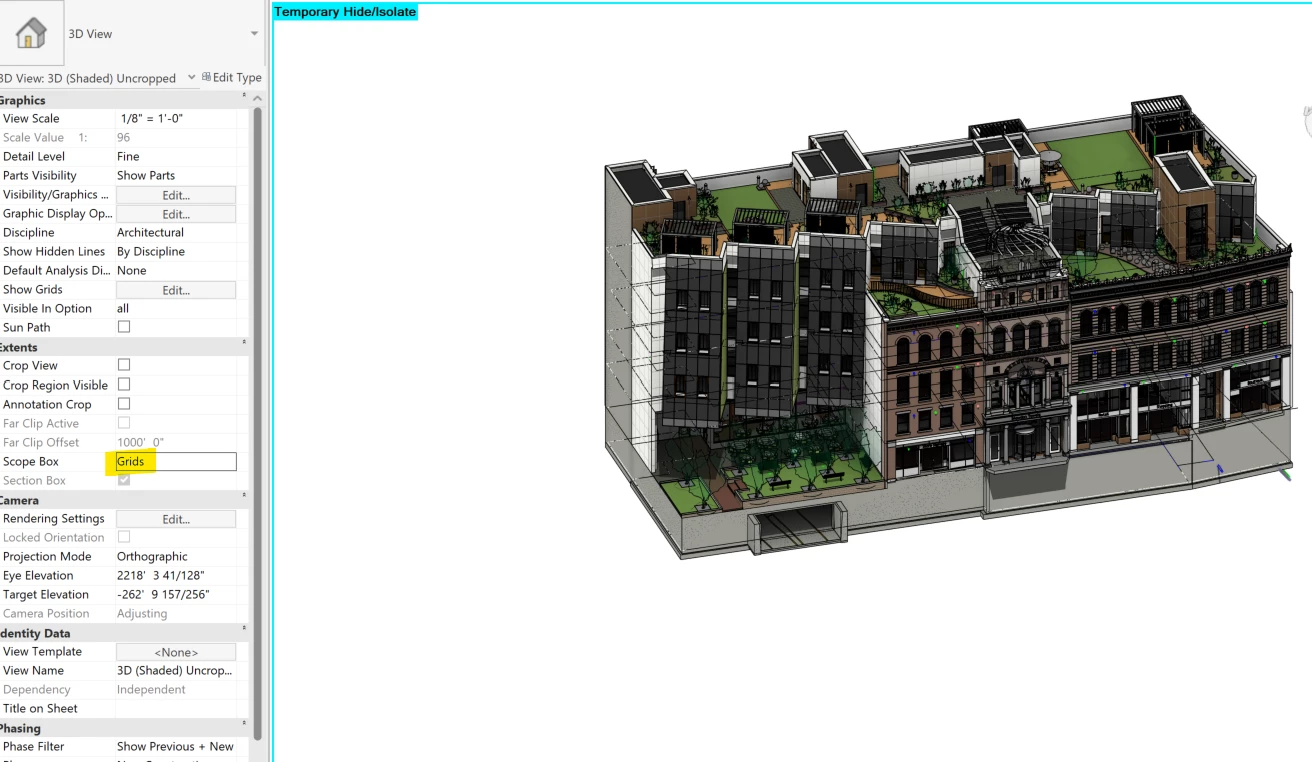
In the example file there are 4 options for Scope Box settings: Views Overall, Grids, Levels or None. In Revit we can see the whole project using Views Overall, but for example with Grids the outside garage entrance is filtered out. Also we can see the geometrie of those scope boxes within Revit and the filter area it uses.
Here the two different views:
I’ve tried many different settings on the Revit reader in FME, but can't find any geometry specified to these scope boxes. Only within the metadata information there are some references to the scope box names.
If anyone has any information or tips on how to unlock the scope box geometries, please feel free to let me know! - Lennart