


Hi all,
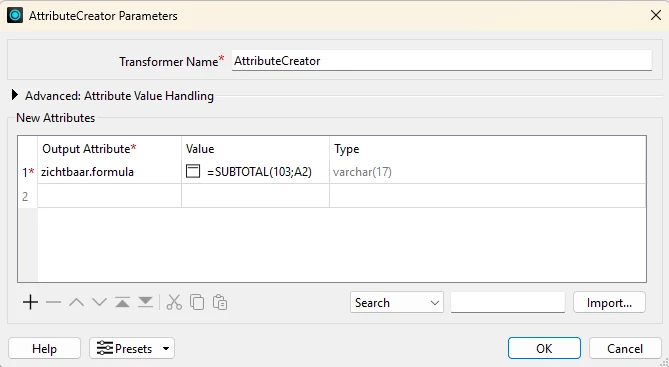
I am trying to write a dynamic Excel formula (=SUBTOTAL(103, A2)) to an Excel sheet using FME Form, so that it evaluates automatically when a user opens the spreadsheet. However, FME keeps writing the formula as a literal text string (showing =SUBTOTAL(103, A2) in the cell) instead of calculating the actual formula.
Here is what I have configured so far based on the documentation:
-
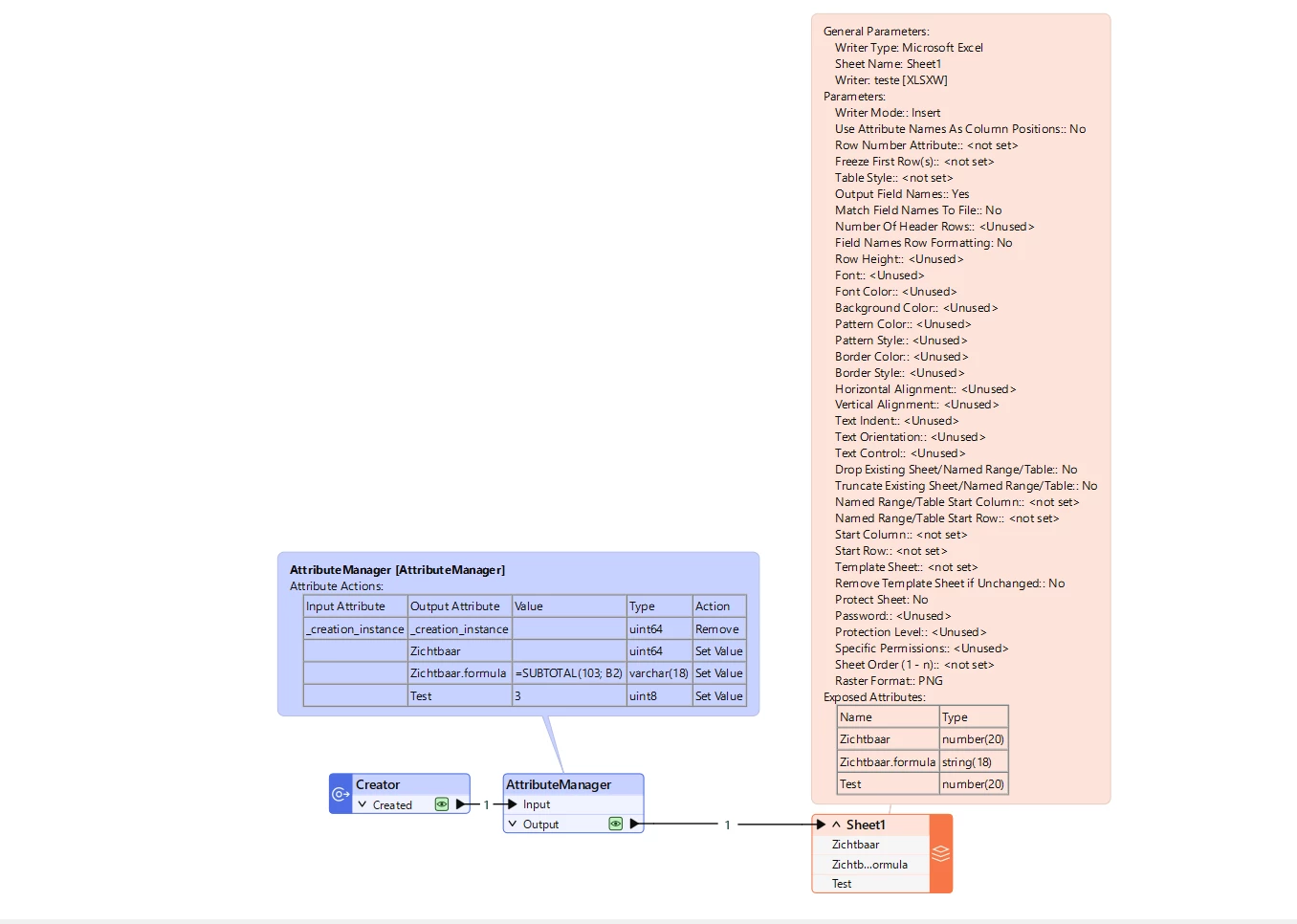
AttributeManager:
-
Created an attribute named
ZICHTBAAR.formula -
Value set to:
=SUBTOTAL(103; A2)(or with a comma depending on locale) -
I also exposed the base attribute
ZICHTBAARwithout the extension.
-
-
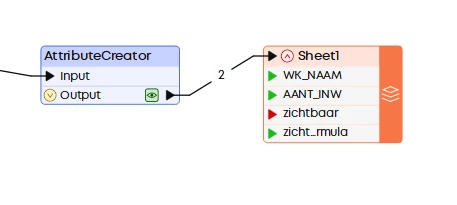
Excel Writer Feature Type (User Attributes):
-
The column
ZICHTBAARis present. -
I tried setting the Data Type to both
stringandauto.
-
The issue: When running the workspace and opening the output file in Excel, the cells still show the raw formula text. It only evaluates to 1 or 0 if I manually double-click the cell and press Enter, or force a hard recalculation.
What am I missing to make the Excel Writer natively flag this column as a live, evaluable formula from the get-go?