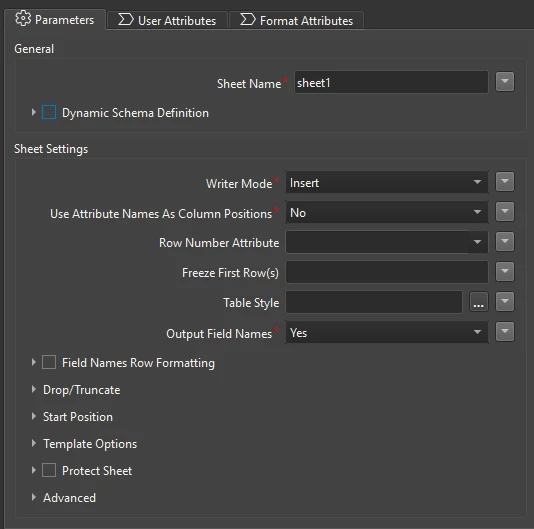



I’m writing data from FME into an existing Excel sheet (XLSX writer) that is later edited by others in Google Sheets. Some columns are manually updated after the file is generated.
When the workspace runs again, FME starts writing at Start Row = 2, which overwrites the existing rows and removes those manual edits.
Is there a recommended way to append new rows to the bottom of an existing worksheet in FME while preserving existing rows and user edits? I saw a somewhat similar question in a different post, but didn’t know if there was an easier way?