


Question

Adding more logos to PDF

  • August 2, 2017
  • 4 replies
  • 49 views

geospatiallover
Participant
Forum|alt.badge.img+6

For some reason I can't add more photos (logos) on my pdf.

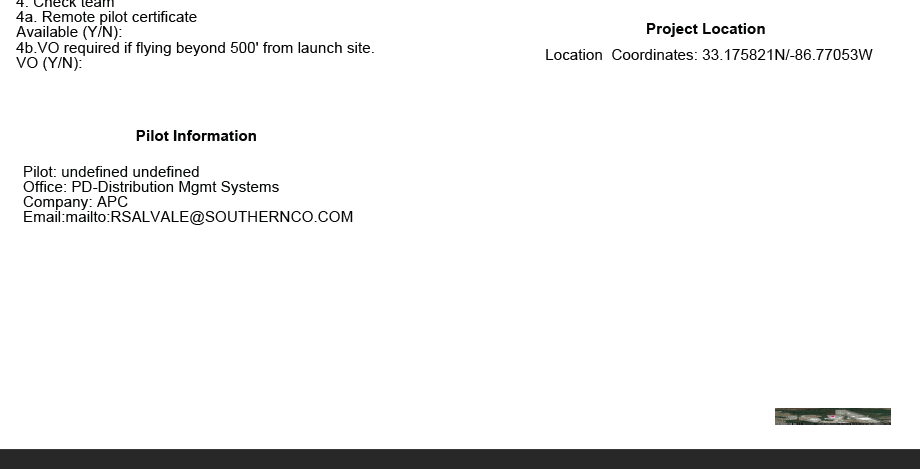
My current PDF looks like this:
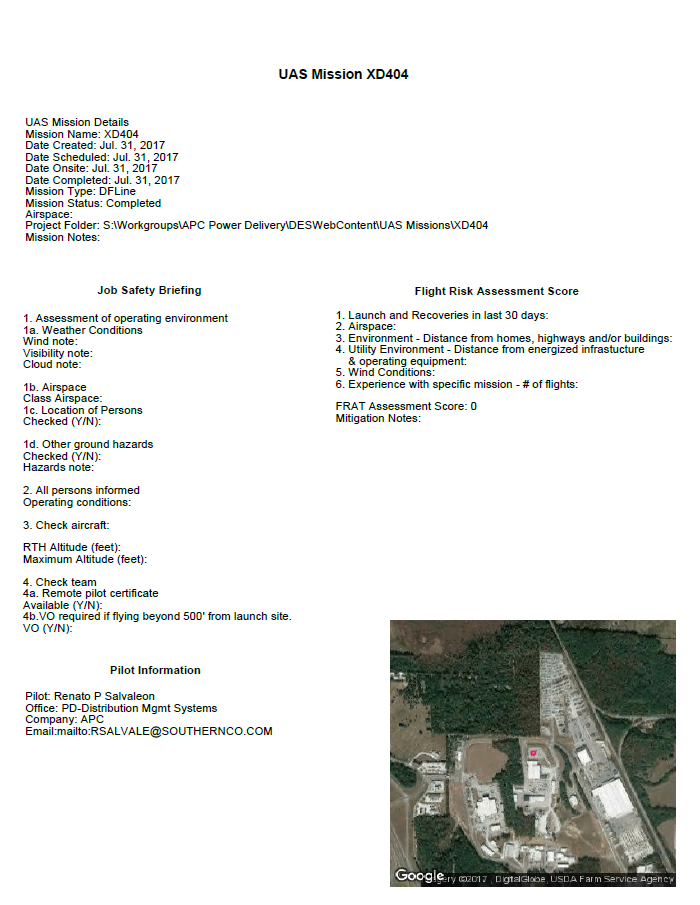
My PDFPageFormatter settings looks like this.
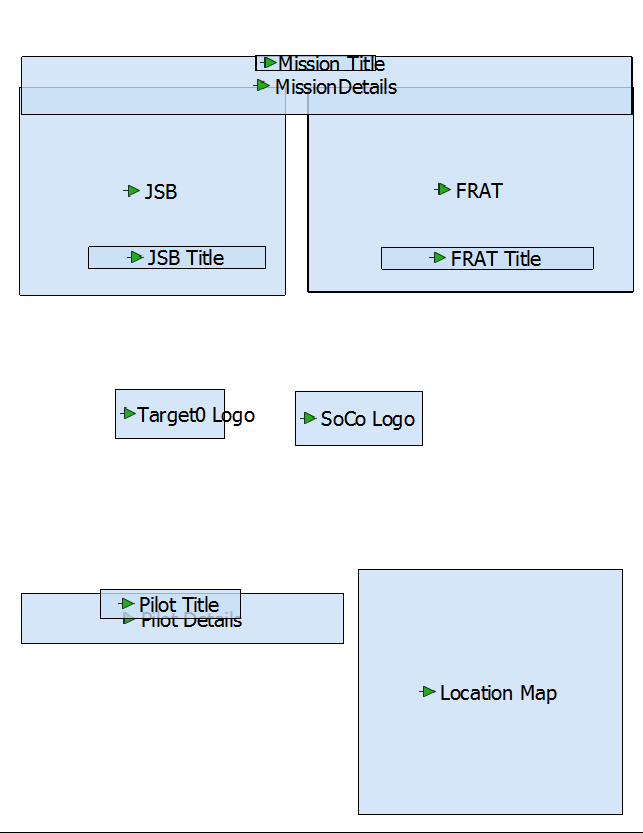
I have moved that two logo objects around and they never appear on the pdf at all. The location map object, which is created by the workspace using raster and vector data can be moved around anywhere and I don't have to do anything extra to locate the jpeg on the PDF page. I added a rastergeoreferencer after my reader using page units, following a related question but that did not work either. How can I fix this without using Avenza's Mapublisher transformer.


This post is closed to further activity.
It may be an old question, an answered question, an implemented idea, or a notification-only post.
Please check post dates before relying on any information in a question or answer.
For follow-up or related questions, please post a new question or idea.
If there is a genuine update to be made, please contact us and request that the post is reopened.

4 replies

fmelizard
Safer
Forum|alt.badge.img+21
  • Safer
  • August 2, 2017
Hi @geospatiallover, are you able to share your workspace? Which version of FME are you using?

geospatiallover
Participant
Forum|alt.badge.img+6

My issue has gone further south. I cannot recreate the size of my location map as shown on the first picture - anymore using the same workspace that I've been running multiple times a day for the last two weeks. The picture is correct because its created in another featurewriter as a JPEG. For some reason PDF transformers compresses the size. I am getting disappointed because I've even tried to start all over again. My current build is 17291 and my only recourse now is to install build 17539 and then start from scratch.


geospatiallover
Participant
Forum|alt.badge.img+6

@TiaAtSafe, attached is my FME tempalte.

from-survey-to-mission-folder-broken-with-ffs.fmwt


Forum|alt.badge.img
  • January 4, 2018

@geospatiallover did you find a solution to this?