



Question

ACAD BLOCK

  • June 14, 2018
  • 1 reply
  • 12 views

franco69
Contributor
Forum|alt.badge.img+10

Hi Guys,

i have an EXcel Sheets with coordinates and an attribute


i have to write it in an ACAD Block...i've tried the DWG STyler with Template/BLOCK etc...

bu it doesn't really works....especially to write the attribute from the ecel in the block


my block looks like that (Screenshot)
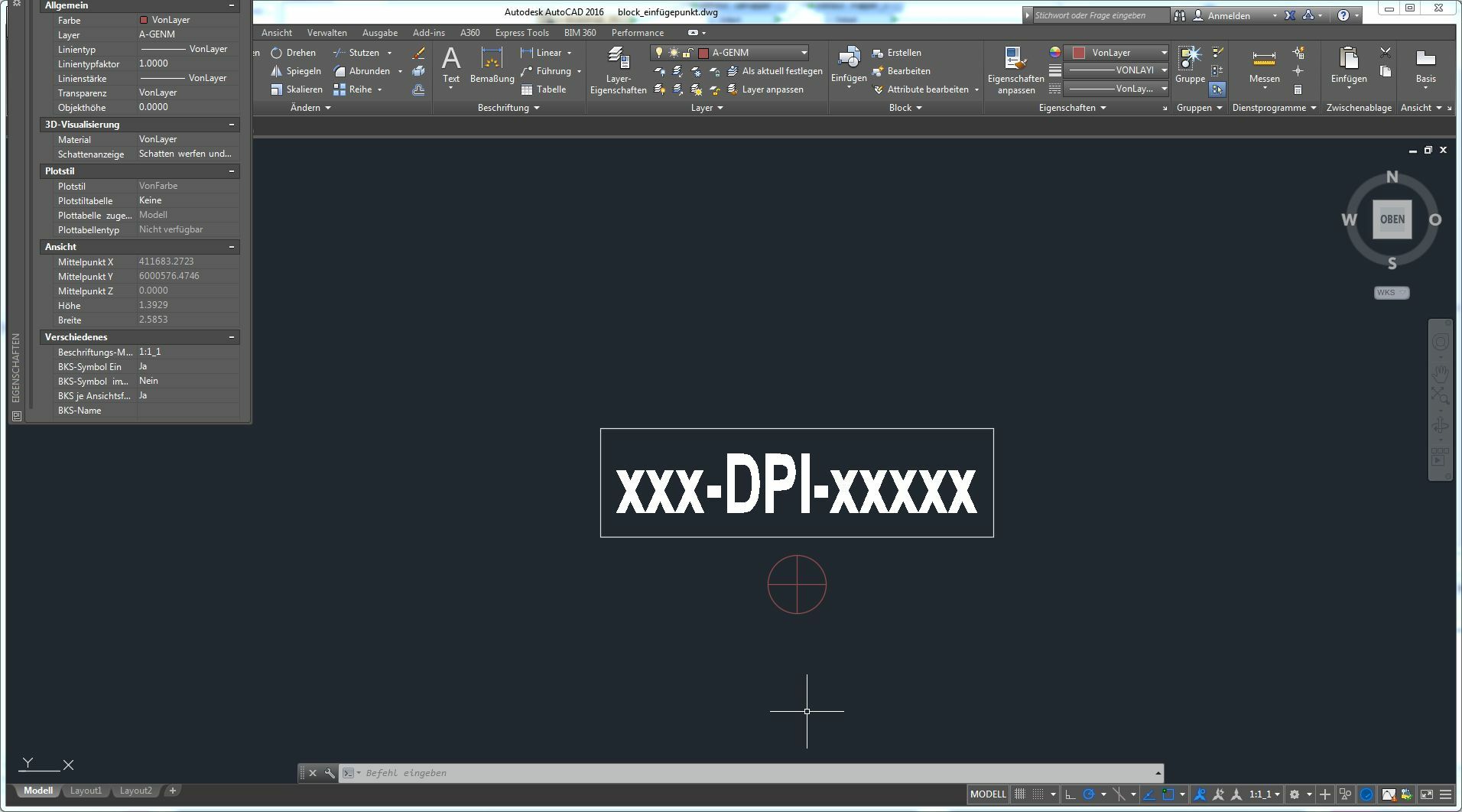
any helps or ideas?

Greetz

Franco

This post is closed to further activity.
It may be an old question, an answered question, an implemented idea, or a notification-only post.
Please check post dates before relying on any information in a question or answer.
For follow-up or related questions, please post a new question or idea.
If there is a genuine update to be made, please contact us and request that the post is reopened.

1 reply

  • November 13, 2018

Hi @franco69,

You can use an AttributeManager before the DWGStyler. The attribute name in the AttributeManager must match the Tag in Autocad block in the Autocad Template.


Cheers,

Ashish