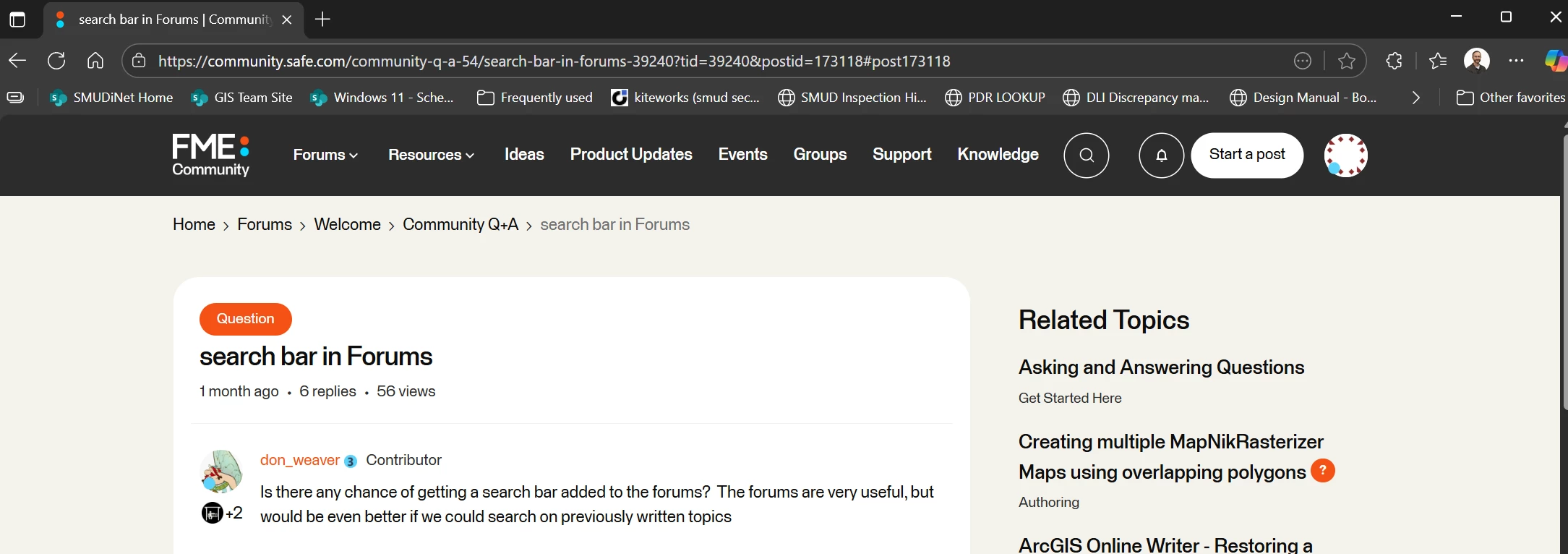



Is there any chance of getting a search bar added to the forums? The forums are very useful, but would be even better if we could search on previously written topics

Have you tried the little magnifying glass at the top right?
And on the main page, there’s a search bar right at the top, below the word Community.
Never really understood why there is so much empty space at the top of these pages, on mobile devices you have to scroll down at least a full screen, but maybe that’s why you missed these options?
Have you tried the little magnifying glass at the top right?
And on the main page, there’s a search bar right at the top, below the word Community.
Never really understood why there is so much empty space at the top of these pages, on mobile devices you have to scroll down at least a full screen, but maybe that’s why you missed these options?
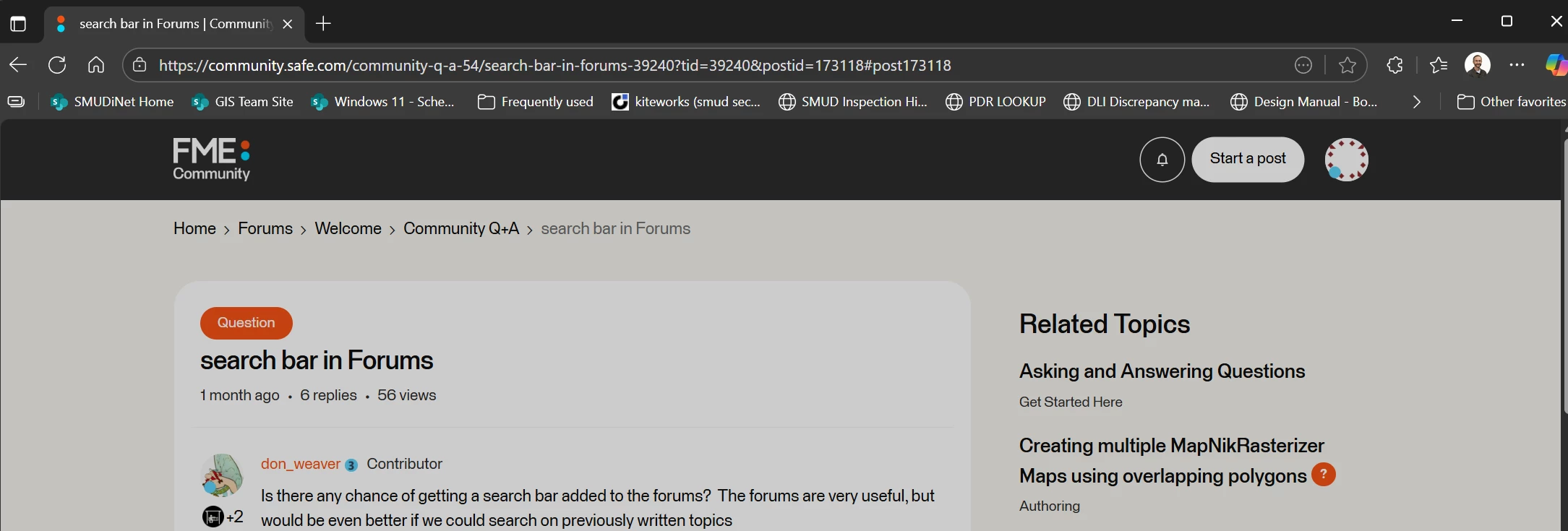
I have been trying it for some time this afternoon. When I click on it, the entire page goes somewhat dim, as if something was about to pop-up over top of it, but no search bar or dialog or field ever appears. I thought my ad-blocker might be to blame but turning that off made no difference. I only discovered this thread by chance. I’m about to give up and fall back on search engines.
I have had this happen once before, maybe some time last year while using Firefox. I believe the issue was a privacy related setting in firefox relating to some js that was trying to run when you click the button but it was a while ago so I do not remember the exact setting. An update to firefox fixed the issue. Have you tried using a different browser?
Good idea! I tried it using Firefox on my phone and the search bar worked fine. Unfortunately for me, Edge is all that’s allowed on my work machine at the moment.
I have had this happen once before, maybe some time last year while using Firefox. I believe the issue was a privacy related setting in firefox relating to some js that was trying to run when you click the button but it was a while ago so I do not remember the exact setting. An update to firefox fixed the issue. Have you tried using a different browser?
Good idea! I tried it using Firefox on my phone and the search bar worked fine. Unfortunately for me, Edge is all that’s allowed on my work machine at the moment.
I love your postscript by the way!
Thanks, I based my postscript on a funny photo (by @mark2atsafe ) and conversation from the april fools question of the week:
Edge is all that’s allowed on my work machine at the moment.
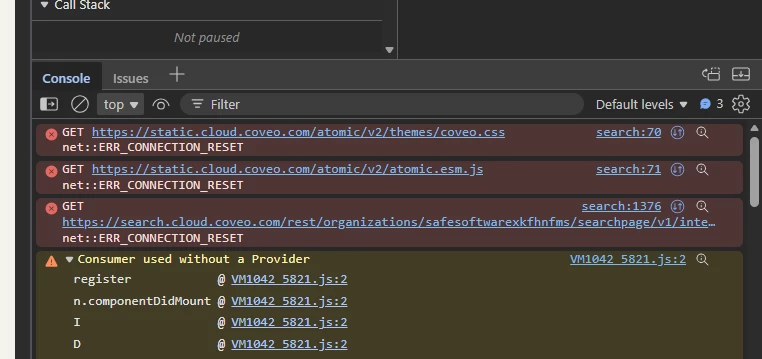
So press F12, then click on the magnifying glass icon, and check the console. It will probably show something that might help identify the problem.
Which may mean you’ll have to ask your IT department to give access to something that is blocked now, seeing as you’re talking about a corporate environment...
Edge is all that’s allowed on my work machine at the moment.
So press F12, then click on the magnifying glass icon, and check the console. It will probably show something that might help identify the problem.
Which may mean you’ll have to ask your IT department to give access to something that is blocked now, seeing as you’re talking about a corporate environment...
@michael_m Did you get a chance to check the console? Clear the console, then click on the search button to see if anything appears. I tested it on Edge 138.0.3351.77 and 142.0.3595.90 without any loading issues.