


Hello All
I have Building Room information Excel data, due to multiple stakeholder, contractors , sub-contractors generating data, several Excel template were created and it rolled for several years like this.
Now the challenge is to take into consideration ALL excel files and output them in 1 standard template. The challenge is
- Several TABS in 1 excel sheet (I am interested only for certain TABS)
- Spell Errors in TAB Names (Although TABS name may be same but between 2 excel there are spell mistake for the same TAB like with s or _ letter missing etc.)
- Different Headers title among each TABS and EXCEL FILE
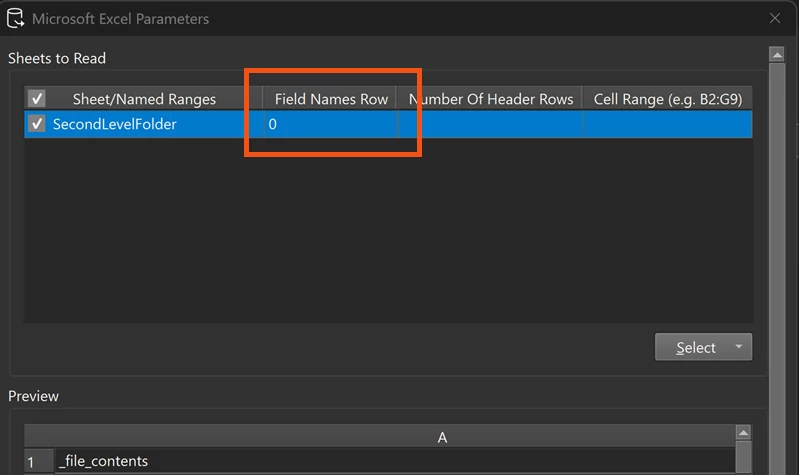
- Headers start at different rows
- Headers have spell error
- Striked rows / cells