



Solved

New to FME Flow Automations - Email Details issue

  • February 24, 2026
  • 1 reply
  • 31 views

teachcalds
Participant
Forum|alt.badge.img+3

I’ll try to make this really quick. We are trying to automate running several FME Form jobs. Each one will execute in line in the automation. The reason is we want them to stop if even one job fails and to send an email (External Action in FME Flow Automations). Being new I’m having issues trying to get the Email to work. I’ve tried various things with no luck. Is there anyone out there with experience on setting this up through Office365? I just want to know if I post this image of the settings if you might be able to tell me which are the most important to focus on. Also, any other pitfalls, internal flow steps, or even external steps I need to be taking. FYI: I’ve cleared out some of the settings in the attached image.

Thanks in advance for your time and knowledge!!!
Best answer by warrendev

Hi ​@teachcalds ,

Safe Software has a guide that goes over the steps for setting up Flow with Office365. It does require modern authentication, so you will need to create an Azure app registration first. 

How to Connect to Microsoft Exchange Online using OAuth 2.0 (Microsoft Modern Authentication) – FME Support Center


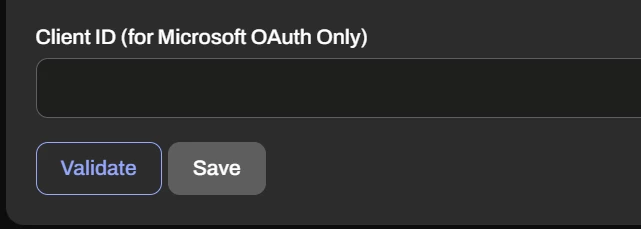
Once the app registration is created and the configuration is complete, you will need to supply the Client ID in FME Flow, and then you should be able to validate it successfully. The SMTP server port should be 587.


1 reply

warrendev
Influencer
Forum|alt.badge.img+27
  • Influencer
  • Best Answer
  • February 24, 2026

Hi ​@teachcalds ,

Safe Software has a guide that goes over the steps for setting up Flow with Office365. It does require modern authentication, so you will need to create an Azure app registration first. 

How to Connect to Microsoft Exchange Online using OAuth 2.0 (Microsoft Modern Authentication) – FME Support Center


Once the app registration is created and the configuration is complete, you will need to supply the Client ID in FME Flow, and then you should be able to validate it successfully. The SMTP server port should be 587.