


Question

Export looks different when workspace is run on FLOW than it does in Workbench

  • Oct 29, 2026 10:30 AM UTC
  • 1 reply
  • 50 views

bianca_
Contributor
Forum|alt.badge.img+9

Hi everyone, 

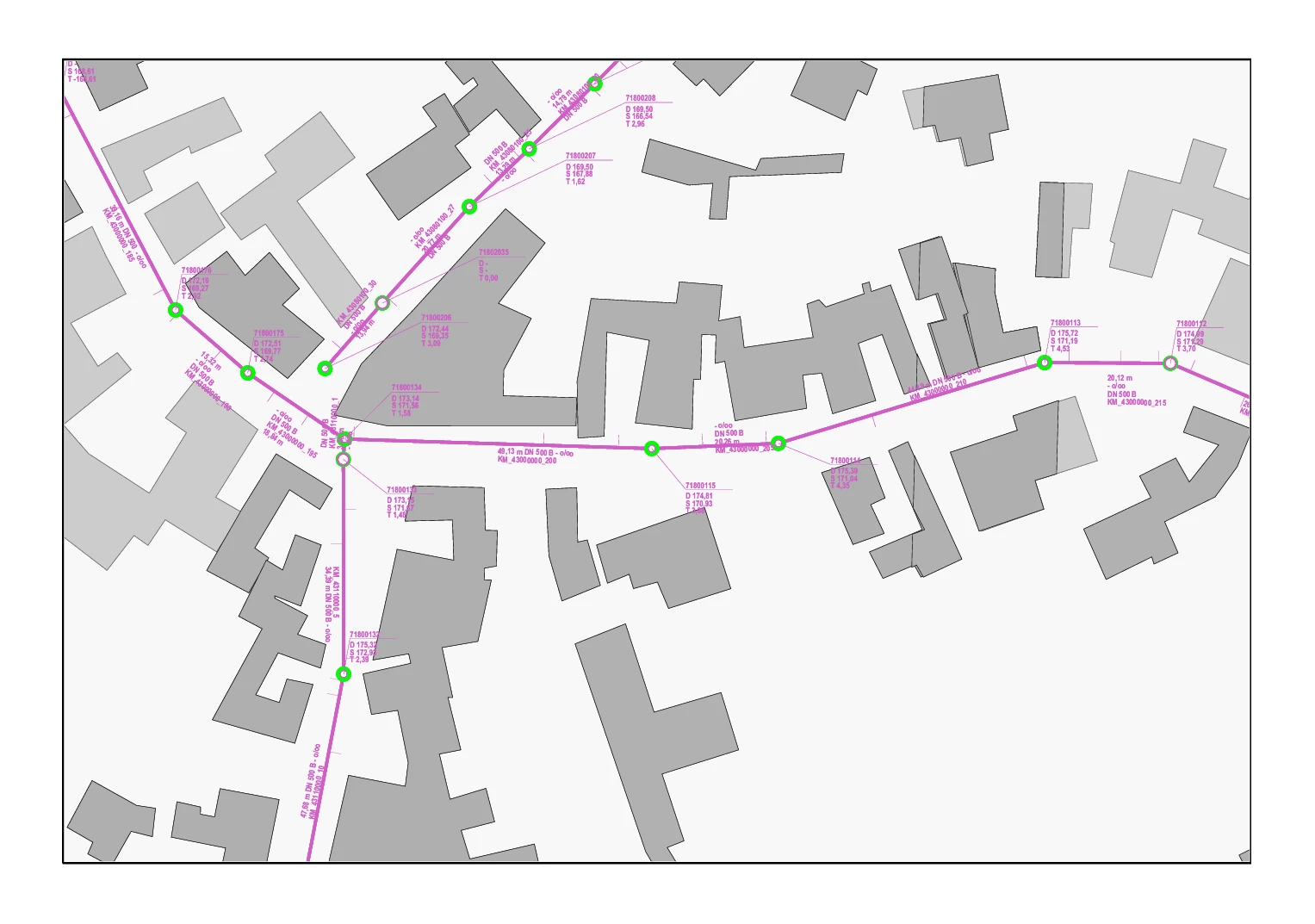
I have a workspace which exports a map as PDF using the featureWriter set on Adobe Geospatial PDF. When I run it in FME Workbench, my map looks exactly as it should (I have different parameters that set page size and orientation). For example, running it with the parameters Landscape, A4, returns exactly that.


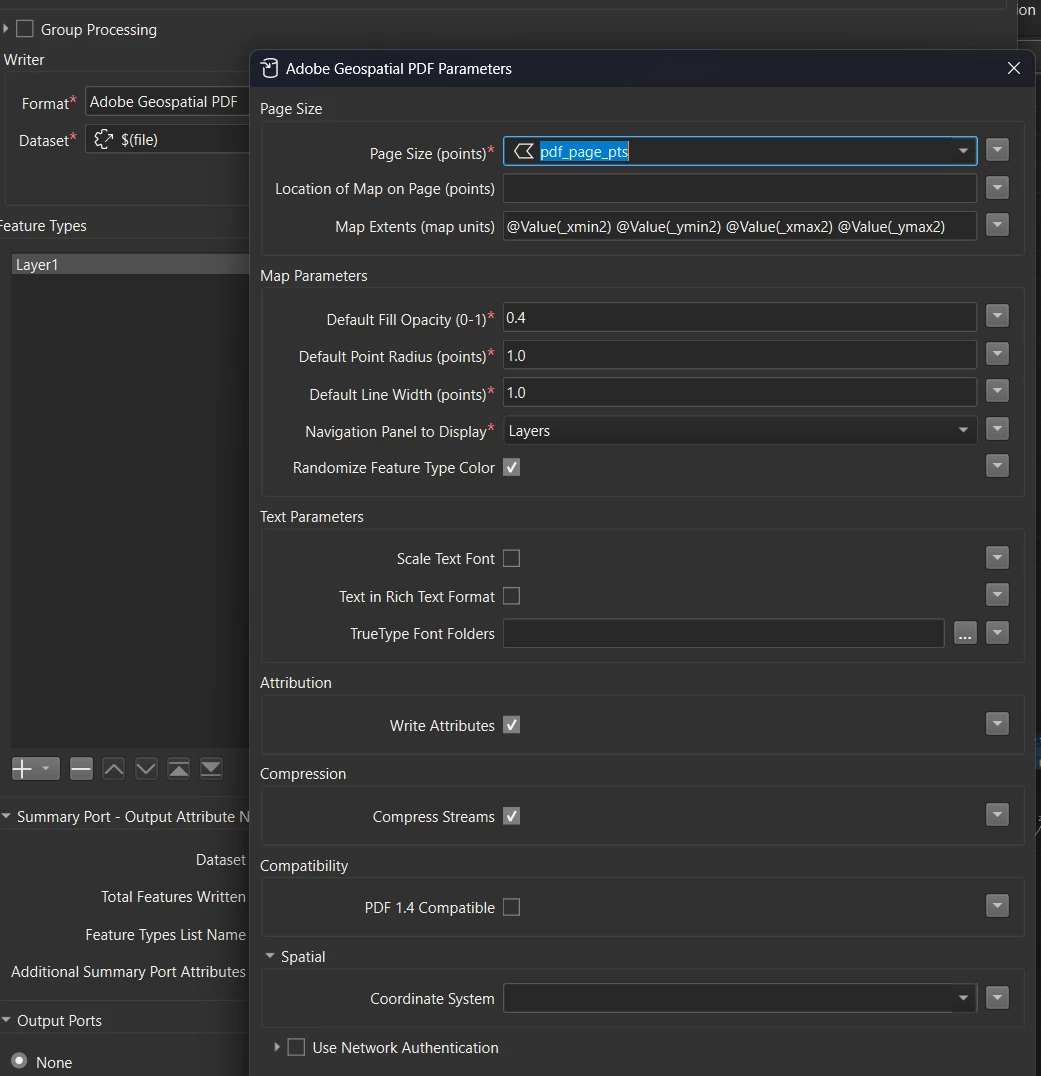
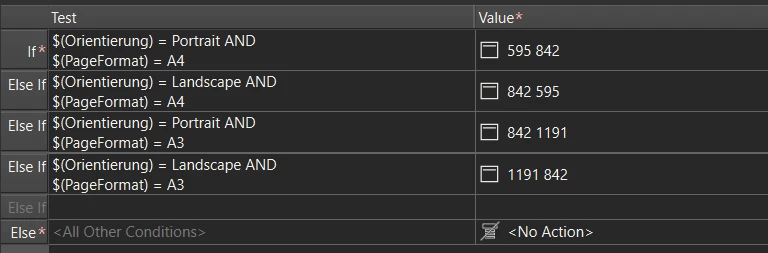
However, upon publishing on FLOW and running it there, I always get my page as Portrait, with a very small horizontal map on it. I pasted the examples below. I will also paste the settings of my FeatureWriter down below, in case I missed anything. I have made plenty of workspaces so far and I never had this issue before. Also, the pdf_page_pts field is getting populated everywhere, therefore I don’t think it’s a missing attributes kind of thing.
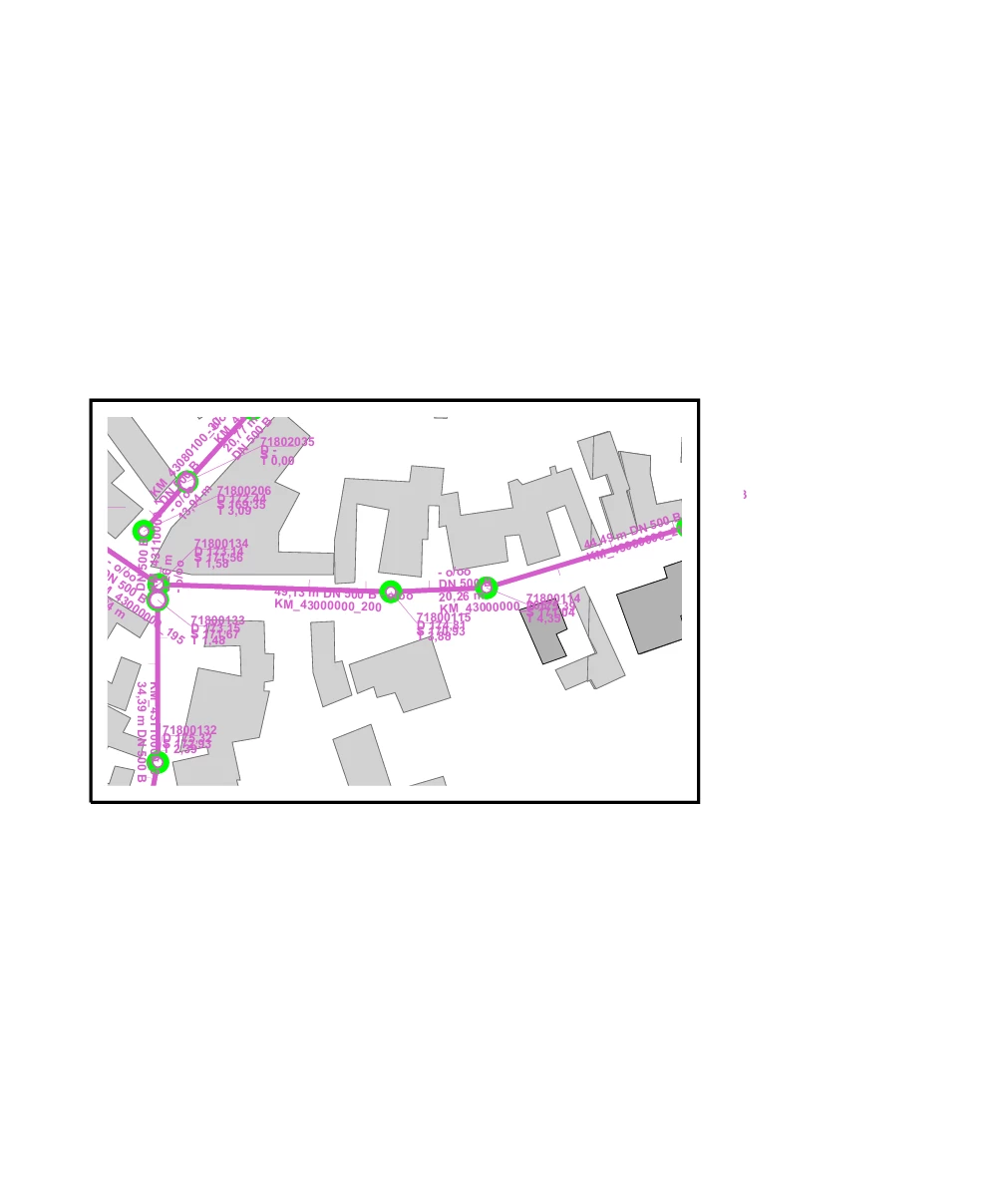
I’m using FME(R) 2026.1.0.0 (20260311 - Build 26103.

1 reply

nickcumming
Safer
Forum|alt.badge.img+14

Hi Bianca,

There’s a few different ways I would trouble shoot this.

The first thing I would do is check the job logs.  Here you can make sure that the job received the desired published/ non-private parameters and the values the engine received, e.g. --Orientierung "Landscape" --PageFormat "A4” . This is also displayed in the job details page.

If the parameters look good on the way in to the job I would check to see if they are falling through your If, Else If logic to the default Else = <No Action>. There are a variety of reasons this could fail (choice parameter label/value, published defaults, or even spaces or quoting issues). To isolate this potential issue I would try setting a test Else = MISSING and then adding Tester or Terminator that stops the job with pdf_page_pts = MISSING.  
If both of those assessments don’t resolve this issue feel free to file a support ticket so we can work with you on your workspace and additional logging.
I hope this helps!