Question

StringPairReplacer replacement woes

  • September 24, 2026
  • 2 replies
  • 22 views

lifalin2016
Influencer
Forum|alt.badge.img+41

I’m using StringPairReplacer to replace some tags (inside $ chars) in a snippet code to their default value, which fails.
Since SPR doesn’t accept (dynamic) variables for replacement string, only parameters, I’ve enclosed it in a custom transformer, and using its parameters to transfer the value of the replacement string.
But it still fails with
“@Tcl2 -- failed to evaluate expression `Replace_replacement_tags_StringPairReplacer_2_fb7401f4_4759_4fdf_9add_13b9915a14686_replace' -- char map list unbalanced”
The replacement value is given below in blue, and it works if I insert it as a fixed string.
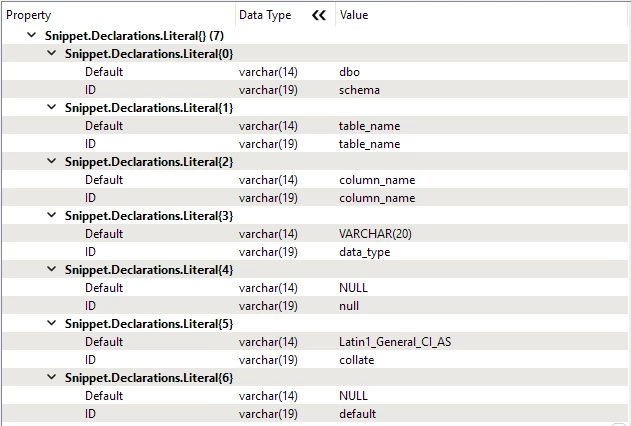
$schema$ dbo $table_name$ table_name $column_name$ column_name $data_type$ VARCHAR(20) $null$ NULL $collate$ Latin1_General_CI_AS $default$ NULL
Am I fighting some TCL or FME escaping, or could it be a bug in SPR ?
Fails in both 2020 and 2026.
Cheers.

2 replies

ebygomm
Evangelist
Forum|alt.badge.img+53
  • Evangelist
  • September 24, 2026

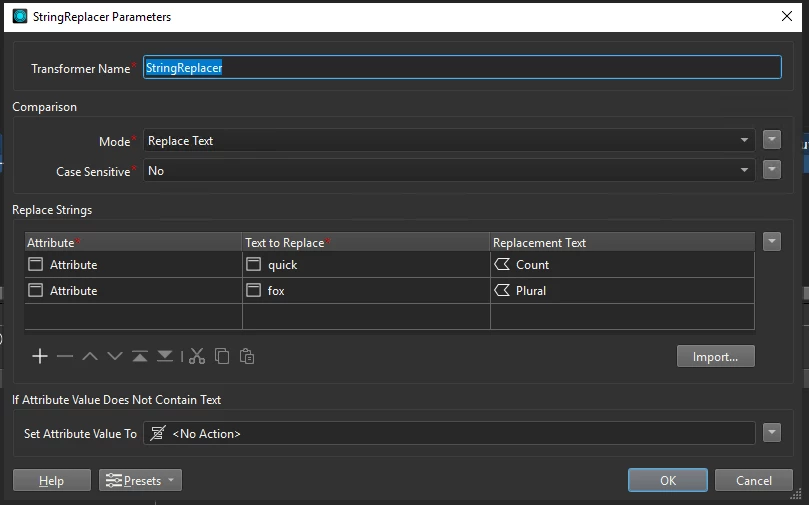
When you say you’ve tried in 2026, do you mean with the StringReplacer which now can handle pair replacement and will also allow you to use an attribute as replacement text?


lifalin2016
Influencer
Forum|alt.badge.img+41
  • Author
  • Influencer
  • September 24, 2026

I built the workspace in v2020, and opened it in v2026 and updated the transformer before writing here. Nothing changed in the result doing this.
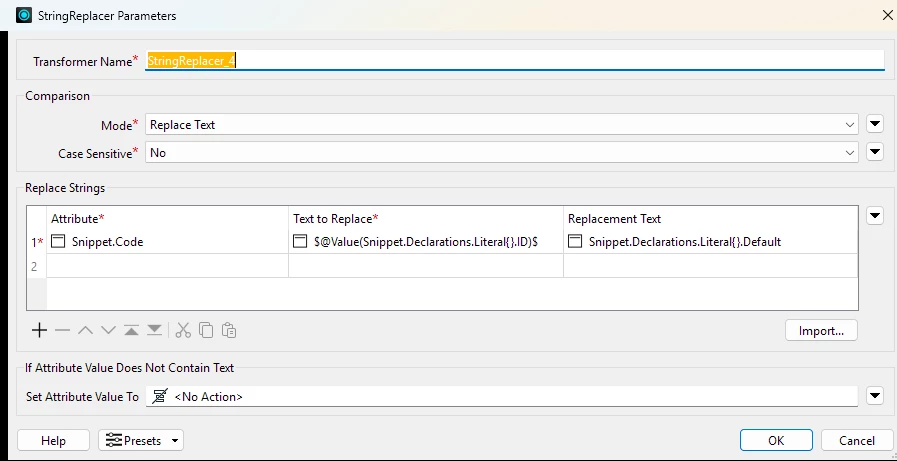
This updated StringReplacer isn’t really useful to me.
I have the replacement tags and values in a list with an ID and a Default qualifier, and I need to apply all (variable number) of list entries to the target text all at once. Like in the image below. However, this setup doesn’t work.That’s why the StringPairReplacer was the better choice, but without much success.