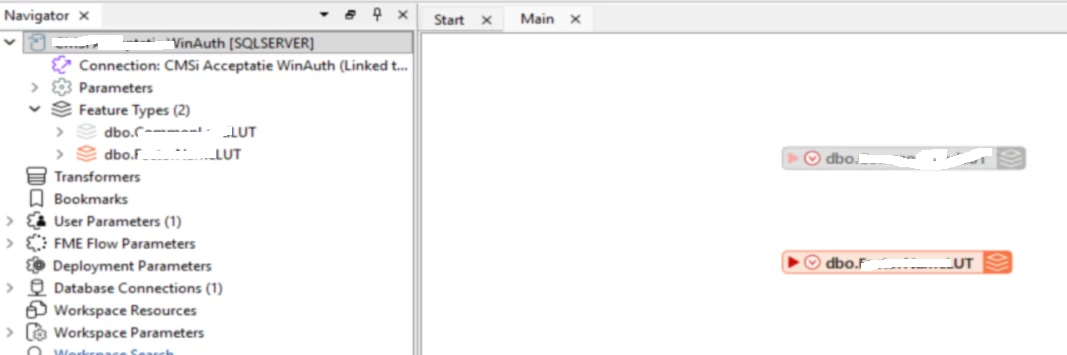
If I have an MS SQL Writer that I have disabled for whatever reason, all the features in the workspace turn grey. Perfect, is a very good indication that it is disabled. However: if I import another table, that writer is added to the Main canvas and to the Navigator in full color!
Which caused me quite a bit of head scratching this morning: why was nothing written to the database? It seems to me that this is a bug in FME Form (FME(R) 2026.1.2.0 (20260512 - Build 26124 - WIN64), but maybe I am overlooking/overthinking something…
To reproduce:
- Add an MS SQL Server Writer, use Import from Dataset to select a table.
- Right-click on the Writer in the Navigator, and select Disable [writer_name].
- Table on the canvas turns grey, as it should.
- From the menu select Build - Writers - Import Feature Types.
- Select another table, click OK.
- Now I see one grey table and one in full color…