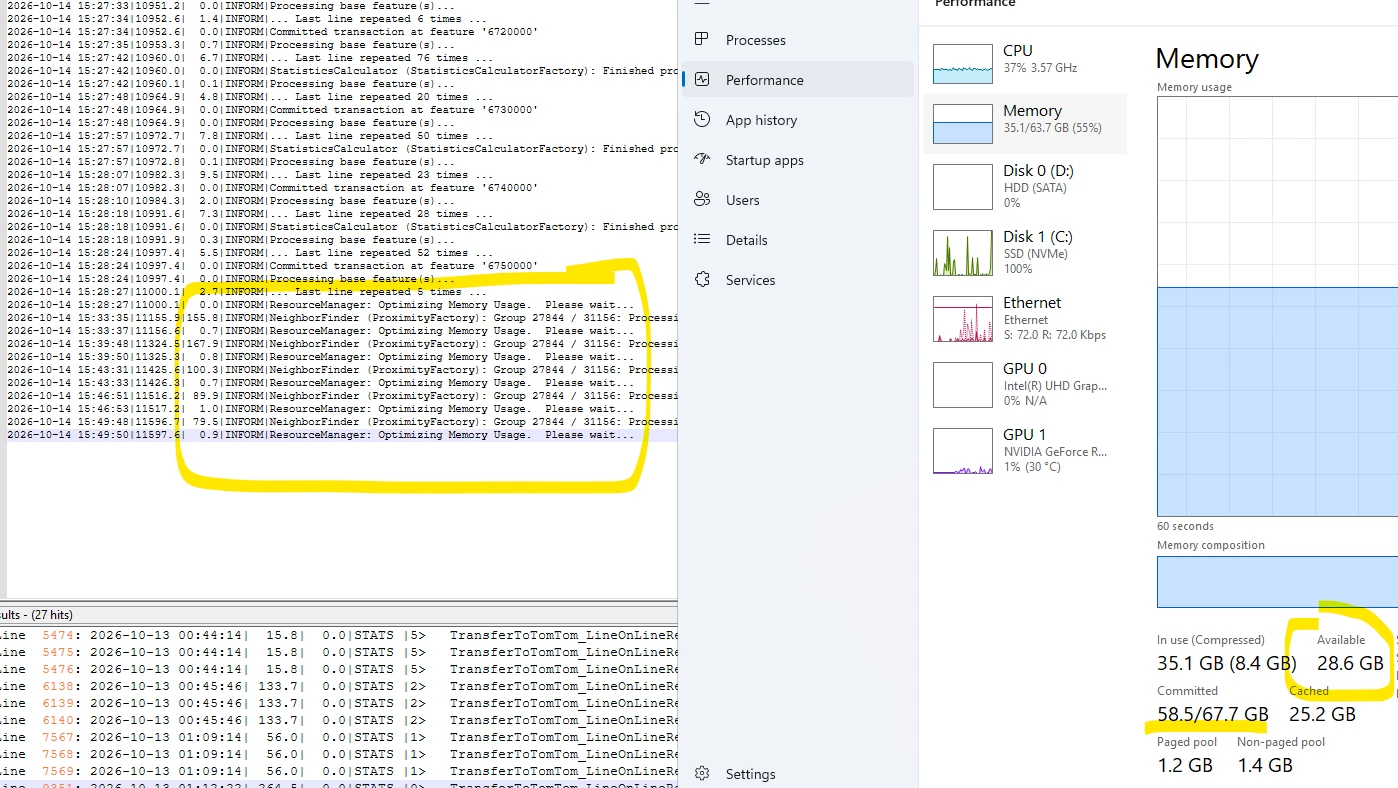



Hi. We're looking for some clarification on the virtual memory values being reported by FME Form and whether they are expected. On a Azure Virtual Desktop (AVD), Windows System Information shows:
- Disk: 128.00 GB
- Drive C: Total: 126.45 GB
- Drive C: Free: 36.37 GB
- Physical RAM: 64 GB
- Page File: 9.5 GB
- Virtual Memory: 73.5 GB
However, FME Form 2026.2.1 reports the following in the logs:
- System Status: 36.38 GB of disk space available in the FME temporary folder (C:\Users\LOCAL_…...\Temp)
- System Status: 63.99 GB of physical memory available
- System Status: 255.98 GB of virtual memory available
The physical memory figure appears reasonable, but the virtual memory figure is considerably higher than the virtual memory reported by Windows.
Our concern is whether this is simply a difference in terminology or metrics, or whether FME is using a different definition of "virtual memory" than Windows System Information. If FME genuinely believes more memory is available than can actually be committed by the OS, could this affect FME's memory optimisation behaviour or contribute to instability on large jobs? We've experienced memory optimisation and stability issues in the past when running larger processes, so we're trying to understand whether this discrepancy could be related.
Many thanks