
Best Answer

Change Image on FME Server Run Page

  • April 11, 2019
  • 1 reply
  • 13 views

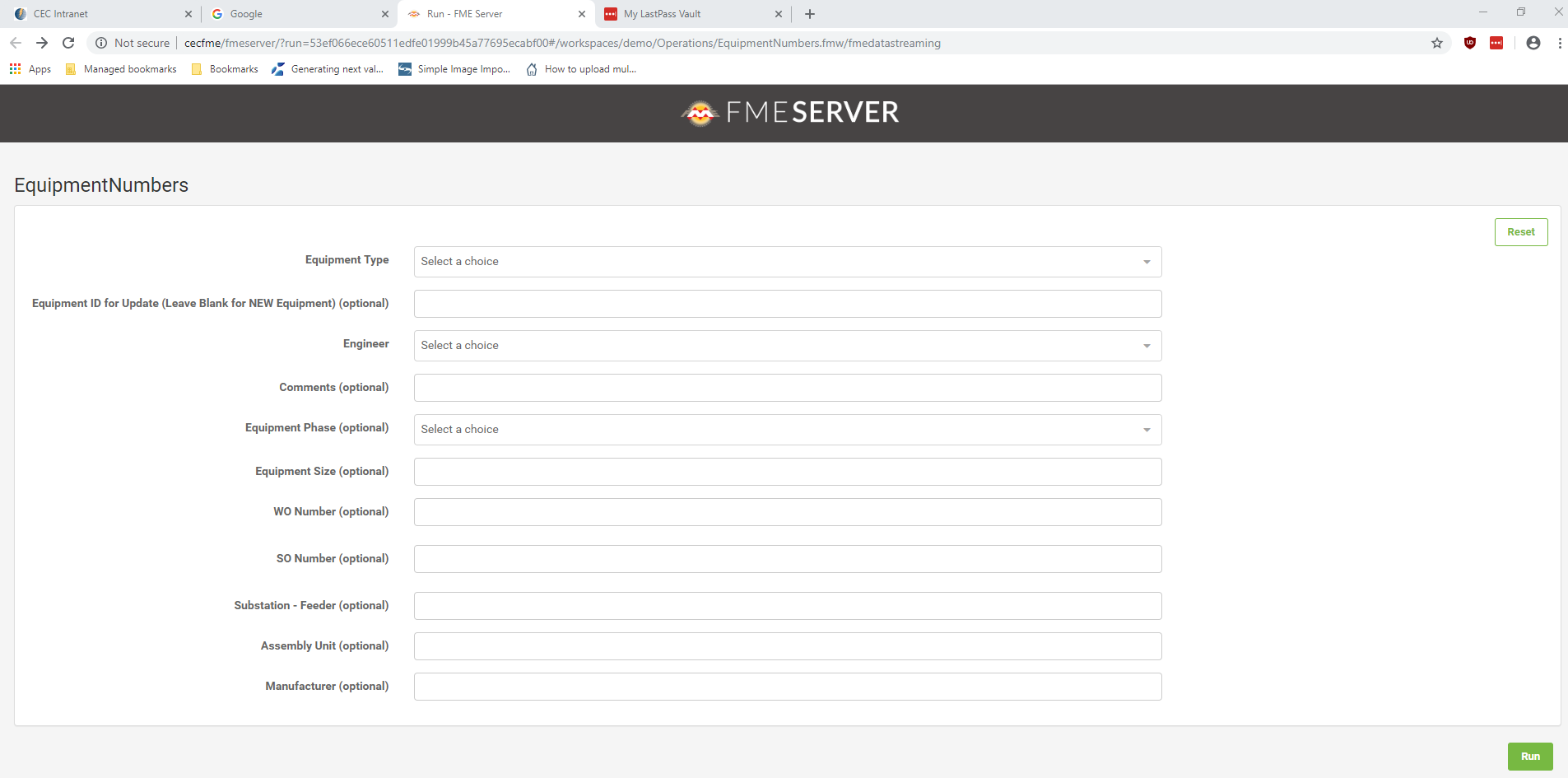
I published a project to FME Server and am utilizing the 'Workspace Sharing' function so that Users do not have to authenticate for this particular project. When they click the Sharing Link, the screen display 'FME SERVER' at the top.

Is it possible to modify the 'branding / splash page' to utilize our utility name and logo to ensure the employees that they are within a secure trusted internal site??


Best answer by david_r

You can modify the following file that contains the "FME Server" text logo (sans the symbolic logo):

...\FMEServer\Utilities\tomcat\webapps\fmeserver\images\textLogoDraftWhite.png

Be aware, however, that it will also replace the text logo on the FME Server login dialog, main menu, and perhaps also other places.

It's probably a good idea to preserve the pixel dimensions of the original image.

This post is closed to further activity.
It may be an old question, an answered question, an implemented idea, or a notification-only post.
Please check post dates before relying on any information in a question or answer.
For follow-up or related questions, please post a new question or idea.
If there is a genuine update to be made, please contact us and request that the post is reopened.

1 reply

david_r
Celebrity
  • Best Answer
  • April 12, 2019

You can modify the following file that contains the "FME Server" text logo (sans the symbolic logo):

...\FMEServer\Utilities\tomcat\webapps\fmeserver\images\textLogoDraftWhite.png

Be aware, however, that it will also replace the text logo on the FME Server login dialog, main menu, and perhaps also other places.

It's probably a good idea to preserve the pixel dimensions of the original image.
