I seem to be outputting multiple folders when I run my app through data stream or data download.
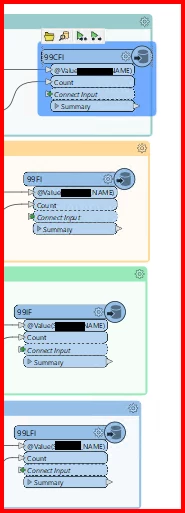
Tried connecting all connections to one feature writer but it seems to be limiting me to one excel file if I do that so I did multiple feature writers for each excel file that I want.
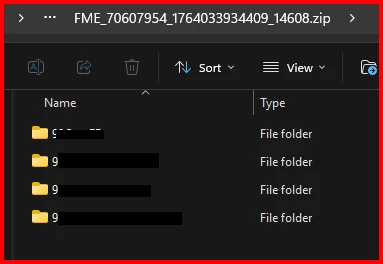
Tested running my app through data download and data stream and it outputs multiple folders - one folder per feature writer. Was wondering if I am able to simply download all excel files right away without putting them into a folder or just output them all into one folder. Screenshot below.
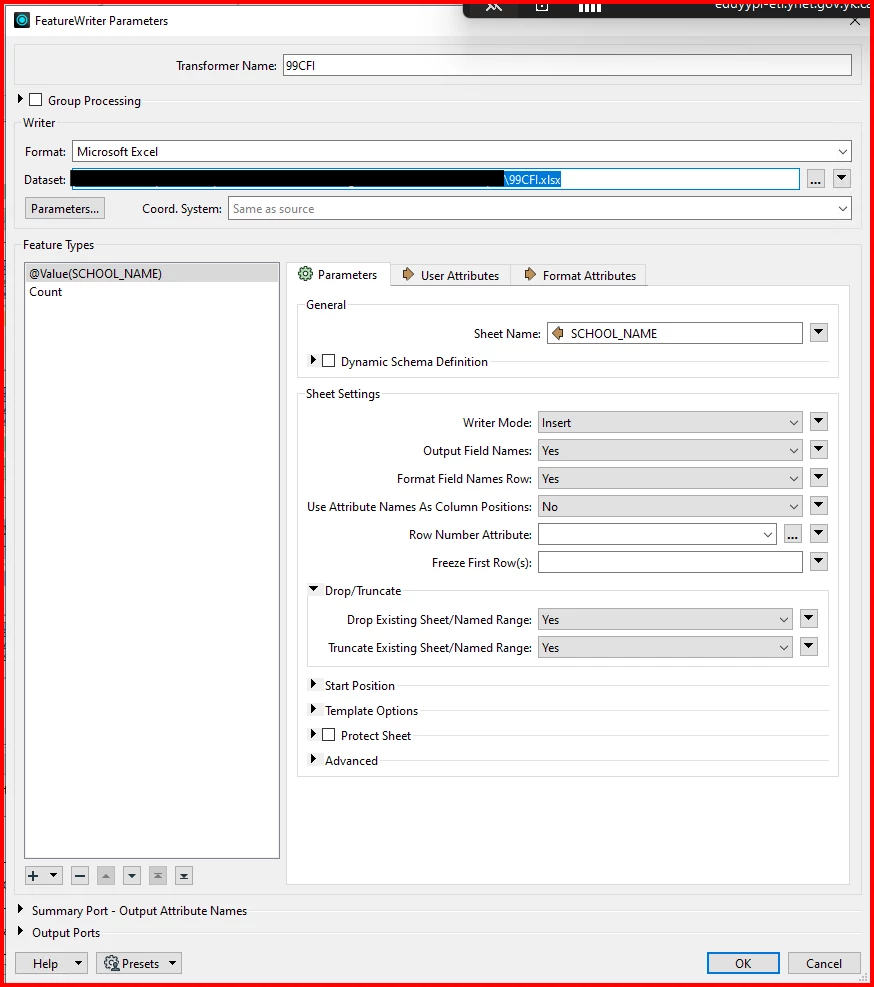
Feature writers under Microsoft excel format. Basically 2 sheet type. 1 is based on a value and other is count sheetNot much configuring except the name of the excel, sheet names, and drop/truncate both yesHere’s an example of what it outputs - 4 Folders(I suppose 1 folder for a specific feature writer)
Best answer by crystalwang
Hi @jferrer,
Sorry we missed your question!
The folder-per-writer behaviour in Data Download is by design, but you can control the zip file structure when publishing the workspace to FME Flow. When registering the Data Download service, click Edit beside the service, then click ... next to Writers in Download, then More. This opens a dialog where you can set the path for each file within the zip.
The folder-per-writer behaviour in Data Download is by design, but you can control the zip file structure when publishing the workspace to FME Flow. When registering the Data Download service, click Edit beside the service, then click ... next to Writers in Download, then More. This opens a dialog where you can set the path for each file within the zip.