Question

Merge a GeoTIFF and a CityGML file into a single SketchUp file

  • April 21, 2020
  • 1 reply
  • 64 views

Hello,

I'm trying to merge a GeoTIFF orthopotography file and a CityGML file with into a single SketchUp file.

With FME Workbench, I have visually the result I want in SketchUp:
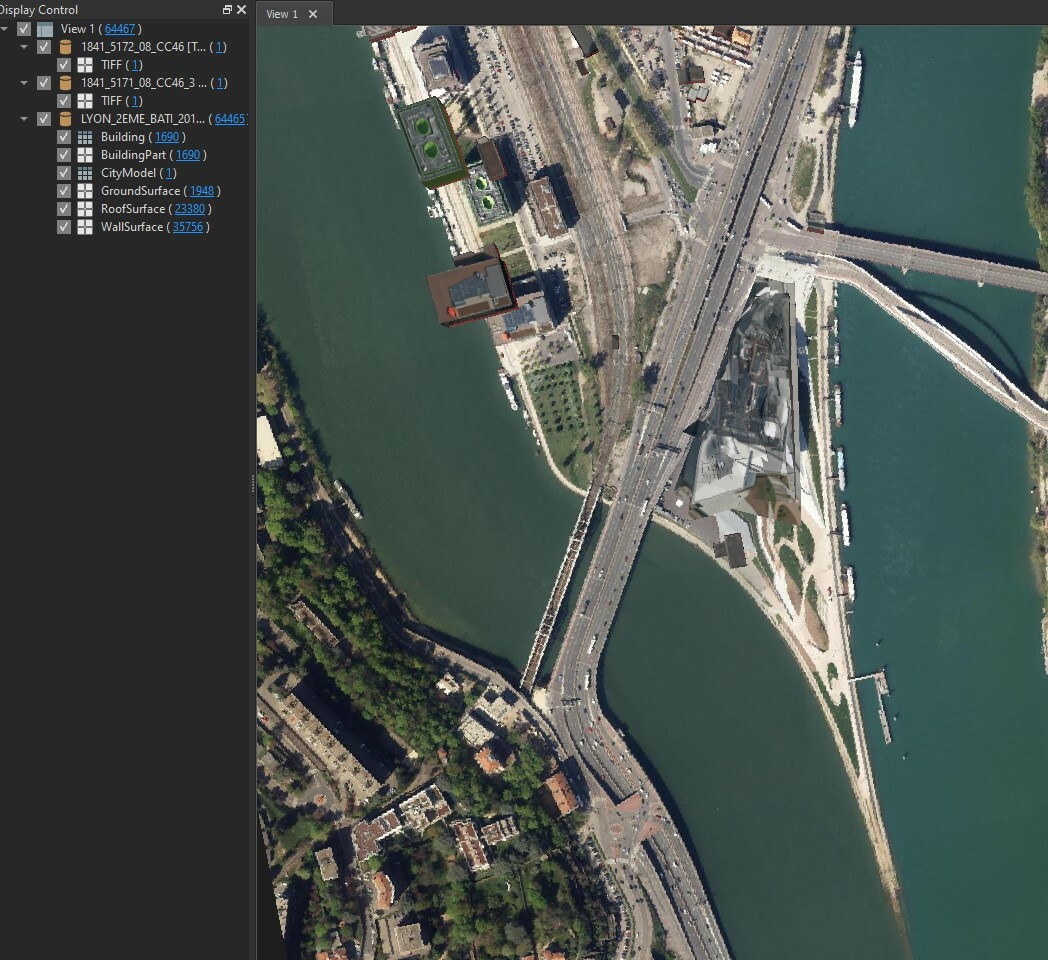
Do you have an idea of how to do this?

Thank you in advance!

This post is closed to further activity.
It may be an old question, an answered question, an implemented idea, or a notification-only post.
Please check post dates before relying on any information in a question or answer.
For follow-up or related questions, please post a new question or idea.
If there is a genuine update to be made, please contact us and request that the post is reopened.

1 reply

virtualcitymatt
Celebrity
Forum|alt.badge.img+47

HI @sebeauvoir,


From the doc I don't think that the Sketch-up writer supports writing rasters (https://docs.safe.com/fme/html/FME_Desktop_Documentation/FME_ReadersWriters/skp/quick_facts_skp.htm )


One method, though, would be to create a surface which represents the extend of the Orhtophoto and apply the raster/tiff as a texture. If you have a terrain surface this would be even better. Here's a guide on how you can apply a raster to a terrain surface: https://knowledge.safe.com/articles/1086/draping-imagery-textures-on-terrain-surfaces.html



