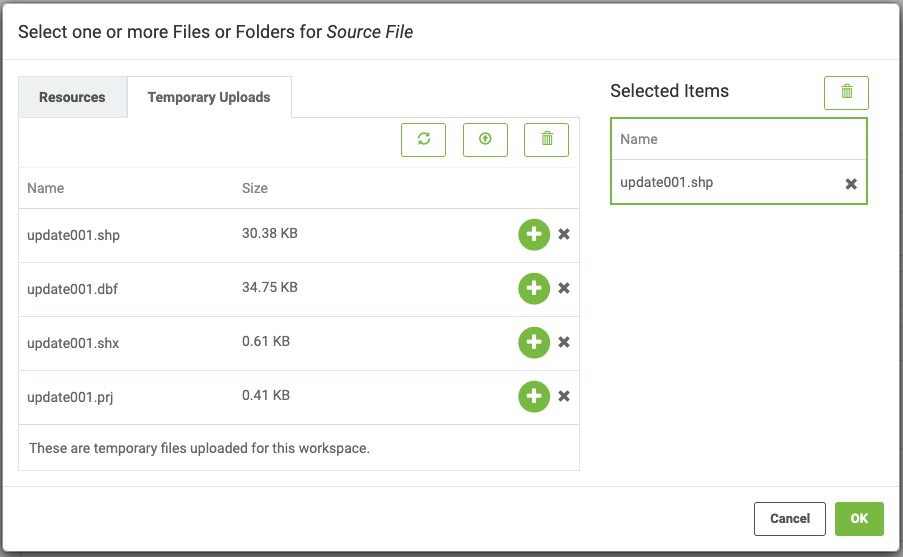
I have built a workbench that takes a shapefile (which isn't one file) as an input. I've published it to FME Server. How do I upload a shapefile(s) so that FME Server will process it?

Solved
How do I upload shapefiles to FME Server?
 +1
+1Best answer by erik_jan
You can Zip the files and upload the Zip file.
FME can read those as being a Shape file collection.
Hope this helps.
This post is closed to further activity.
It may be an old question, an answered question, an implemented idea, or a notification-only post.
Please check post dates before relying on any information in a question or answer.
For follow-up or related questions, please post a new question or idea.
If there is a genuine update to be made, please contact us and request that the post is reopened.
It may be an old question, an answered question, an implemented idea, or a notification-only post.
Please check post dates before relying on any information in a question or answer.
For follow-up or related questions, please post a new question or idea.
If there is a genuine update to be made, please contact us and request that the post is reopened.