
Best Answer

Cannot read exported shapefile attribute table

  • June 15, 2020
  • 2 replies
  • 54 views

Hi,

I'm using the FeatureWriter to export a bunch of data from an SDE FeatureReader to a shapefile format. While most shapefiles are getting created with no problems, there are a few where the attribute table cannot be read using either ArcMap or ArcCatalog. The ones that cannot be read seem to be the ones where I am using a Tester transformer to select only certain features for export.

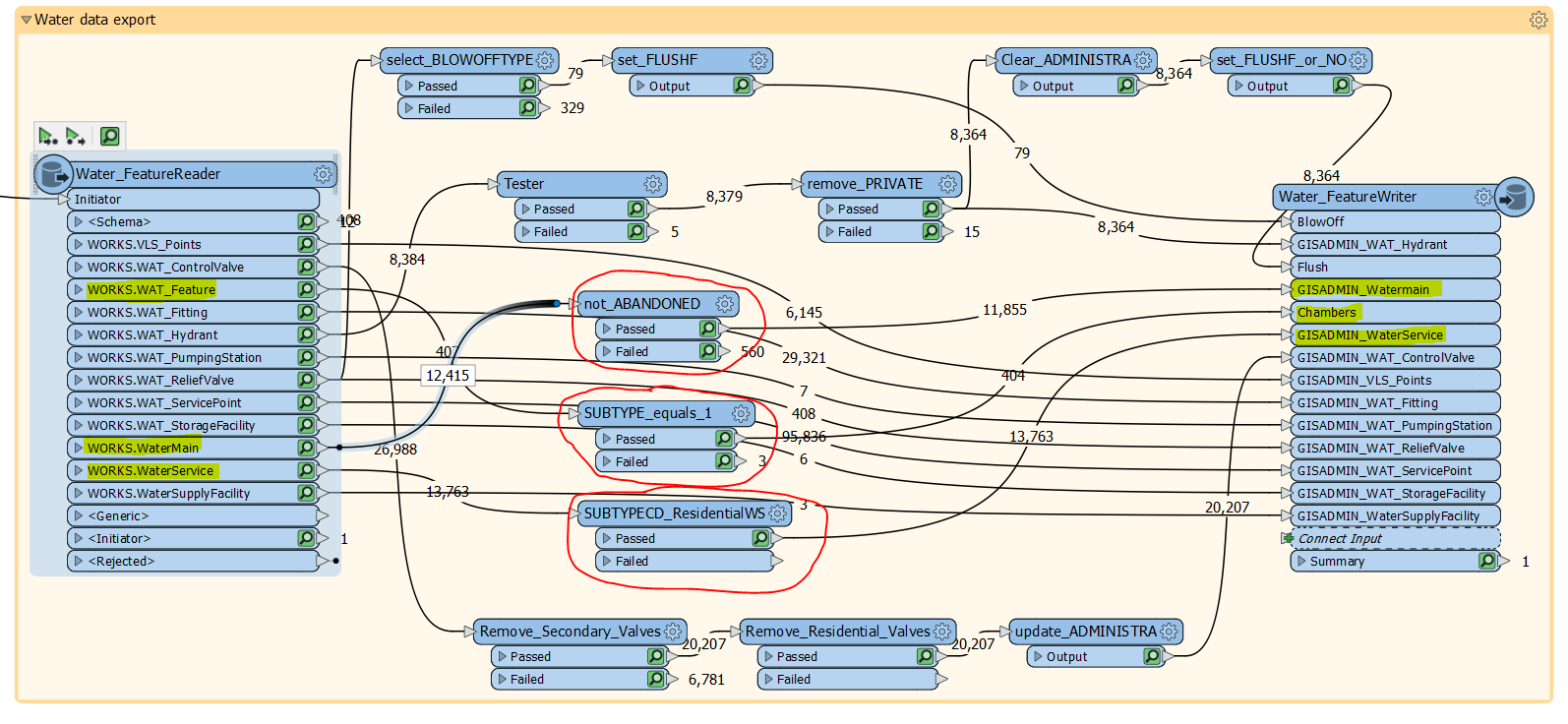
The image below shows the 3 layers that are having the problems. Other layers also use a Tester, but they also use other Transformers as well.

The three that are having the issue are the only ones where there is just one Tester transformer in the 'chain'.

Spatially, all the data is there, but it's just the attribute table that cannot be read.
 

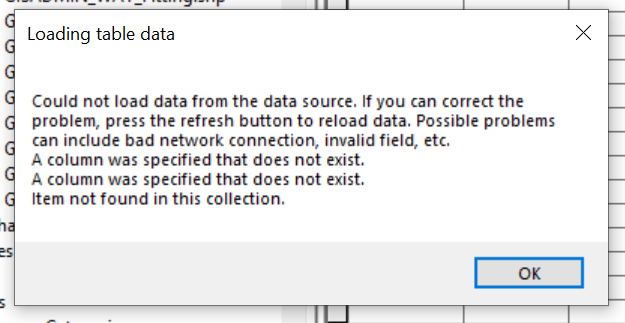
This is the error I get in ArcCatalog.
 

Best answer by bbulla

Hi @markatsafe,

I seem to have resolved this issue. In the FeatureWriter I have changed the 'User Attributes' for each Feature Type being exported from Automatic to Manual (without really messing with the attributes), and that seems to have fixed the problem.


Thanks!

This post is closed to further activity.
It may be an old question, an answered question, an implemented idea, or a notification-only post.
Please check post dates before relying on any information in a question or answer.
For follow-up or related questions, please post a new question or idea.
If there is a genuine update to be made, please contact us and request that the post is reopened.

2 replies

Forum|alt.badge.img+2

@bbulla would you be able to attached one of the bad Shape datasets?


  • Author
  • Best Answer
  • June 16, 2020

Hi @markatsafe,

I seem to have resolved this issue. In the FeatureWriter I have changed the 'User Attributes' for each Feature Type being exported from Automatic to Manual (without really messing with the attributes), and that seems to have fixed the problem.


Thanks!
