


Question

Raster rotation

  • December 9, 2025
  • 1 reply
  • 34 views

mszwaya
Participant
Forum|alt.badge.img+5

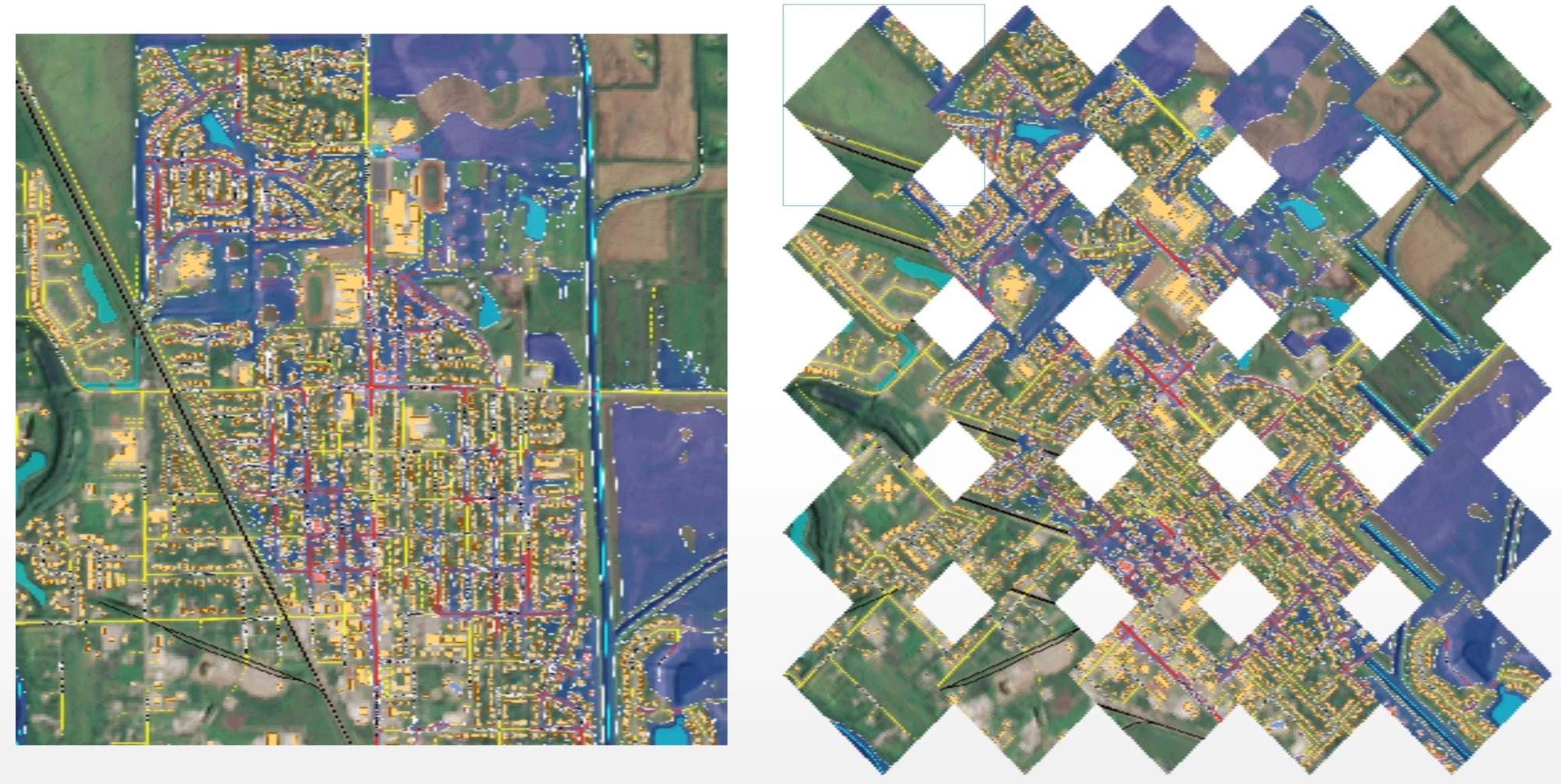
I have a raster broken up into a grid of raster cells using RasterTiler.  I want to rotate each cell X degrees (not the whole raster) in place.  I do *not* want to rotate around the upper left corner.  I need the cell to rotate and remain in the exact location.

As I understand it, my process is using the following transformers:

  1. RasterCellOriginSetter: Set to 0.5,0.5 (the center)
  2. Rotator: Set Rotation Angle to X.
  3. RasterRotationApplier: Interpolation Type = Bilinear.

When I do this, the cells are rotated around the upper-left corner rather than the centroid.

Do I have the correct transformers & settings for this application?

1 reply

dmitribagh
Safer
Forum|alt.badge.img+17
  • Safer
  • December 12, 2025

Hi ​@mszwaya,


Do I understand correctly that you actually want to rotate tiles, not cells (pixels)? RasterCellOriginSetter applies to cells, not rasters as a whole. It is a rarely needed transformer. In order to rotate each tile around its centre, you need to extract the coordinates of the centre (CenterPointExtractor) and supply the extracted coordinates to the X and Y Origin parameters in Rotator. Then each tile rotates around its centre.
 

Raster Tile Rotation

You can also achieve this with Affiner, which gives a lot more power (with a lot more math).
You may also want to use RasterBandAdder or RasterBandNodataSetter before rotation so that the pixels added after RasterRotationApplier are transparent. See the attached workspace.

If I misunderstood your question, please let me know, I’d be happy to dive deeper.

Dmitri