




Question

Raster: Handle large areas with no data

  • August 16, 2017
  • 3 replies
  • 122 views

sigtill
Supporter
Forum|alt.badge.img+25

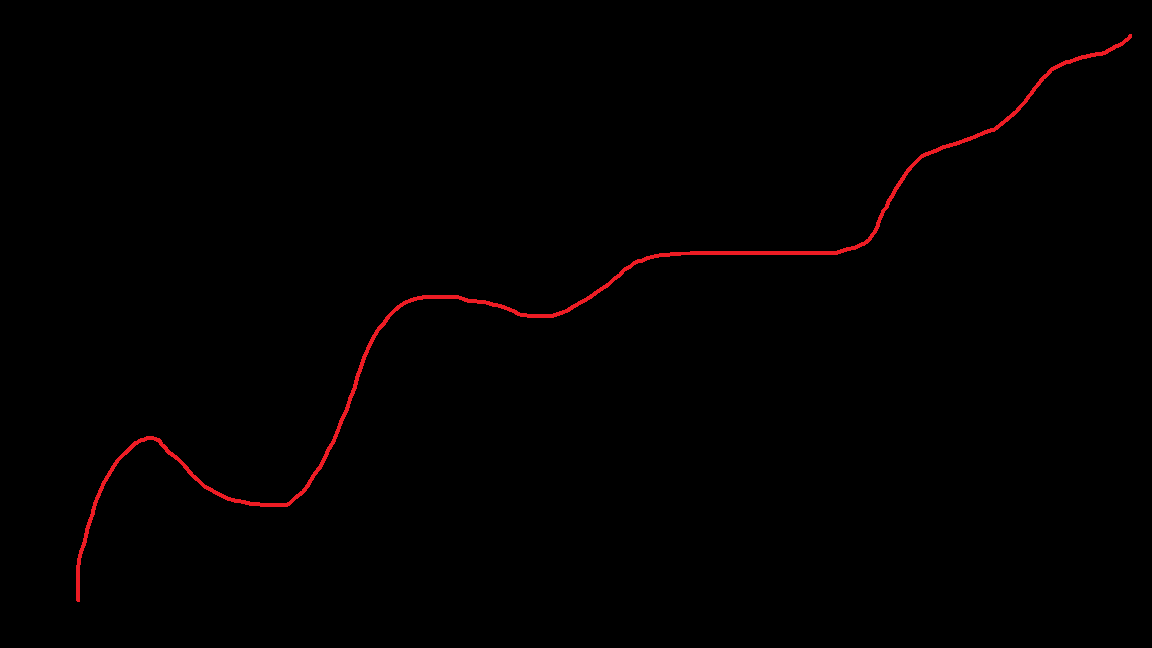
I have a huge ECW-file with not much data. Seen below is a simplification. The black area is "nodata area" and the red area is the actual data (ortophotos following a road).

I want to convert this to a BigTIFF (tiled). The issue is that the resulting file is too large to be stored in memory (according to stats, 60 GB of RAM ++ is needed) so it slows down alot. By dividing this area with the RasterTiler I can get approx 20 tiles that does not need that much RAM while processing.

However I wonder if it is possible to somehow "not read" the no-data,black,transparent data (as mentioned in the 4th band) - but only only read the relevant pixels.

On VECTOR datasets when you use the Tiler - it will only send the tiles containing vector-data, and remove the "empty tiles" - this does not seem to work with rasters. A solution would be to calculate band 4 on data within that raster-tile - and if all values are transparent then skip that tile. Or preferrably it might be a faster solution to this?

This post is closed to further activity.
It may be an old question, an answered question, an implemented idea, or a notification-only post.
Please check post dates before relying on any information in a question or answer.
For follow-up or related questions, please post a new question or idea.
If there is a genuine update to be made, please contact us and request that the post is reopened.

3 replies

sigtill
Supporter
Forum|alt.badge.img+25
  • Author
  • Supporter
  • August 16, 2017

I tried to use the Creator - FeatureReader and the Spatial Filter with Intersect - however it seems that the ECW format is not "spatial aware" and reads the complete ECW instead of just the wanted part.


takashi
Celebrity
  • August 16, 2017

Hi @sigtill, as far as I know, there seems to be no way to skip reading/creating tiles that contain only Nodata cells. A workaround I can think of is to use the RasterBandMinMaxExtractor to extract min/max cell values for each tile, then determine whether each tile has only Nodata cells, based on the values. However, I don't know if the workaround can contribute to improve the performance of entire processing.


david_r
Celebrity
  • August 16, 2017

Hi @sigtill, as far as I know, there seems to be no way to skip reading/creating tiles that contain only Nodata cells. A workaround I can think of is to use the RasterBandMinMaxExtractor to extract min/max cell values for each tile, then determine whether each tile has only Nodata cells, based on the values. However, I don't know if the workaround can contribute to improve the performance of entire processing.

Agree, this mirrors my own experience. Unfortunately the RasterBandMinMaxExtractor can be relatively slow, but I don't know of any other solution for checking for empty rasters.


Side note: It'd be very interesting to know if the new raster objects in fmeobjects can do it faster than the transformer.




