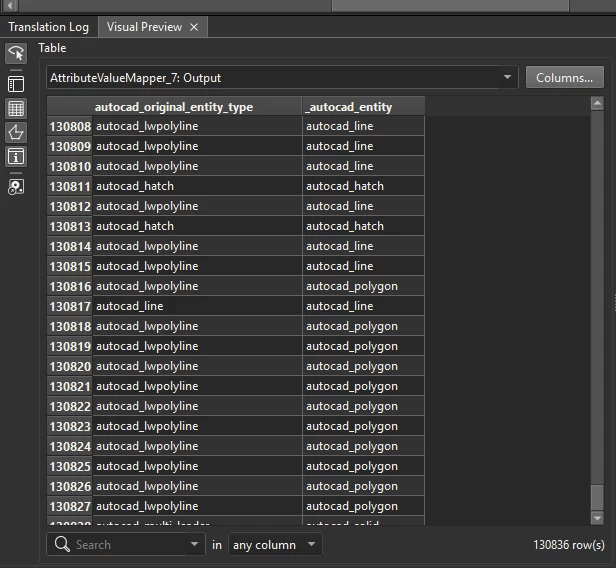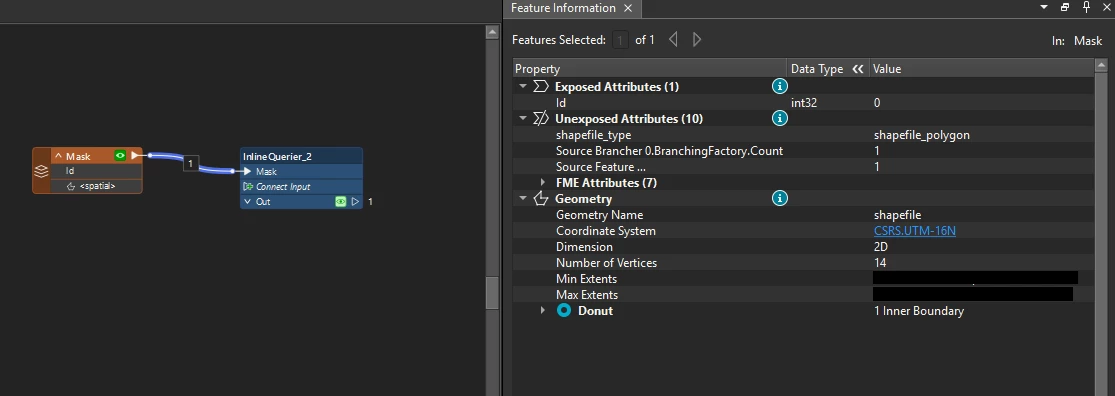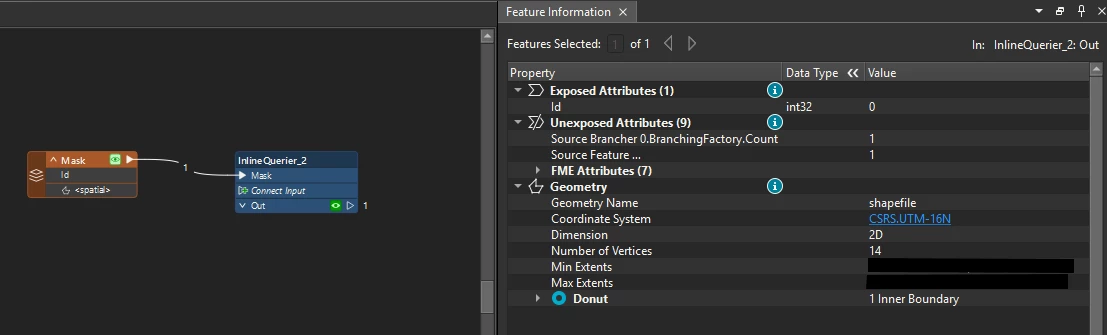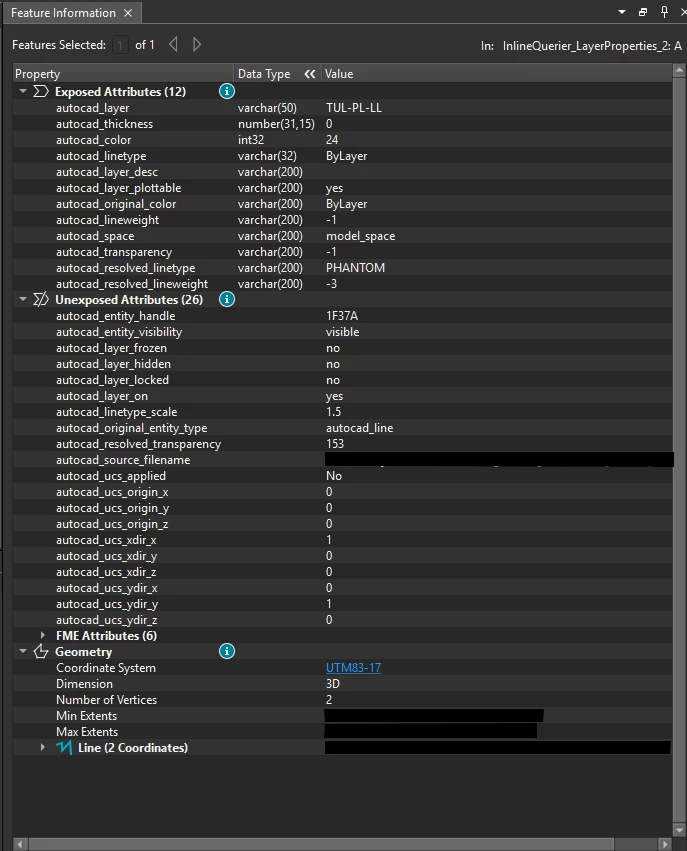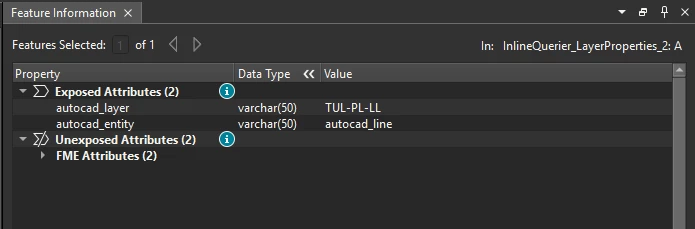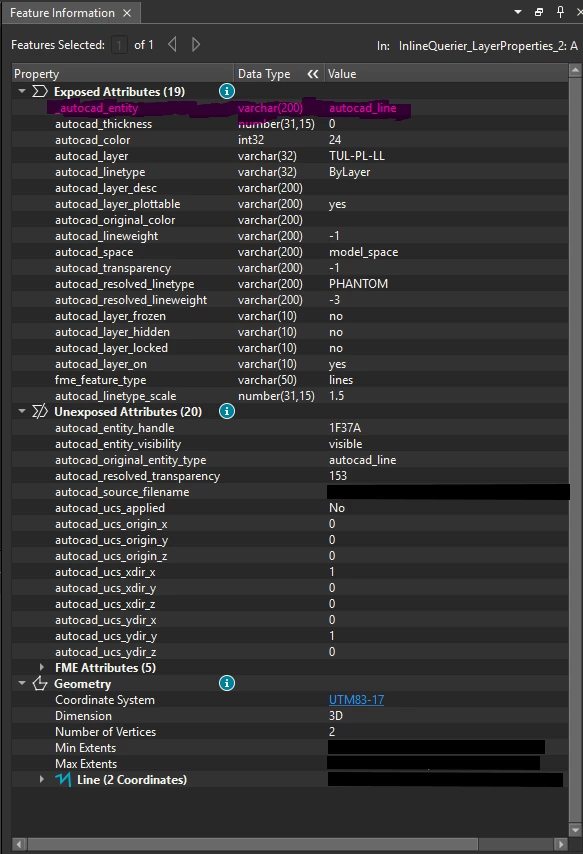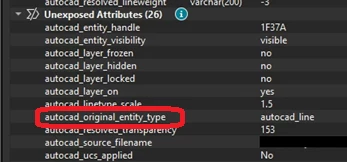



In a workspace processing AutoCAD data, I have recently replaced a bunch of transformers with an InlineQuerier, and downstream of it is an AttributeFilter, filtering on the autocad_entity attribute. Because of this, I found that the InlineQuerier is dropping this attribute, regardless of whether it’s exposed when entering.
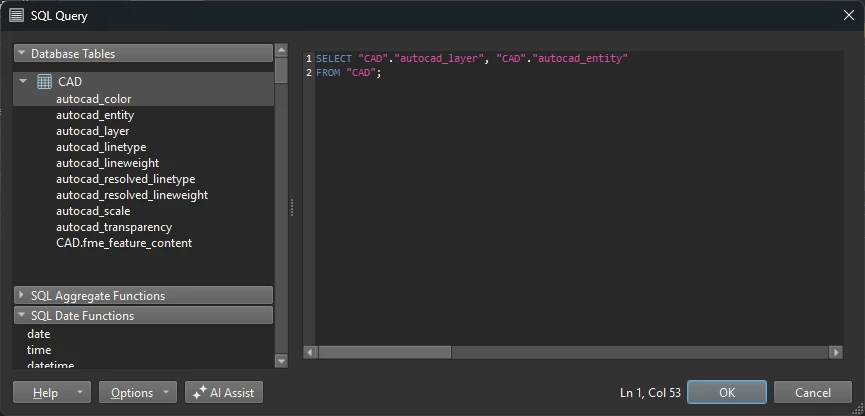
I don’t need the attribute for my queries, so I had not originally added it to query columns, but after some testing, the only way I can get the attribute to persist on the features exiting is to include it in the query columns, specifically include it in my SELECT statement, and also not include fme_feature_content in the SELECT.
With a simplified query:
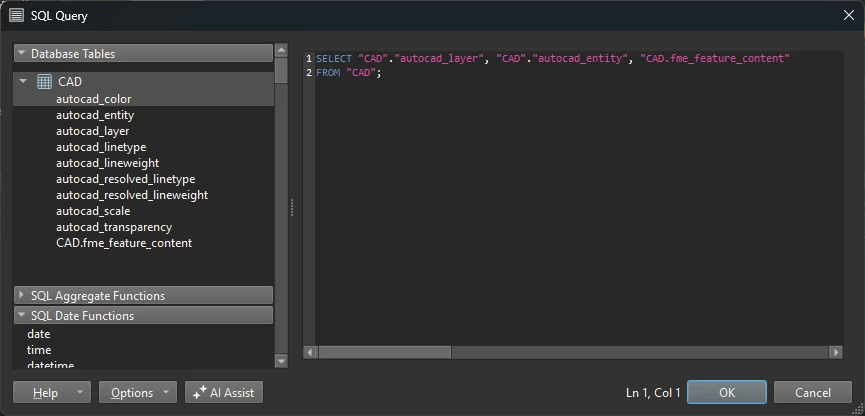
I found this post Geometry Replacer - missing attribute after output | Community where the replies note the GeometryReplacer will remove this attribute (among others) to avoid issues downstream - this makes sense, and I’ve found that renaming the attribute does indeed preserve it in the output.
To my question: Does anyone know if this is the same thing the InlineQuerier is doing? I’m guessing since it does have the ability to work with geometry, it may be doing this when fme_feature_content is included, though anything included in fme_feature_content could not have been modified by the InlineQuerier if my understanding is correct, maybe it should be dropped only if a geometry type column is included in an Input table, or if geometry is created in the query? - but there’s probably some other scenario I’m not thinking of that could happen here.
The renaming trick isn’t too bad in the grand scheme of things, but I’ll likely be using the InlineQuerier much more in the future since it’s so powerful, and knowing if I need to watch for this issue with other attributes as well might save time in the future. Thanks!