



Solved

Concatenate fields with space in between

  • May 12, 2025 8:55 PM UTC
  • 12 replies
  • 501 views

nikkik
Contributor
Forum|alt.badge.img+8

I am trying to concatenate 6-7 fields to create single field with spaces in-between different field values to create a address like string, no commas needed. Can I do it in text editor?

             Field1  Field2  Field3 

original: 123     ABC      Street 

                  Filed Combined 

 Target:    123 ABC Street 
Best answer by alexbiz

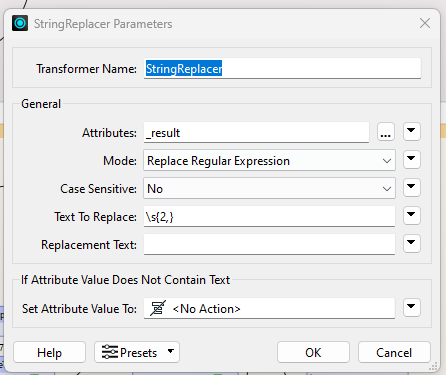
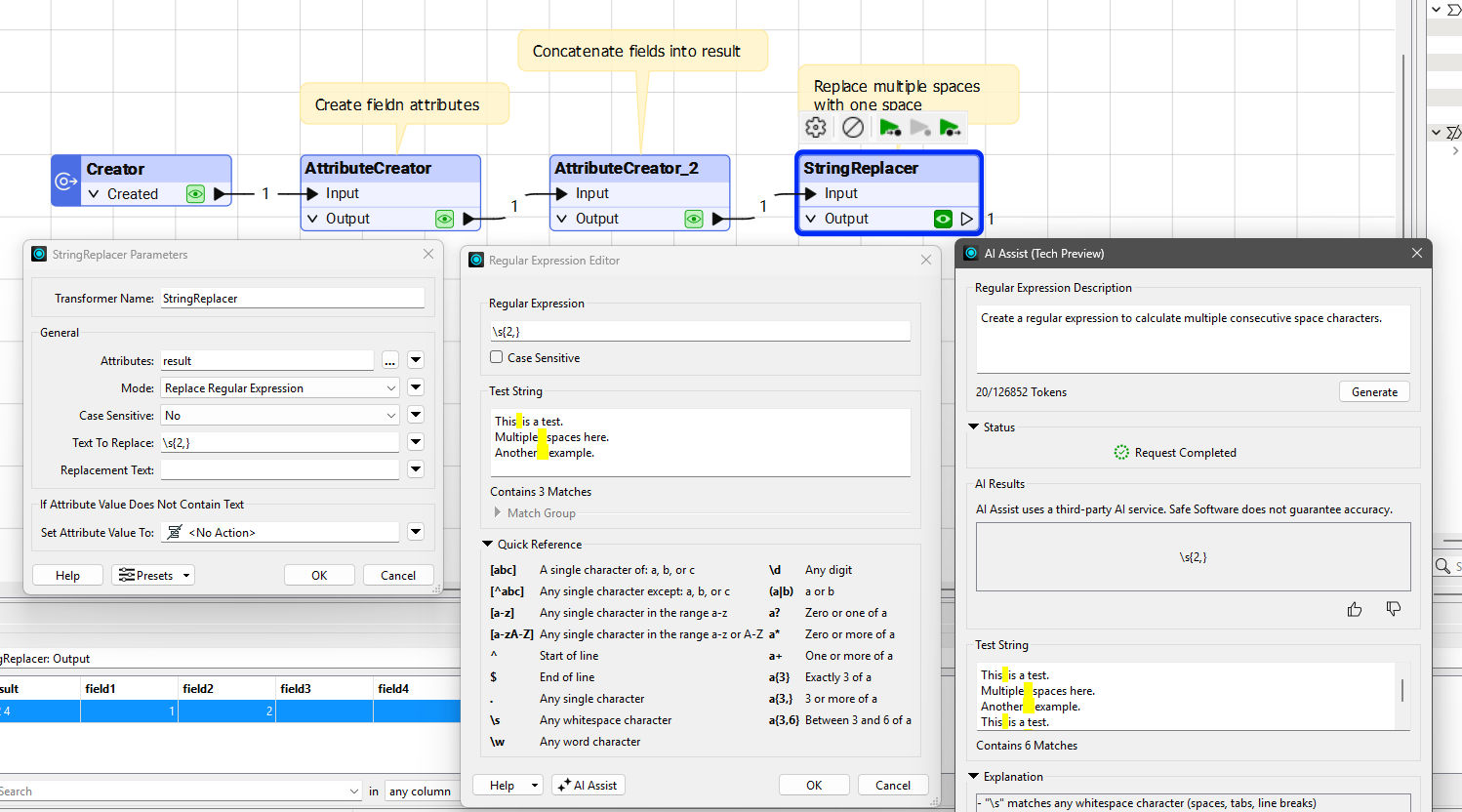
StringReplacer should help clean that up : 

Don’t forget to type a space character in the replacement text parameter of the StringReplacer

View original
This post is closed to further activity.
It may be an old question, an answered question, an implemented idea, or a notification-only post.
Please check post dates before relying on any information in a question or answer.
For follow-up or related questions, please post a new question or idea.
If there is a genuine update to be made, please contact us and request that the post is reopened.

12 replies

crutledge
Influencer
Forum|alt.badge.img+55
  • Influencer
  • May 12, 2025 10:43 PM UTC

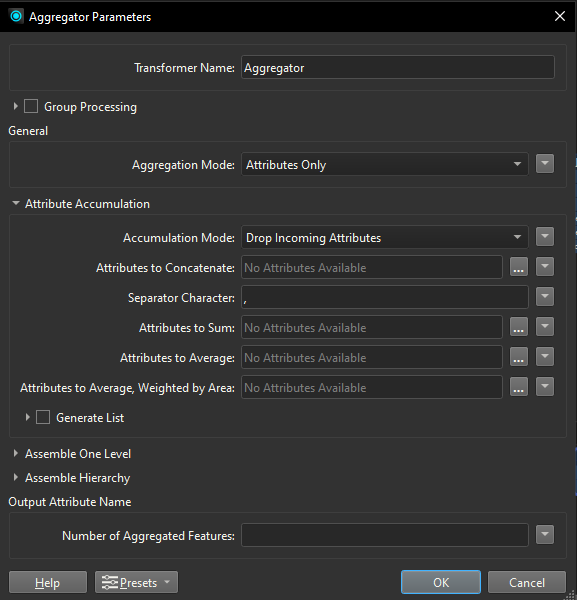
Hi ​@nikkik I think in your case the Aggregator will work well.


crutledge
Influencer
Forum|alt.badge.img+55
  • Influencer
  • May 12, 2025 10:49 PM UTC

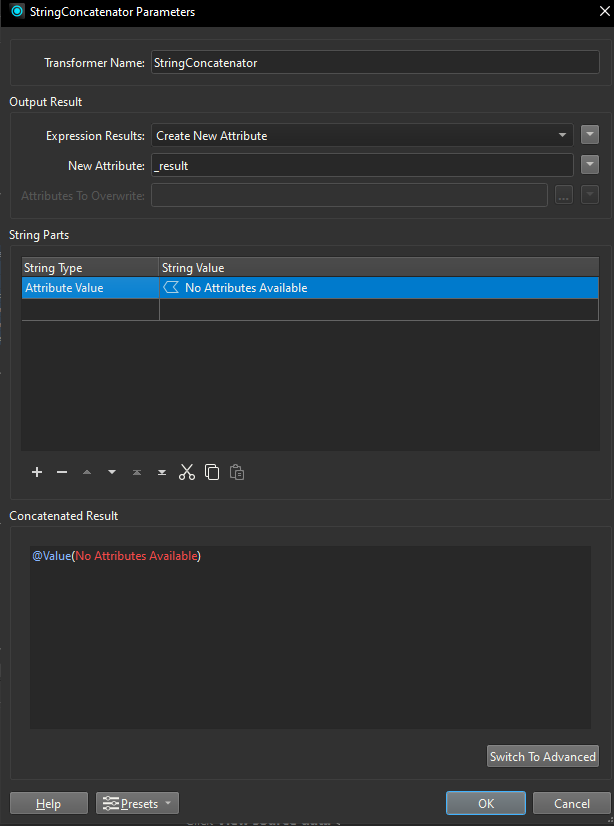
And it would be silly not to recommend the StringConcatenator.😆


nikkik
Contributor
Forum|alt.badge.img+8
  • Author
  • Contributor
  • May 14, 2025 3:05 PM UTC

I am using String concatenator but it doesn’t place space between different fields it comes as one string like

123ABCStreet

Thanks!


takashi
Celebrity
  • May 14, 2025 3:45 PM UTC

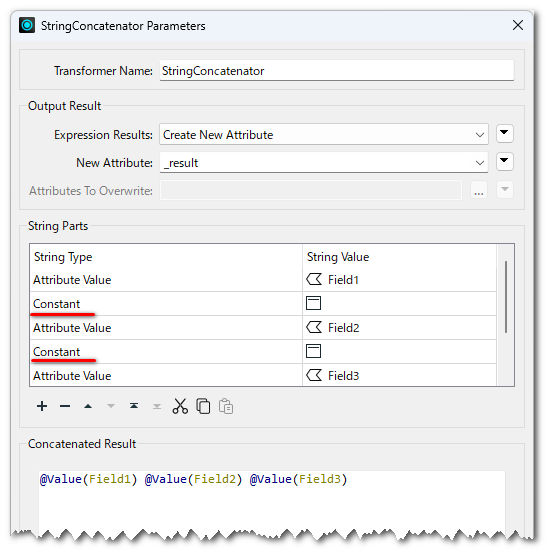
If you are using the StringConcatenator with Basic mode, you can select “Constant” in the String Type column to insert any character(s) including a space literally.


alexbiz
Influencer
Forum|alt.badge.img+35
  • Influencer
  • May 14, 2025 4:04 PM UTC

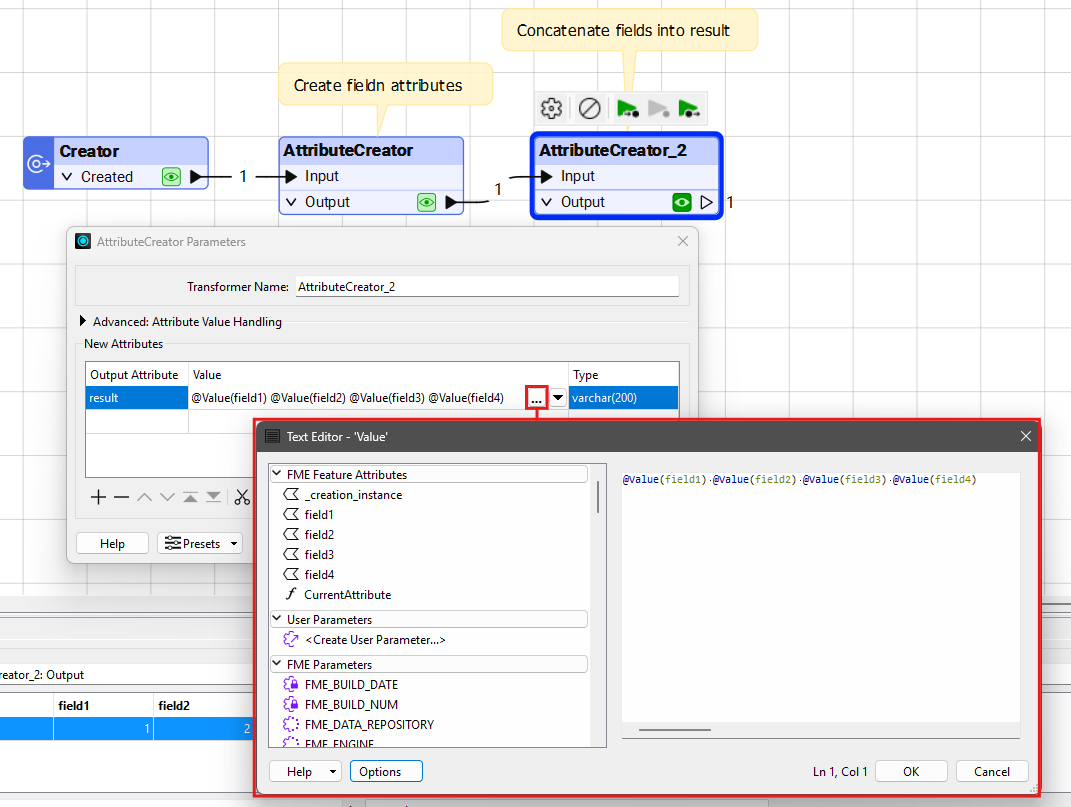
I personally wouldn't bother with the StringConcatenator. You can just use an AttributeCreator for this :


nikkik
Contributor
Forum|alt.badge.img+8
  • Author
  • Contributor
  • May 14, 2025 4:19 PM UTC

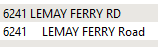
issue i am facing is there are nulls in some fields and i am getting unnecessary space in-between how do i solve it so the final field values comes correctly. example below. lots of space between number and street name because field between them have null. 


alexbiz
Influencer
Forum|alt.badge.img+35
  • Influencer
  • Best Answer
  • May 14, 2025 4:25 PM UTC

StringReplacer should help clean that up : 

Don’t forget to type a space character in the replacement text parameter of the StringReplacer


nikkik
Contributor
Forum|alt.badge.img+8
  • Author
  • Contributor
  • May 21, 2025 1:33 PM UTC

it is removing all the spaces and not just extra.

Thanks!


alexbiz
Influencer
Forum|alt.badge.img+35
  • Influencer
  • May 21, 2025 1:34 PM UTC

Don’t forget to type a space character in the replacement text parameter of the StringReplacer

;)


raghavendrans
Enthusiast
Forum|alt.badge.img+28

​@nikkik 

May be you should consider cleaning up your data using the NullAttributeMapper before sending it or doing the String Concatenation!

Happy FME:-) ing

Cheers

SRG


alexbiz
Influencer
Forum|alt.badge.img+35
  • Influencer
  • May 21, 2025 1:44 PM UTC

​@raghavendrans Unfortunately this will do nothing, since the spaces are not values of the attributes.


nikkik
Contributor
Forum|alt.badge.img+8
  • Author
  • Contributor
  • May 21, 2025 7:59 PM UTC

Thank you for your help everyone!

I got the results I needed, shout out to ​@alexbiz.