Solved

CAD TO GIS -- creating polygons

  • October 4, 2018
  • 5 replies
  • 71 views

Forum|alt.badge.img

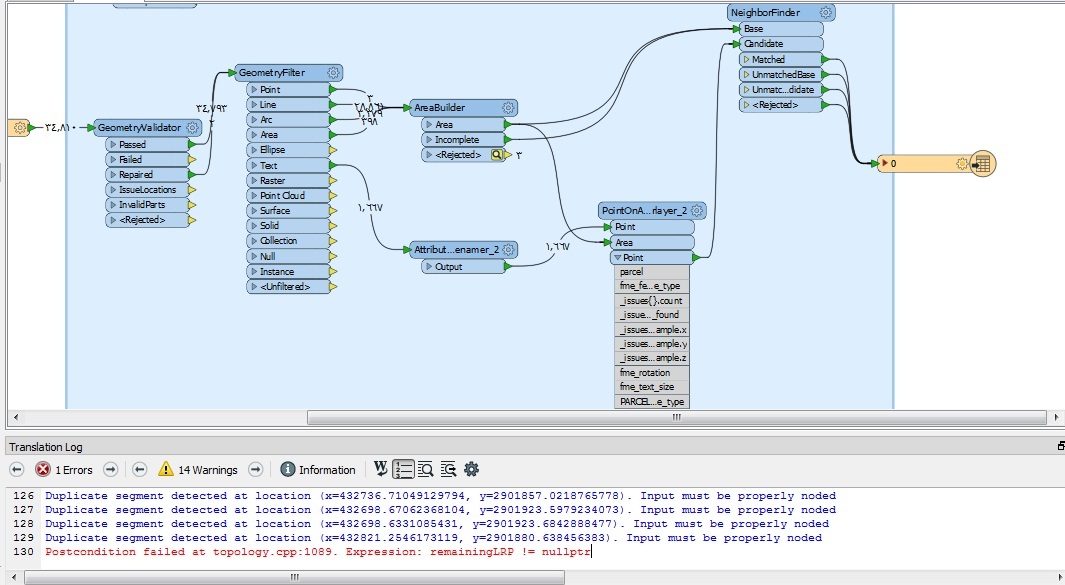
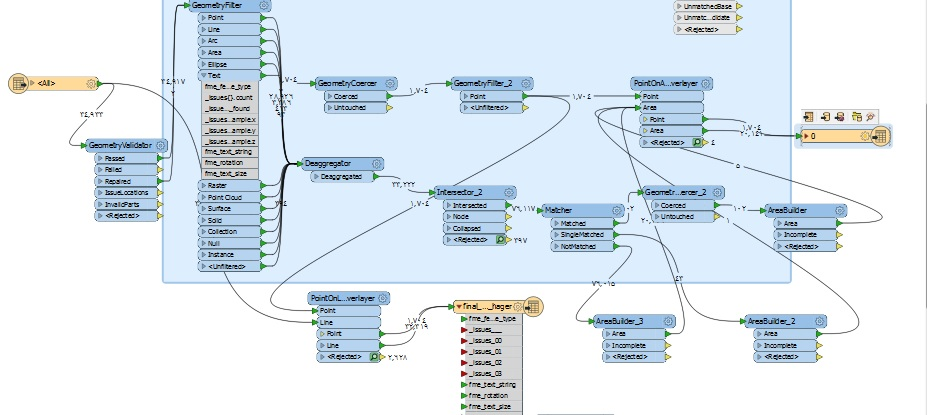
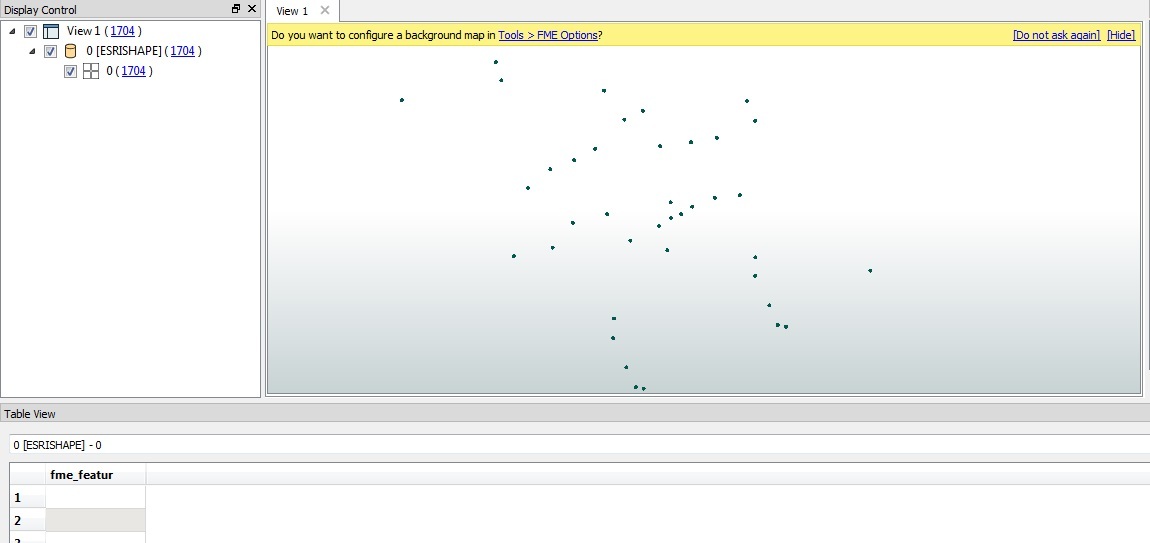
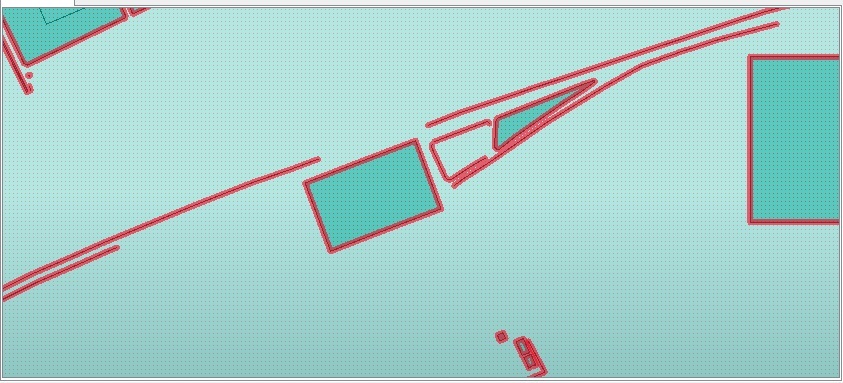
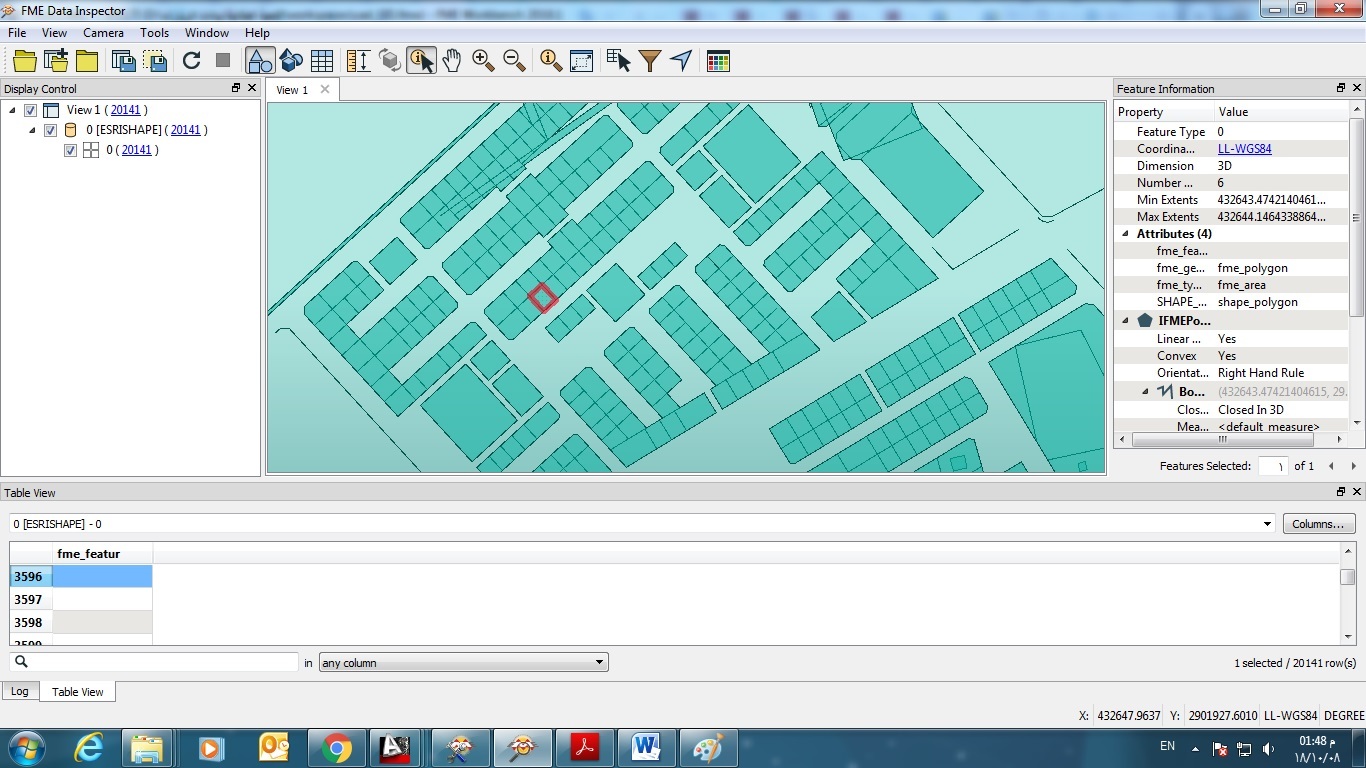
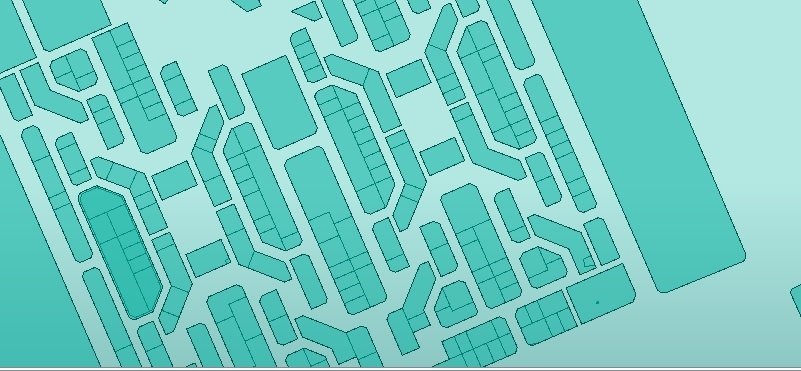
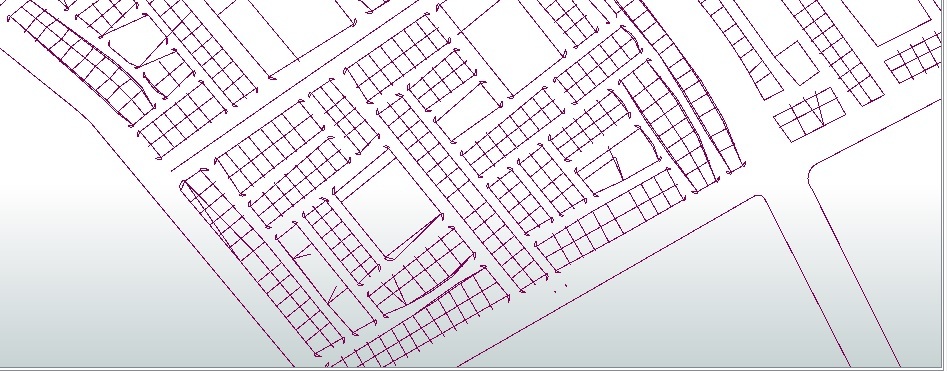
have used this workspace to convert cad to shapefile , i want to get a closed polygons as the cad file was lines , so i tried to use area builder to get it , so if worked on the blocks its ok , but if i want parcels i get it not clear like these images

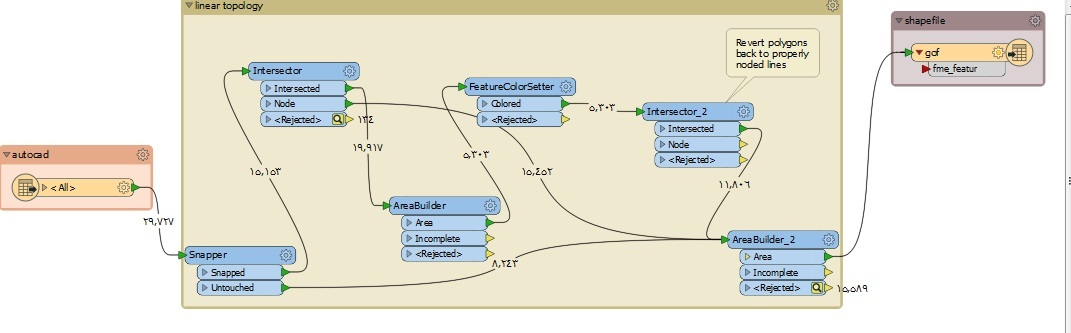
1- is the workspace that i used to solve the topology and build area with the lines

2- the result

3- first workspace that i used and there was no result because of topology..

can any one help getting the result same as the source at least the geometery and i will take the text layers after
Best answer by fmelizard

In general, it is rare that you don't want both outputs of the snapper going into your geometry building. I'd try ensuring you run the untouched and the snapped together. Check what you've got coming out of each stage by using the partial runs of FME 2018.x - you'll see what linework you have then at each stage and this should help.

This post is closed to further activity.
It may be an old question, an answered question, an implemented idea, or a notification-only post.
Please check post dates before relying on any information in a question or answer.
For follow-up or related questions, please post a new question or idea.
If there is a genuine update to be made, please contact us and request that the post is reopened.

5 replies

stalknecht
Contributor
Forum|alt.badge.img+22
  • Contributor
  • October 4, 2018

Do you have some sample data? Take also a look at the GeometryCoercer transformer.


fmelizard
Safer
Forum|alt.badge.img+21
  • Safer
  • Best Answer
  • October 4, 2018

In general, it is rare that you don't want both outputs of the snapper going into your geometry building. I'd try ensuring you run the untouched and the snapped together. Check what you've got coming out of each stage by using the partial runs of FME 2018.x - you'll see what linework you have then at each stage and this should help.


fmelizard
Safer
Forum|alt.badge.img+21
  • Safer
  • October 4, 2018

In general, it is rare that you don't want both outputs of the snapper going into your geometry building. I'd try ensuring you run the untouched and the snapped together. Check what you've got coming out of each stage by using the partial runs of FME 2018.x - you'll see what linework you have then at each stage and this should help.

See https://knowledge.safe.com/articles/79739/feature-caching-and-performance.html and http://docs.safe.com/fme/2018.1/html/FME_Desktop_Documentation/FME_Workbench/Workbench/feature_inspection_about.htm for more info on partial runs.


Forum|alt.badge.img

Do you have some sample data? Take also a look at the GeometryCoercer transformer.

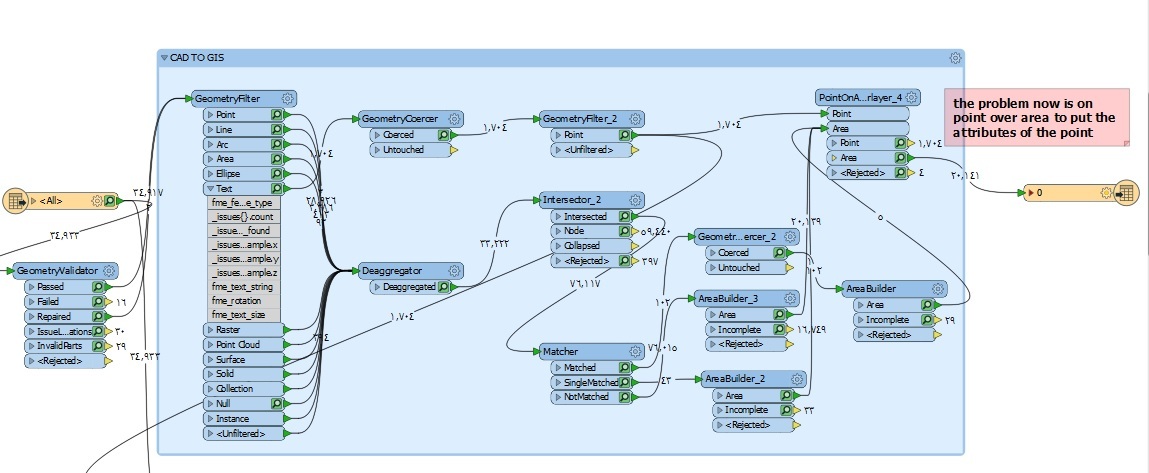
i tried another solution with the geometry coercer transformer , the result was as per the inspector window


Forum|alt.badge.img

these are the result it is very good so far , i'm working on differrent type of data from different sources ..

thanks ..

7- work space

8- lost of some roads polylines

9/10- parcel result