

Hi I have a GDB file with feature layers from ArcGIS Pro in it that I would like to use workbench to convert to CAD while maintaining the symbology colors.
I have extracted the colors of the symbology in hex code format *(E.g. #ffffff) into the attribute tables of the layers.
I added my GDB in as a Reader, added in an AttributeFilter, link the field that my symbology is dependent on back in ArcGIS, then added in a DWGStyler to every single possible option in that field in AttributeFilter.
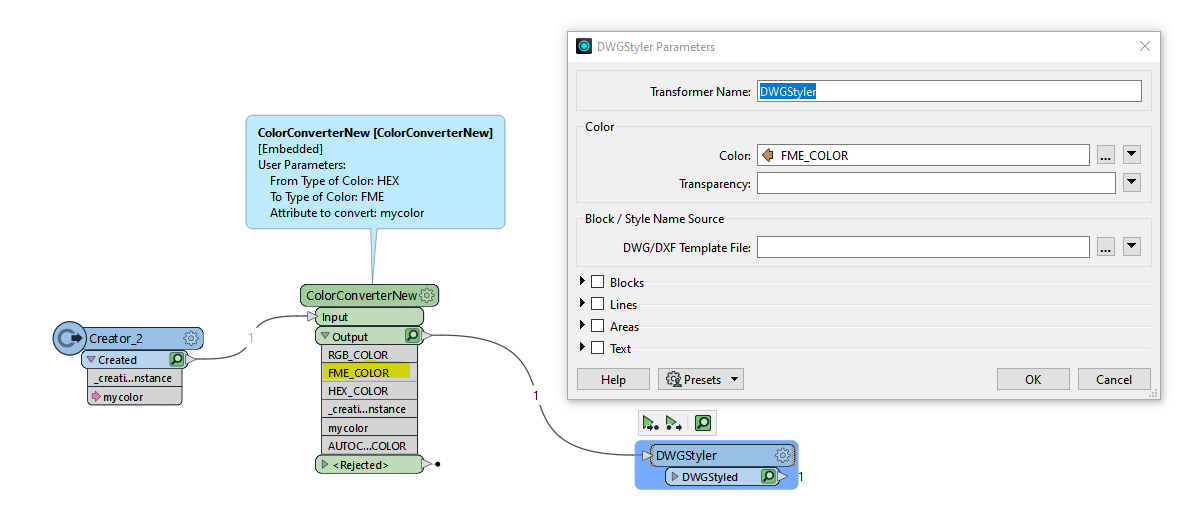
I set the color of DWGStyler to be the field containing the hexcode, and then added in my output vis writer and connected everything.
But no matter what I try, the CAD file doesn't register any of that at all.
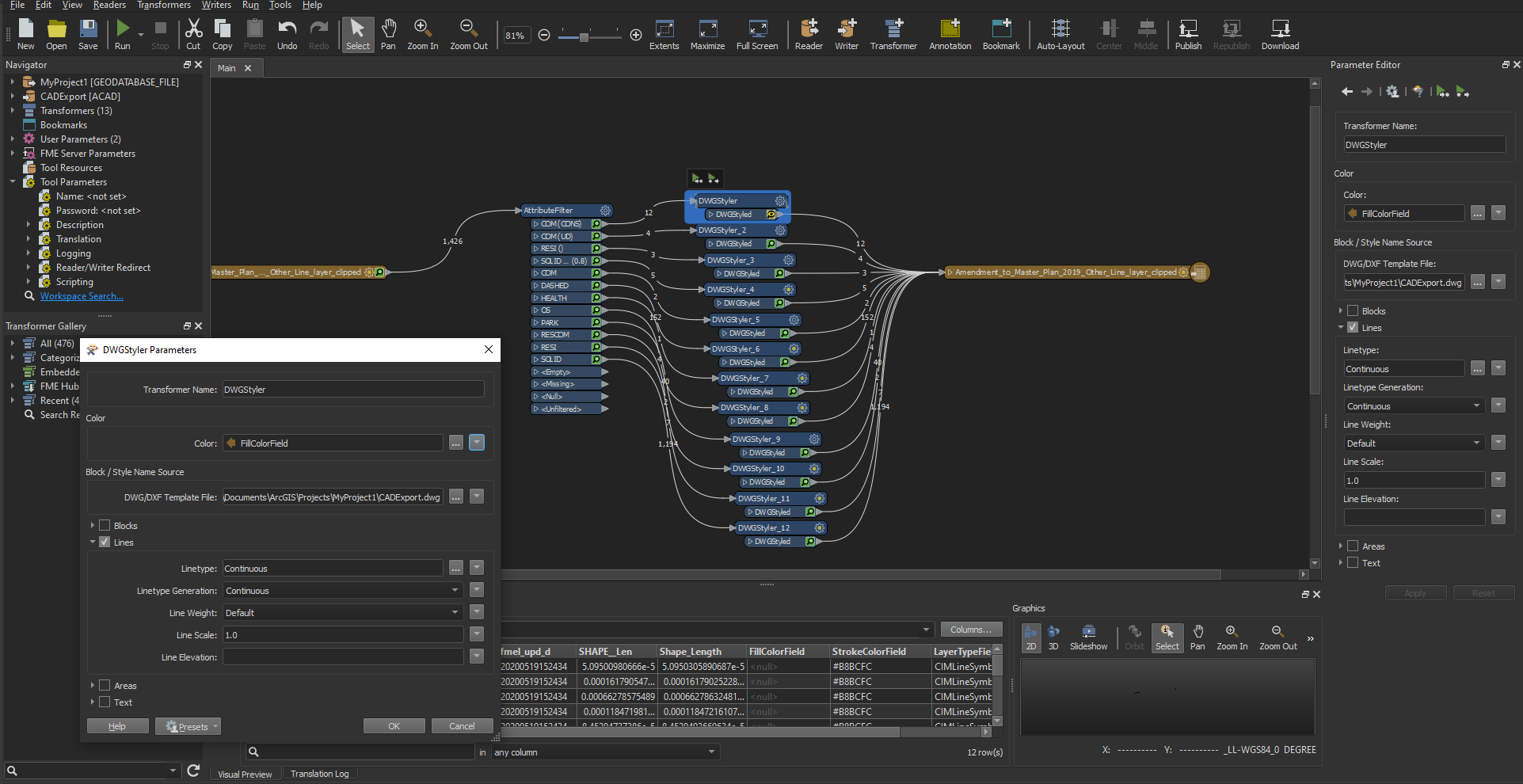 As you can see, none of the hex colors seemed to have gotten into my CAD file.
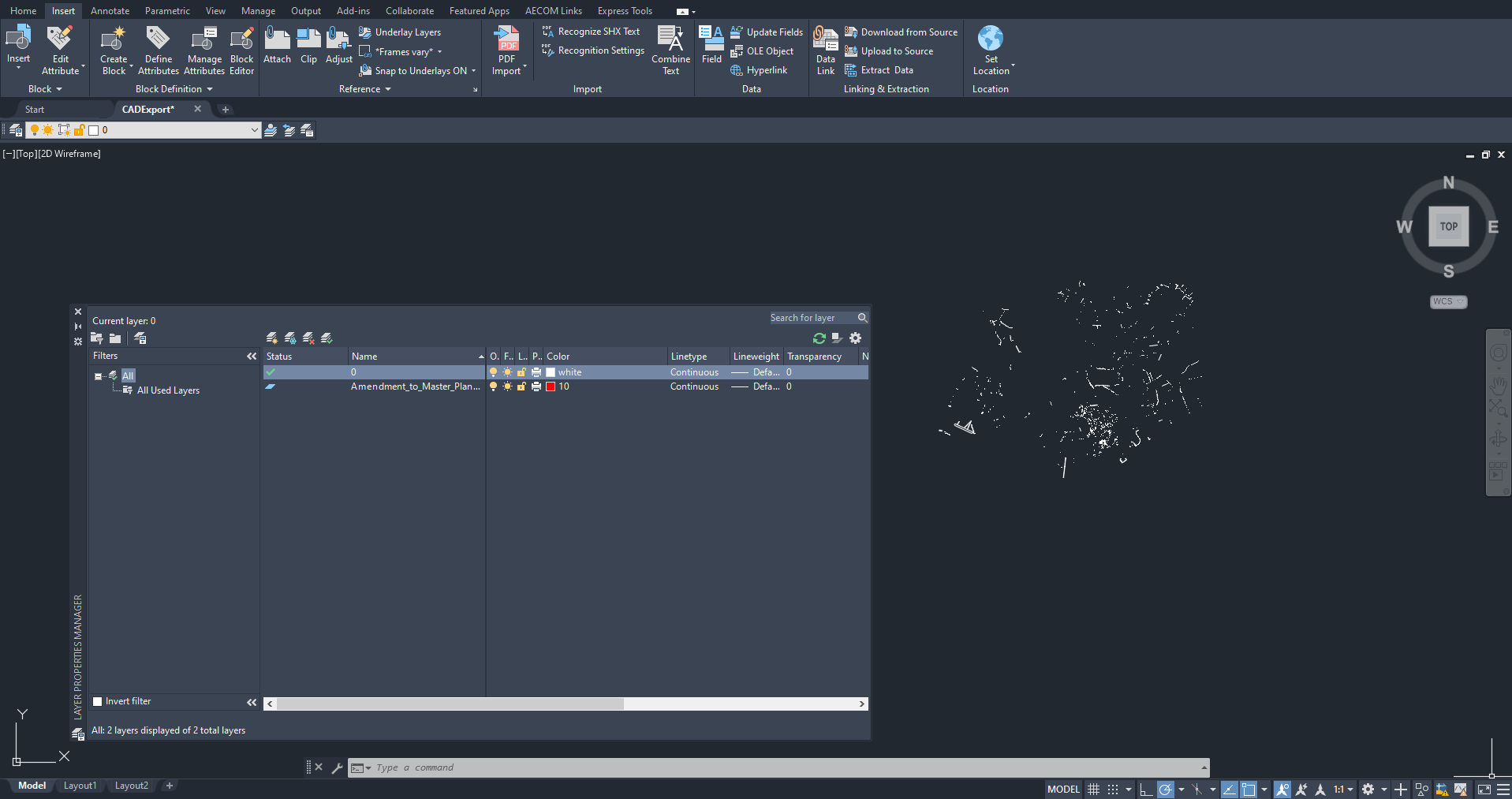




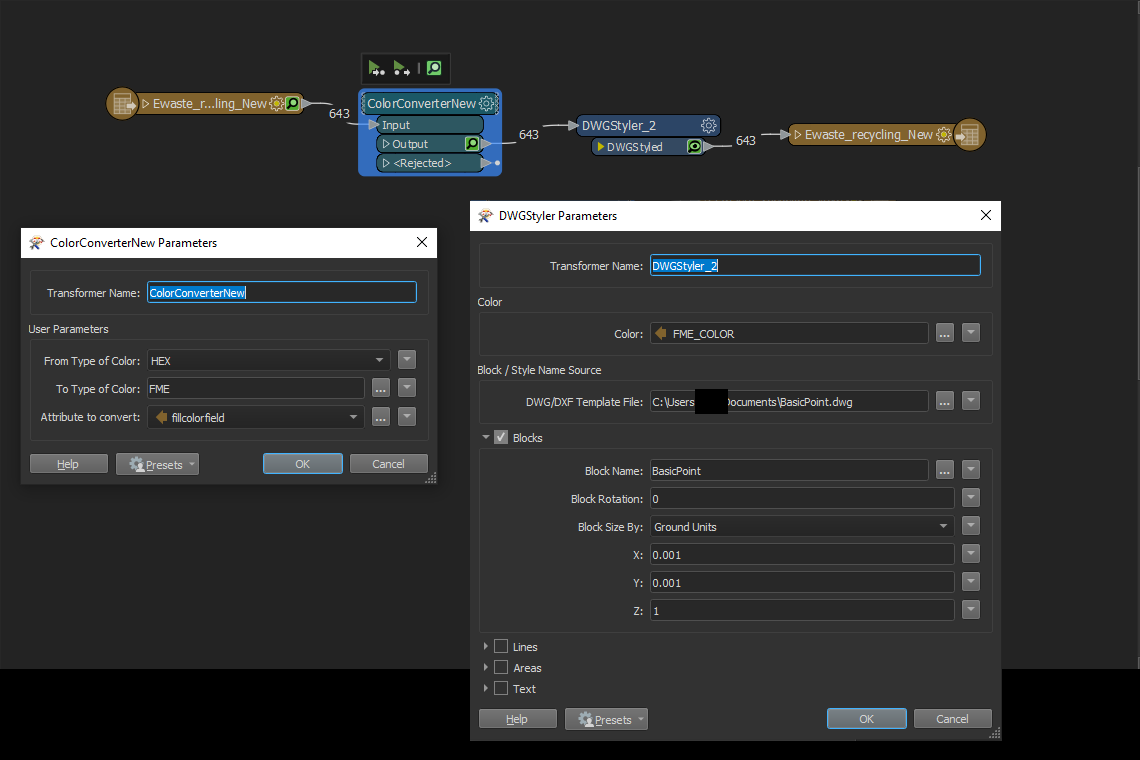
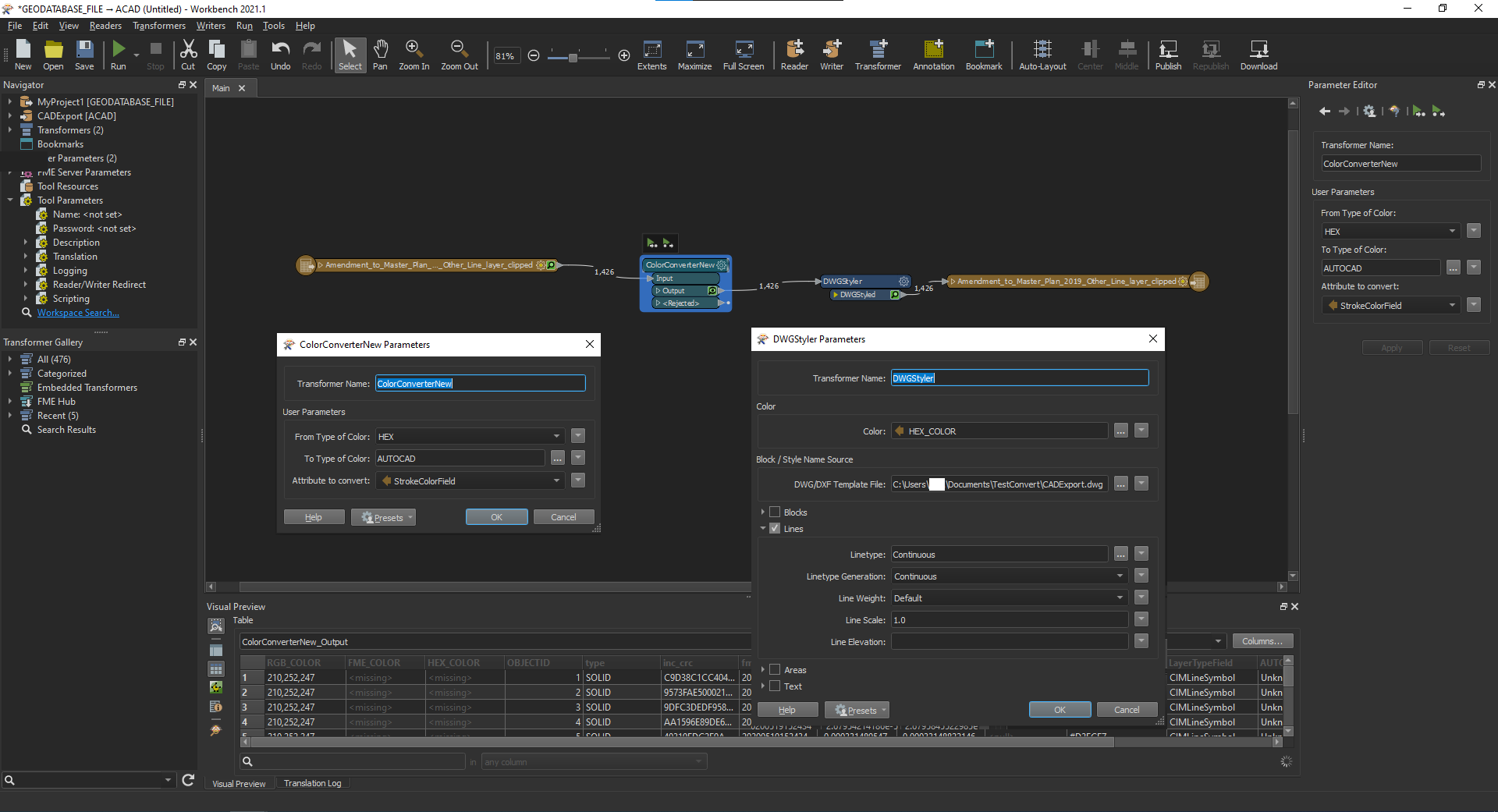 All my hex codes should be in the correct format needed by ColorConverterNew:
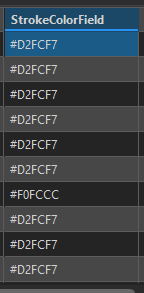 And after running the workspace there doesn't appear to be any warning. But opening the exported DWG file, it seems like nothing carried over in terms of colors?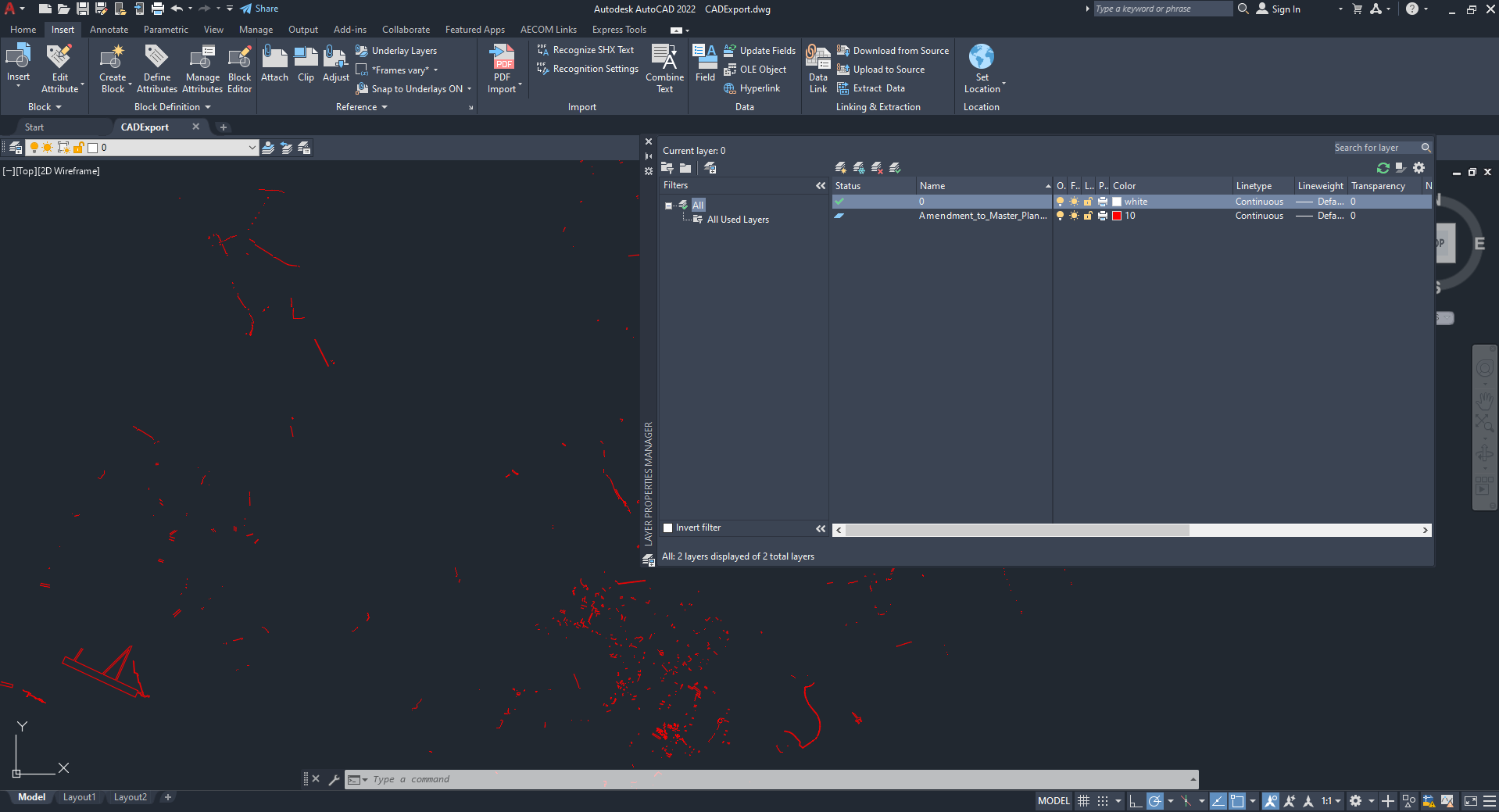







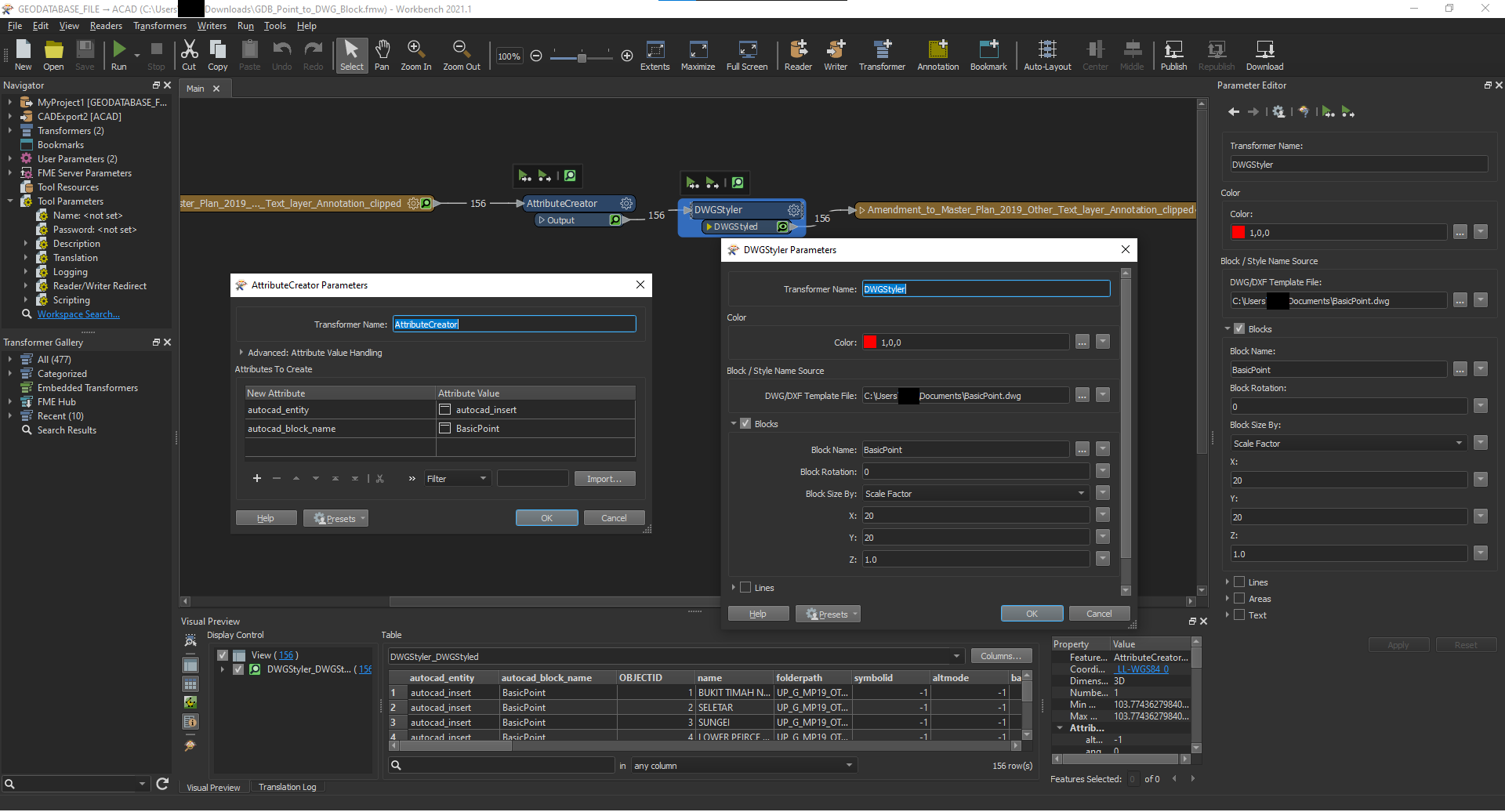 I'm currently using AttributeCreator with the following settings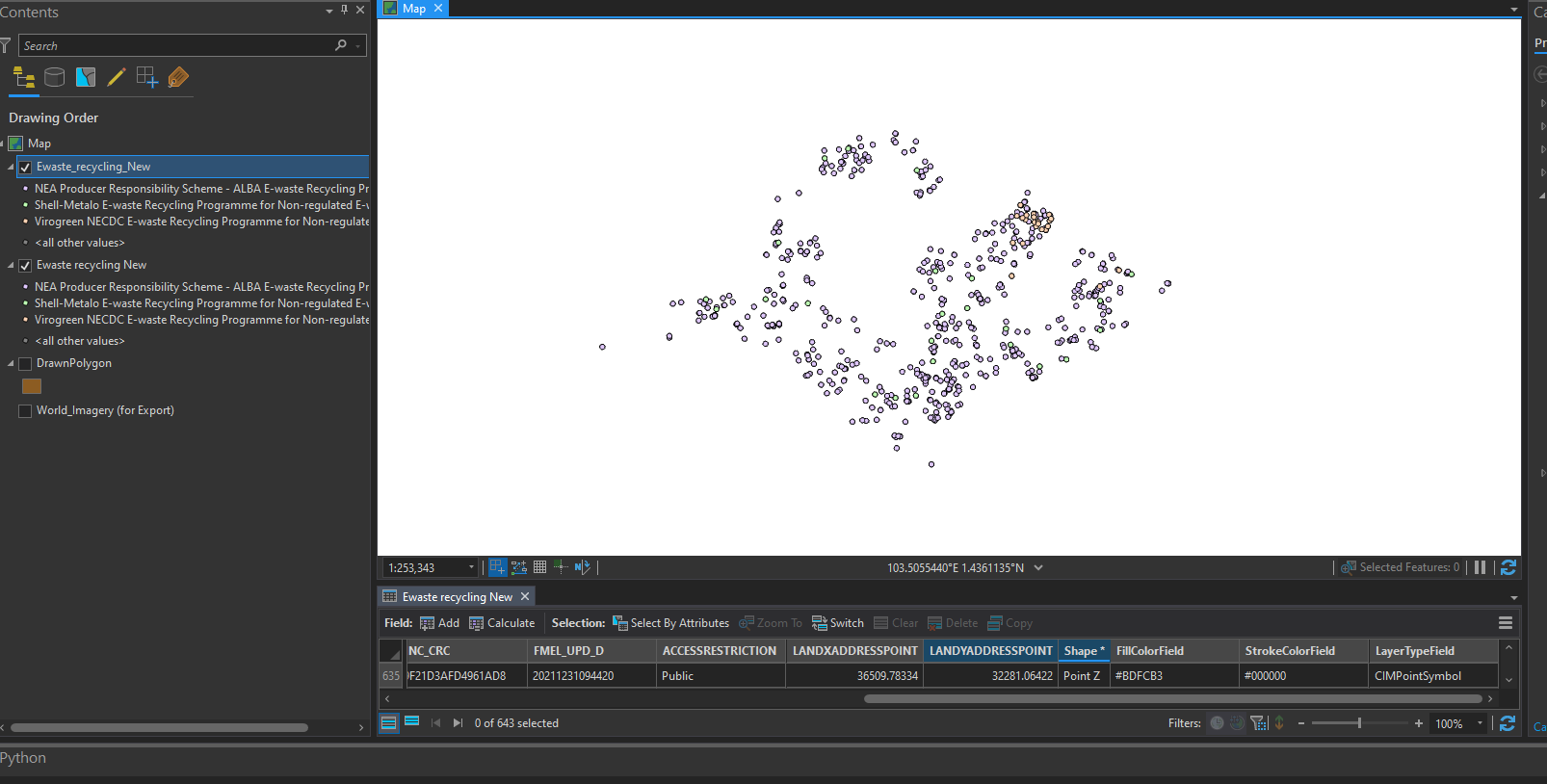
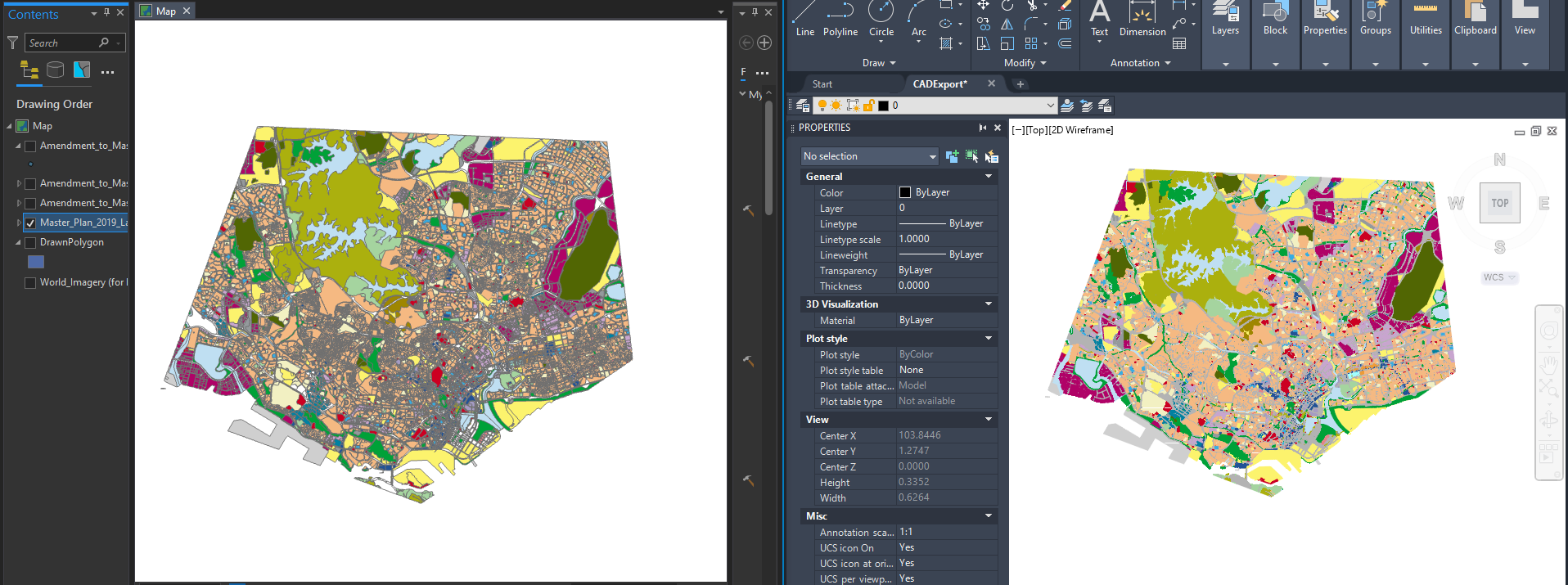
 But the color data doesn't seem to be going through to the block itself:
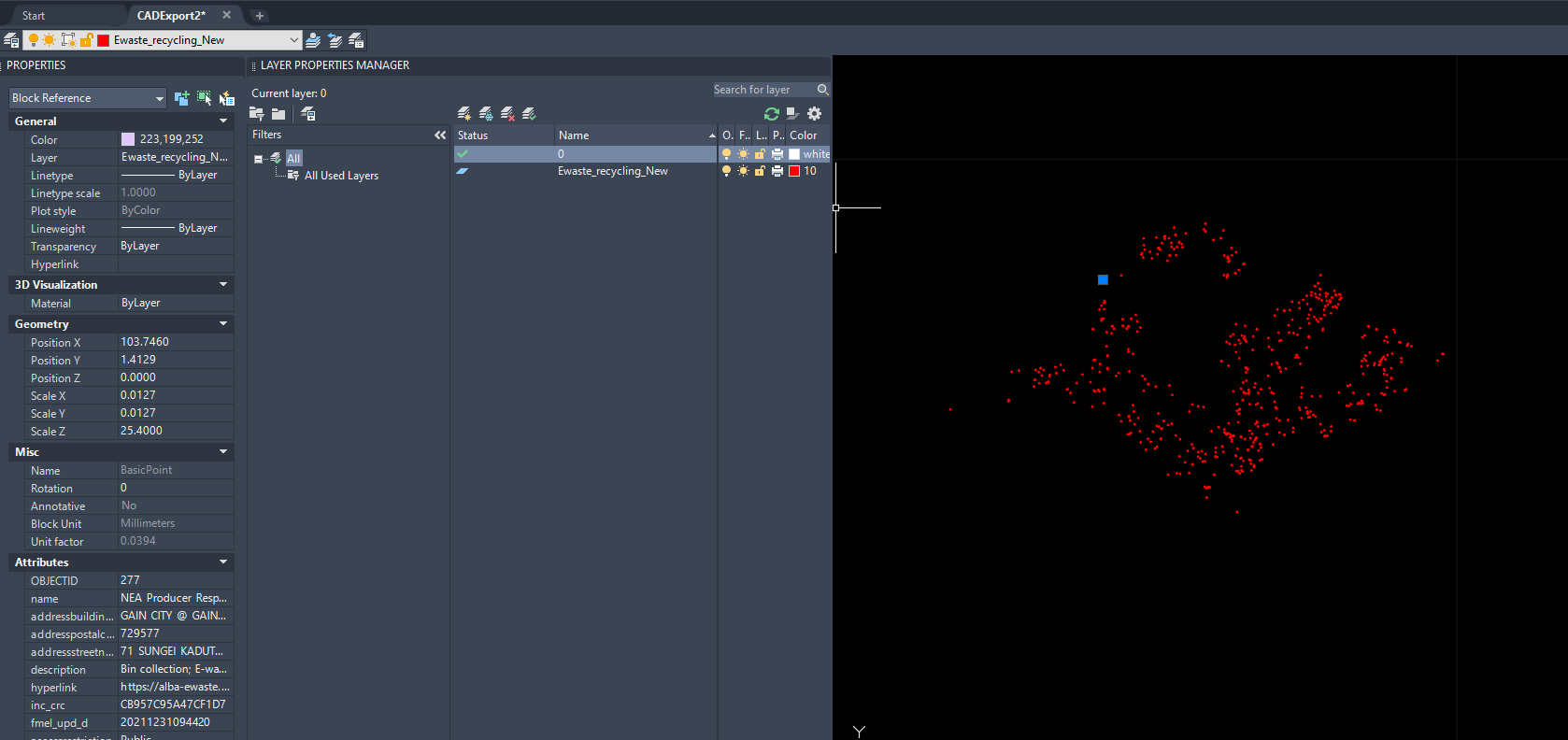
 It shows up on the properties like in the screenshot of CAD but the points all seem to take color data from the layer?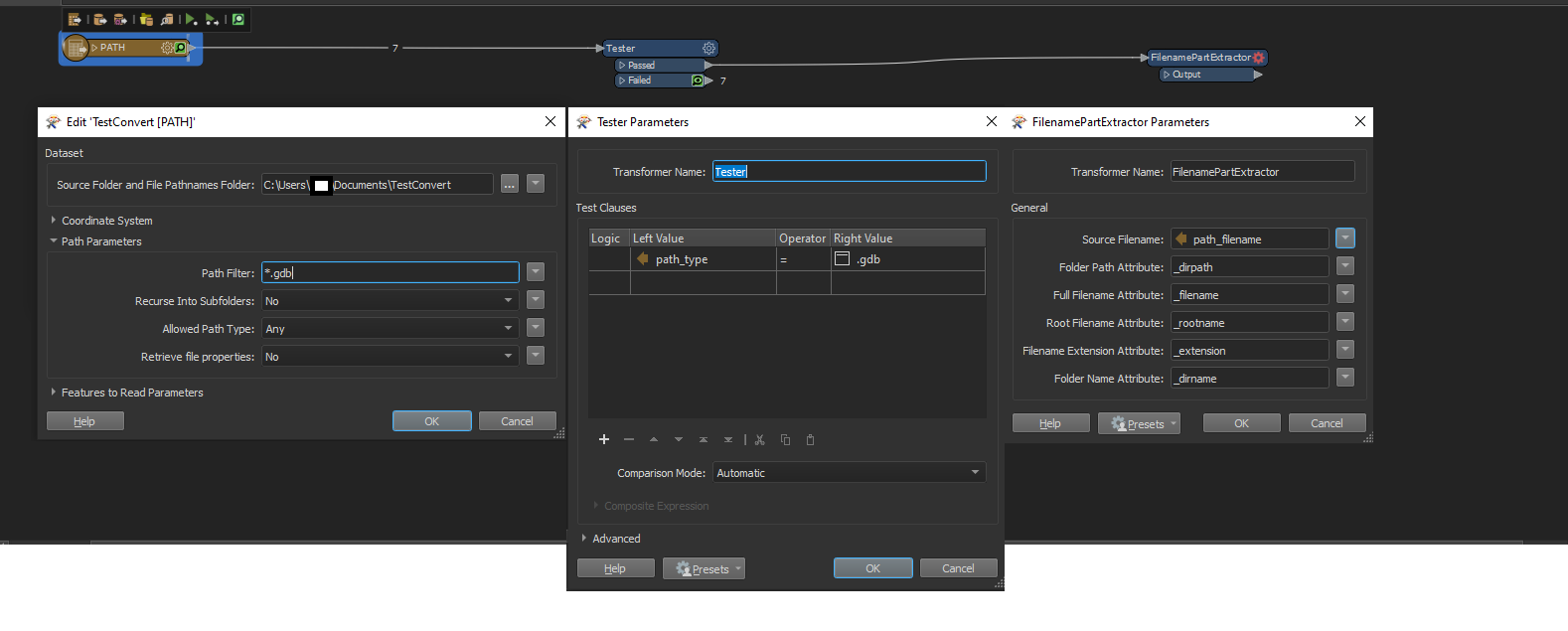
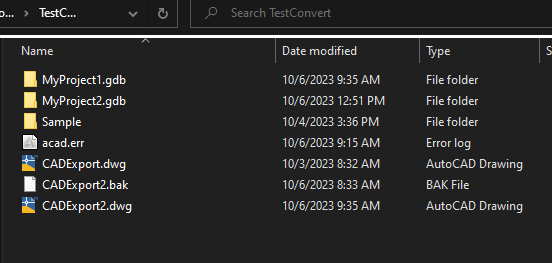 I'm linking this folder to the workspace and I think I can do a filter from the reader via Path Filter but I'm at a lost on what to do next.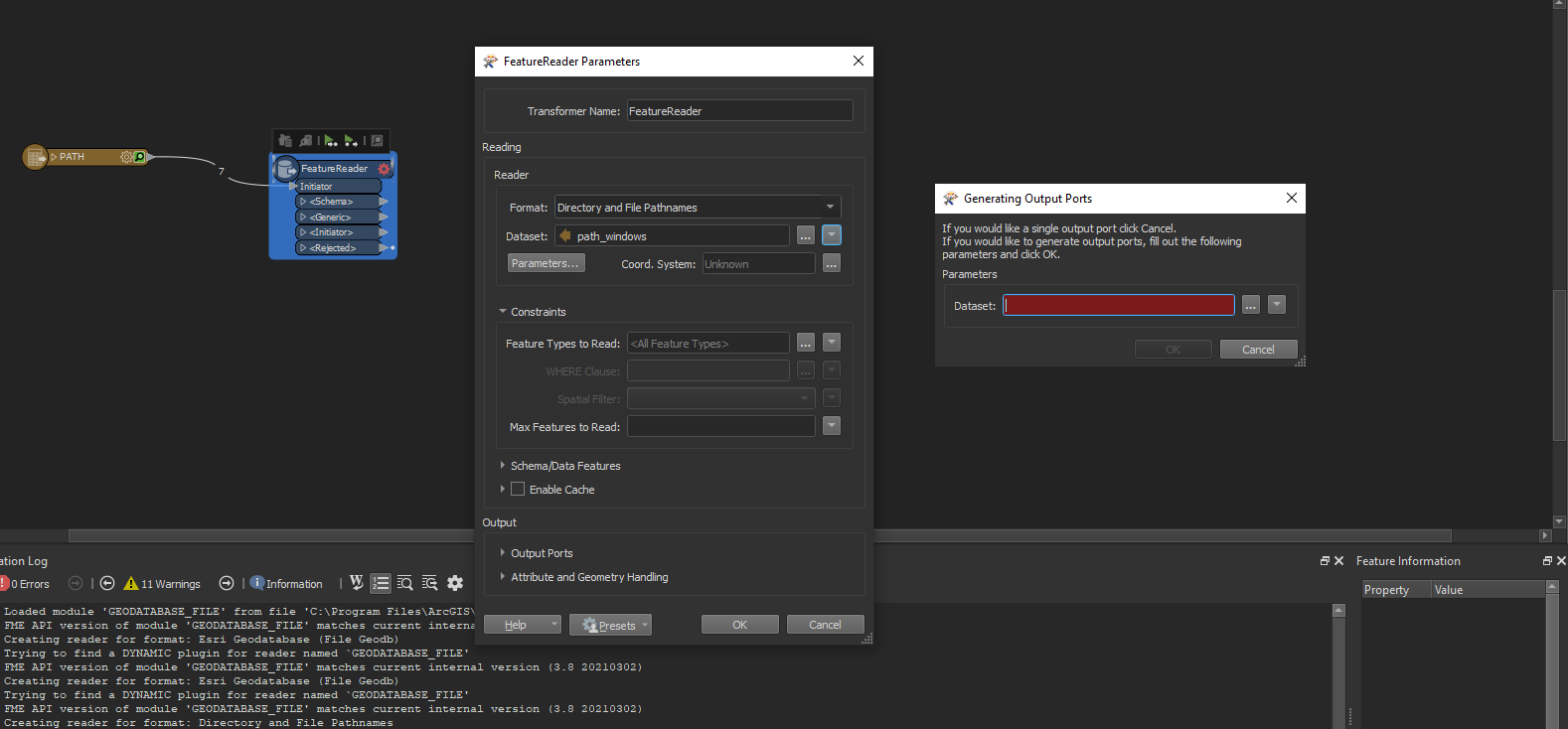
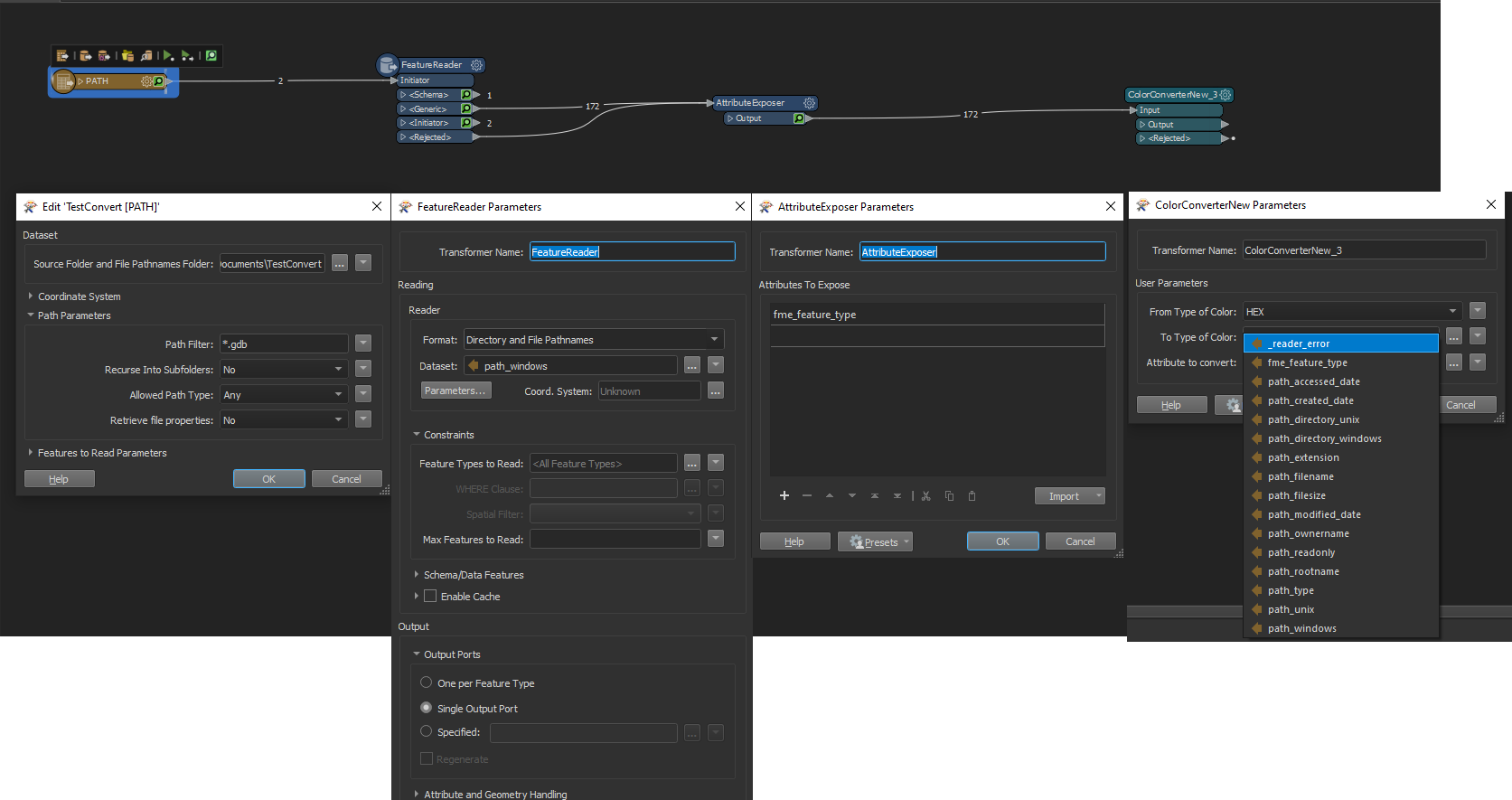 Ok I added an AttributeExposer and then connected it to my ColorConverterNew but I don't see any of the fields I need that I would with a single file, did I miss a step somewhere?
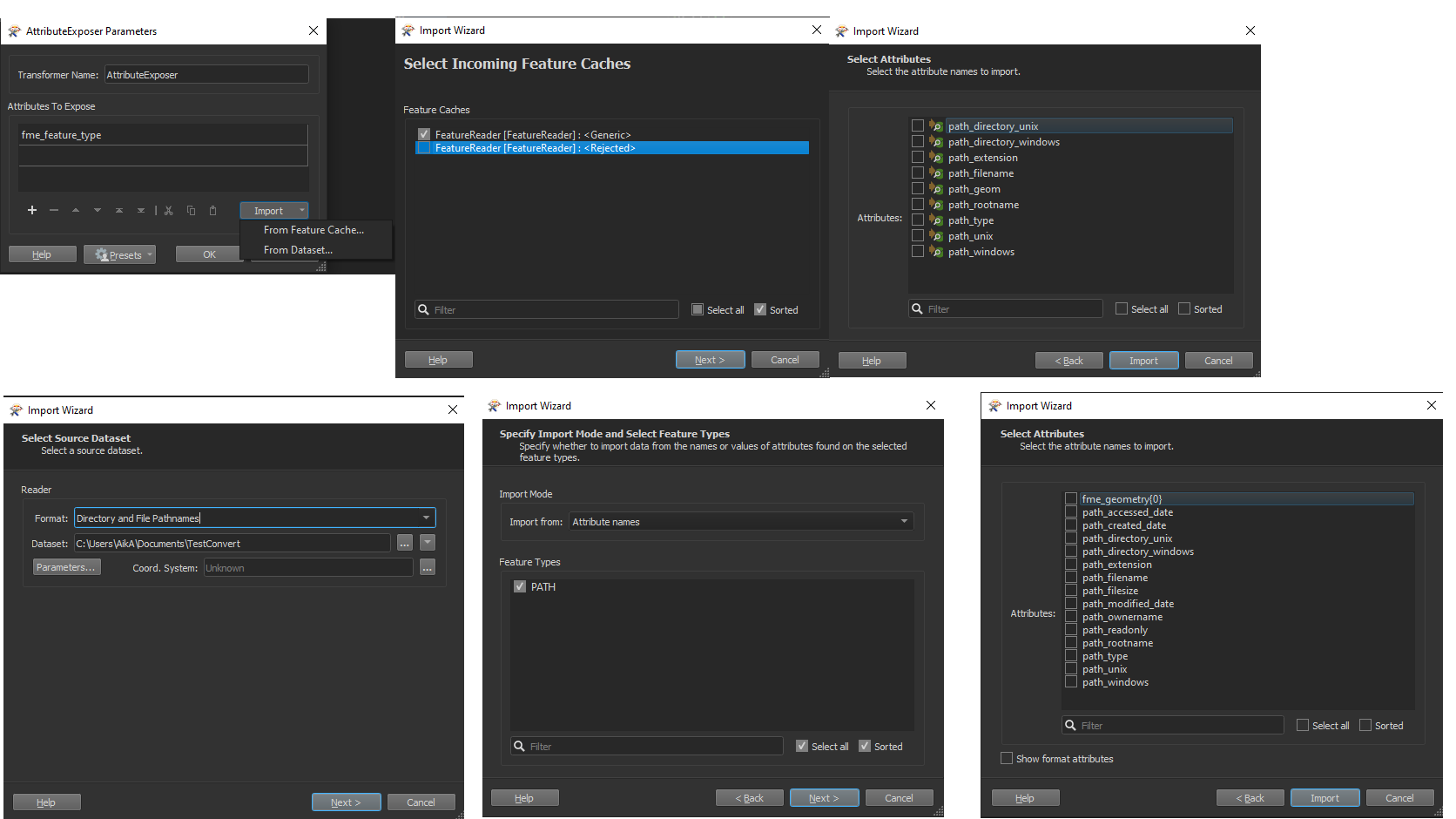 I tried both import by Feature Cache and Dataset, both only seem to contain data at the folder level containing my gdbs, nothing specific from my gdb were there :/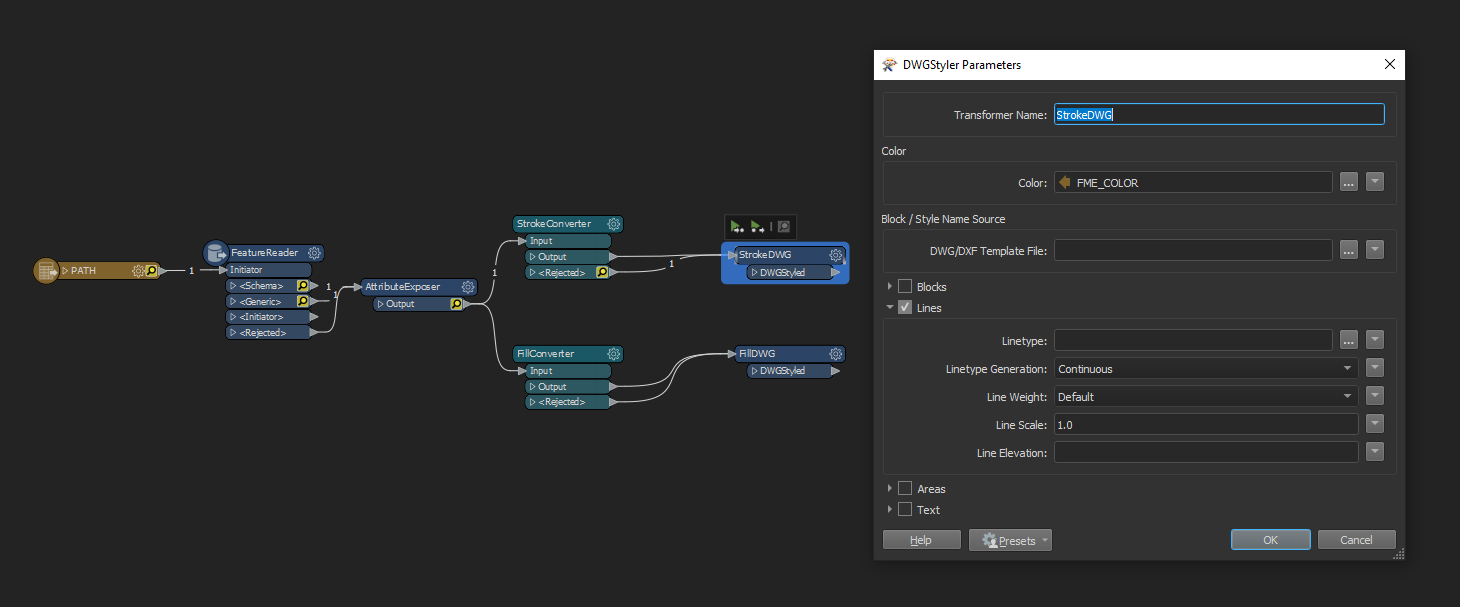
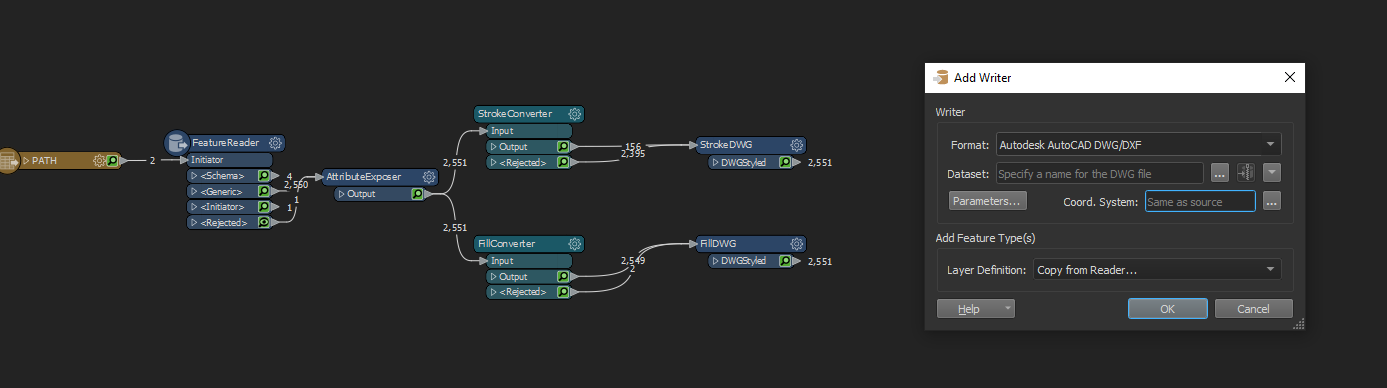 Ooph sorry but I haven't figured out what I need to put to export my files yet 😂