Question

problem with creation DEM/elevation raster from ASCII XYZ

  • August 18, 2017
  • 8 replies
  • 49 views

I have problem with creation DEM/elevation raster from ASCII XYZ. I've loaded ASCII XYZ using CSV. I've used transformers: VertexCreator, NumericRasterizer. Translation was SUCCESSFUL, but finally elevation doesn't exist. What can be wrong? In attachment I send fmw file.

This post is closed to further activity.
It may be an old question, an answered question, an implemented idea, or a notification-only post.
Please check post dates before relying on any information in a question or answer.
For follow-up or related questions, please post a new question or idea.
If there is a genuine update to be made, please contact us and request that the post is reopened.


8 replies

danilo_fme
Celebrity
Forum|alt.badge.img+52
  • Celebrity
  • August 18, 2017
Hi @codgik_1, the fmw didnt come.


Thanks,


Danilo

trentatsafe
Safer
Forum|alt.badge.img+6
  • Safer
  • August 18, 2017
Hello @codgik_1


Would you mind re-attaching your workspace? I don't see it included with your above post.

  • Author
  • August 21, 2017

csv22geotiff.fmw

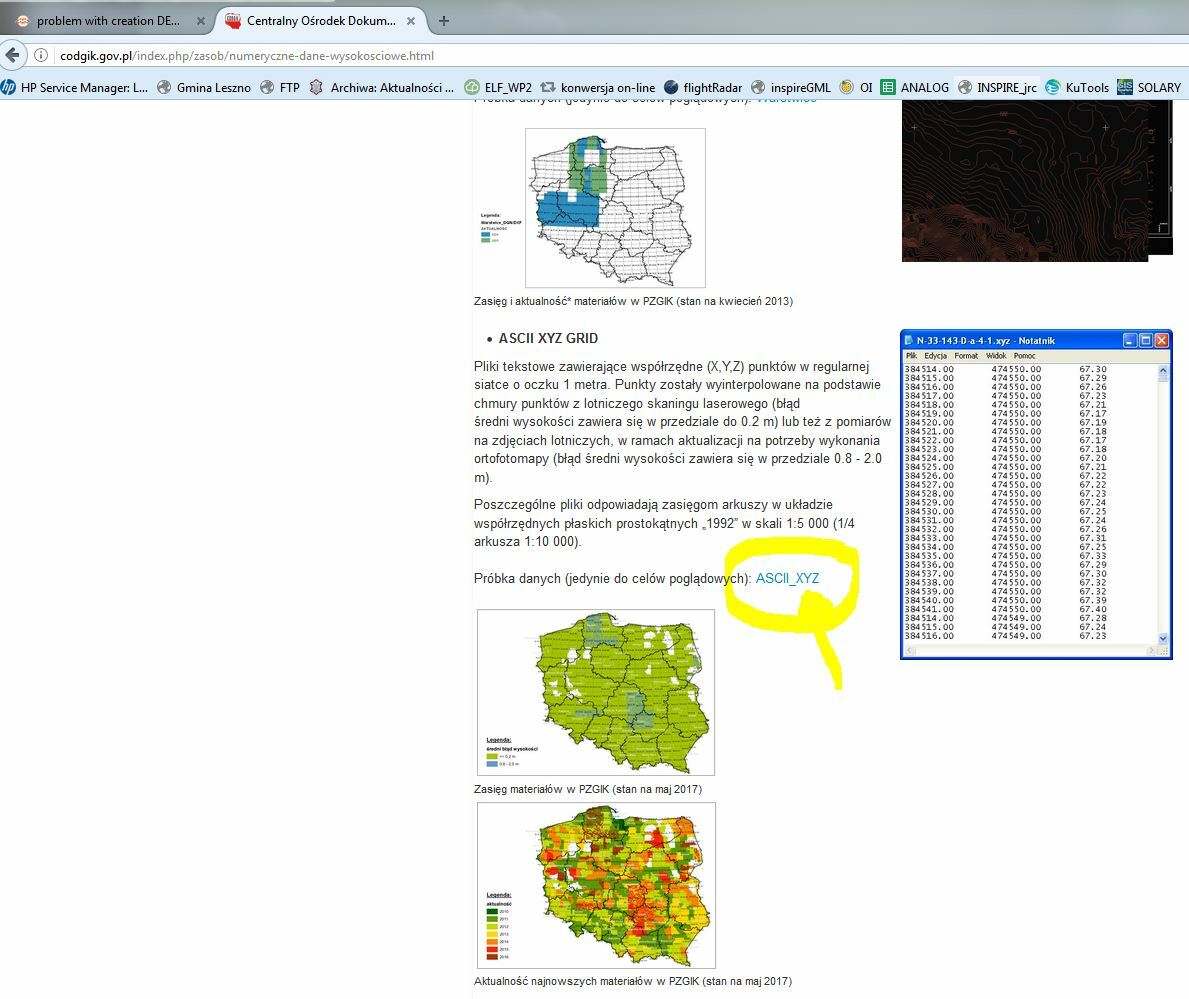
Example data for this FMW you can download here (ASCII XYZ GRID):

http://codgik.gov.pl/index.php/zasob/numeryczne-dane-wysokosciowe.html


redgeographics
Celebrity
Forum|alt.badge.img+62

I tried a completely different approach:

  • PointCloud XYZ reader
  • RasterDEMGenerator
  • output to GeoTiff

It looks like it's working (and it's blisteringly fast) but... on that sample dataset it looks like the variation in z-values is minimal, like centimeters at most.

Also, in your workspace, you've set the output to a different coordinate system, that's fine, but you should refer to it as EPSG:[number], not just the number.


takashi
Celebrity
  • August 21, 2017

csv22geotiff.fmw

Example data for this FMW you can download here (ASCII XYZ GRID):

http://codgik.gov.pl/index.php/zasob/numeryczne-dane-wysokosciowe.html

Hi @codgik_1, why not connect the "Raster" port of the NumericRasterizer to the GeoTIFF writer feature type?


And I would recommend you to use the PointCloud XML reader, since it works much faster than the CSV reader + VertexCreator, as @redgeographics mentioned. You can send a feature having a point cloud geometry directly to the NumericRasterizer or the RasterDEMGenerator.

  • Author
  • August 22, 2017

Thanks for answers @takashi @redgeographics

@takashi, In my version on FME (2017.1) I can't find PointCloud XML reader.

Besides I would like to use batch for few files, but my batch didn't work. What can be wrong:

for %%f in (*.XYZ) do "c:\\Program Files\\FME\\fme.exe" e:\\temp\\csv22geotiff.fmw --SourceDataset "%%f" --DestDataset "%%~nf.tif"


redgeographics
Celebrity
Forum|alt.badge.img+62

Thanks for answers @takashi @redgeographics

@takashi, In my version on FME (2017.1) I can't find PointCloud XML reader.

Besides I would like to use batch for few files, but my batch didn't work. What can be wrong:

for %%f in (*.XYZ) do "c:\\Program Files\\FME\\fme.exe" e:\\temp\\csv22geotiff.fmw --SourceDataset "%%f" --DestDataset "%%~nf.tif"

I think @takashi meant to say PointCloud XYZ reader


As for your batch command, it's been a long time ago since I had to work with those, but are you sure the %%~nf.tif part is correct? Shouldn't that be %%f.tif?


takashi
Celebrity
  • August 22, 2017

Thanks for answers @takashi @redgeographics

@takashi, In my version on FME (2017.1) I can't find PointCloud XML reader.

Besides I would like to use batch for few files, but my batch didn't work. What can be wrong:

for %%f in (*.XYZ) do "c:\\Program Files\\FME\\fme.exe" e:\\temp\\csv22geotiff.fmw --SourceDataset "%%f" --DestDataset "%%~nf.tif"

Sorry for the typo. I meant the Point Cloud XYZ reader.