


Solved

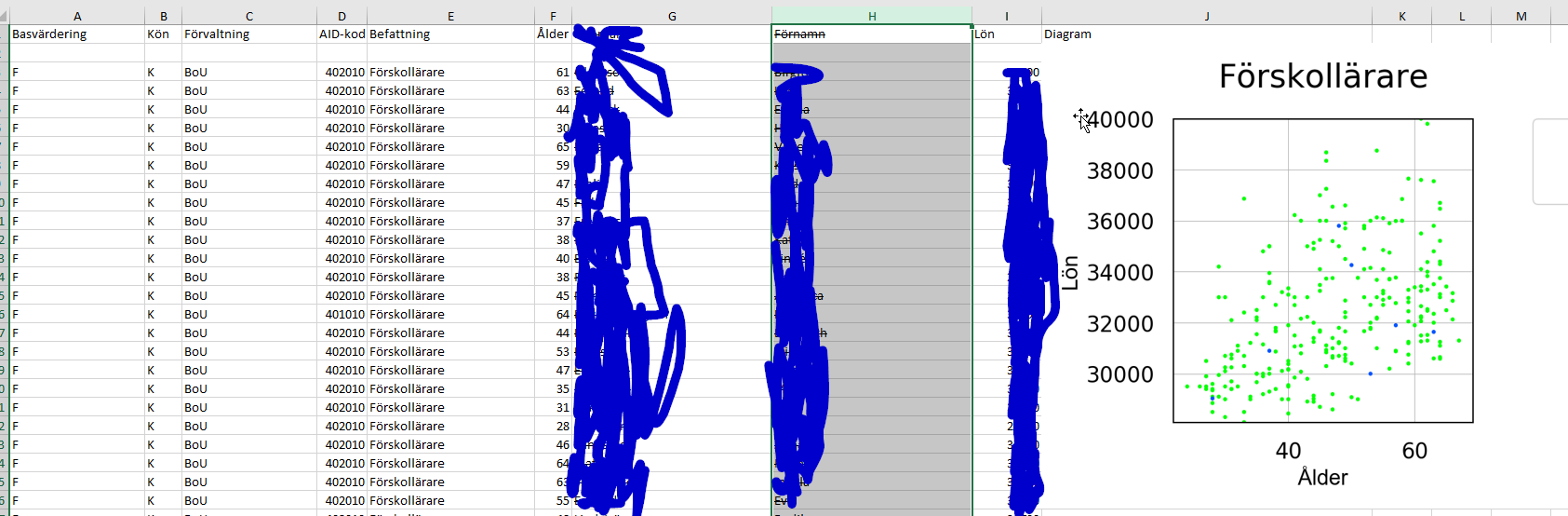
insert images into an Excel spreadsheet

  • October 24, 2017
  • 5 replies
  • 147 views

pschout
Participant
Forum|alt.badge.img+2

I found an article about "insert images into an Excel spreadsheet" (https://knowledge.safe.com/articles/33588/writing-images-to-ms-excel-spreadsheets.html), this article was made with FME desktop 2016. I was wondering of it is possible to do the same action with fme desktop 2015? In fme desktop 2015 the "attributemanager" is not available, so i as wondering which transformers to use in fme desktop 2015 to make the same actions as with the "attributemanager" in the article!

I hope anyone can help me!

Peter
Best answer by david_r

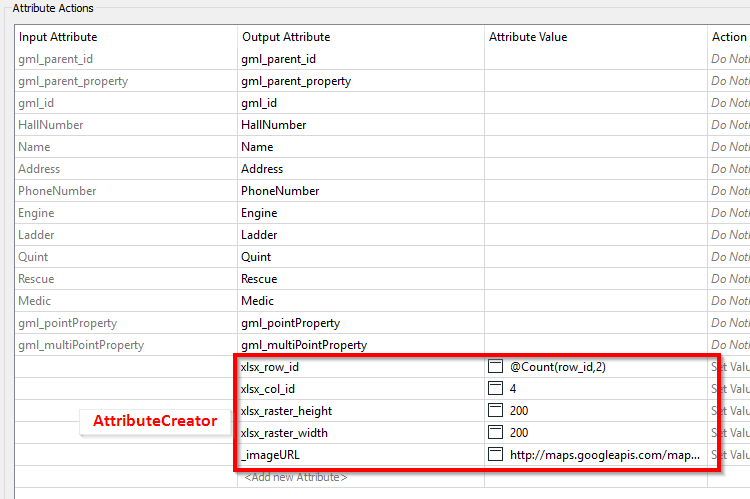
You can simply use an AttributeCreator in stead of the AttributeManager for this example:

This post is closed to further activity.
It may be an old question, an answered question, an implemented idea, or a notification-only post.
Please check post dates before relying on any information in a question or answer.
For follow-up or related questions, please post a new question or idea.
If there is a genuine update to be made, please contact us and request that the post is reopened.

5 replies

david_r
Celebrity
  • Best Answer
  • October 24, 2017

You can simply use an AttributeCreator in stead of the AttributeManager for this example:


pschout
Participant
Forum|alt.badge.img+2
  • Author
  • Participant
  • October 24, 2017

Hi David,

thank you for your quick answer!

Peter


jeroen
Contributor
Forum|alt.badge.img+15
  • Contributor
  • August 31, 2018

You can simply use an AttributeCreator in stead of the AttributeManager for this example:

Is it possible to add a second, thrird or more images to the same row in the colomn next to this?


felipeverdu
Enthusiast
Forum|alt.badge.img+11
  • Enthusiast
  • January 23, 2020

Hi,

I am trying to attach several PNG images to Excel. In the example attached, I have just included 1 PNG file and I have restricted to produce only 1 file with the tester transformer.

With the "old" Excel writer from the example above I can actually put the image where I want to but I got the values for the column starting from row #3. would like to start from row #2.


With the other writer I cannot achieve any of the above at all with a newer Excel writer.

Any ideas, @david_r?

Br

Felipe Verdú

pngtoexcel.fmwt


jovitaatsafe
Safer
Forum|alt.badge.img+11

Hi,

I am trying to attach several PNG images to Excel. In the example attached, I have just included 1 PNG file and I have restricted to produce only 1 file with the tester transformer.

With the "old" Excel writer from the example above I can actually put the image where I want to but I got the values for the column starting from row #3. would like to start from row #2.


With the other writer I cannot achieve any of the above at all with a newer Excel writer.

Any ideas, @david_r?

Br

Felipe Verdú

pngtoexcel.fmwt

Hi @felipeverdu1,

Thanks for your question! Unfortunately this Q&A thread appears to be quite old and it's easy to overlook your question at a glance, seeing as there's already an accepted answer to this Q&A. Would you be open to posting your question as a new independent question for better visibility? This opens it up to more people in the Community to chime in and help. Thanks!