Question

Create a point in the middle of an arc

  • September 16, 2014
  • 7 replies
  • 30 views

mica
Participant
Forum|alt.badge.img
Hello,


I import arcs from a dwg file and I need to create a point in the middle of  these arcs.


How I can do?


Thanks


Mica
This post is closed to further activity.
It may be an old question, an answered question, an implemented idea, or a notification-only post.
Please check post dates before relying on any information in a question or answer.
For follow-up or related questions, please post a new question or idea.
If there is a genuine update to be made, please contact us and request that the post is reopened.

7 replies

takashi
Celebrity
  • September 16, 2014
Hi Mica,


You can use the Snipper to create the middle point of a curve including arc.


Firstly, calculate the half length of the arc. LengthCalculator and ExpressionEvaluator can be used, for example. And then use the Snipper with these settings:


 

Snipping Mode: Distance (Value)


Starting Location: <the half length>


Ending Location: <the half length>


Hope this helps.


Takashi

mica
Participant
Forum|alt.badge.img
  • Author
  • Participant
  • September 16, 2014
Thank you Takashi!


It's exactly what I need.

gio
Contributor
Forum|alt.badge.img+15
  • Contributor
  • September 16, 2014
Hi,


The easiest way omi. 


First arcs must have some ID


1) use a boundingboxreplacer on the arcs. Set it to orientedboundingbox.


Replace with its centerpoint. Extract coordinates.


2)


Paralell to this: stroke the arc and extract 1st and last coordinate.


Extract coordinates.


3) Merge 1 and 2 by ID.


Use creator to midpoint of points found at 2)


Vertexcreate, set to replace.


Vertexcreate cordinates from step1) Set to add.


This should give u a line troug center of outerpoints of arc.


Extende by at least half of shortlength of boundingbox (this is a attribute of the boundingboxreplacer).


Intersect this line with the boundingbox.


You should end up with the midpoint of arc.


takashi
Celebrity
  • September 16, 2014
Oh, I've overlooked "Distance (Percentage)" mode. You don't need to calculate the lentgh.


Snipping Mode: Distance (Percentage)


Starting Location: 50


Ending Location: 50

gio
Contributor
Forum|alt.badge.img+15
  • Contributor
  • September 16, 2014
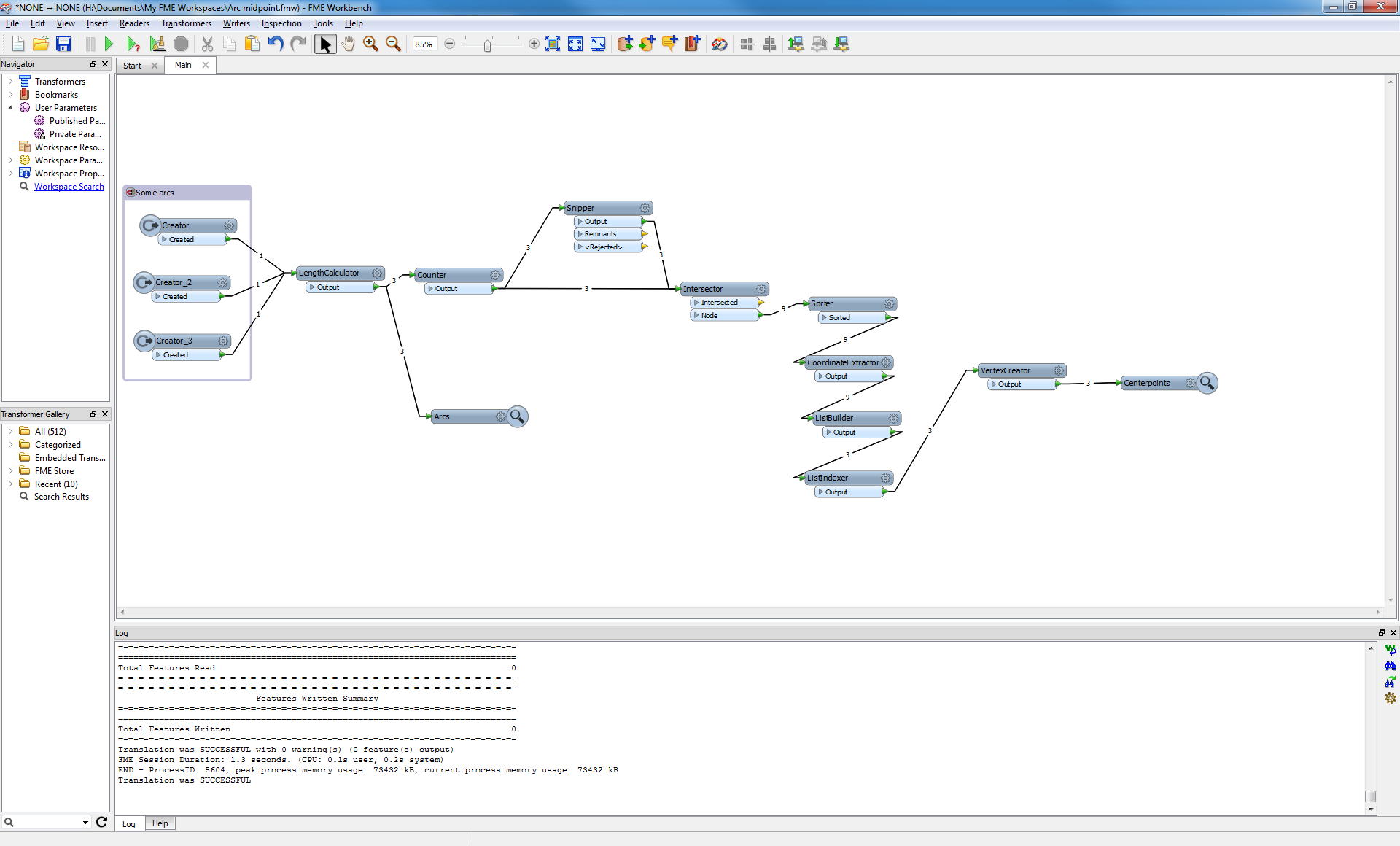
To actualy get the vertex using snipping you would have to :


gio
Contributor
Forum|alt.badge.img+15
  • Contributor
  • September 16, 2014

gio
Contributor
Forum|alt.badge.img+15
  • Contributor
  • September 16, 2014
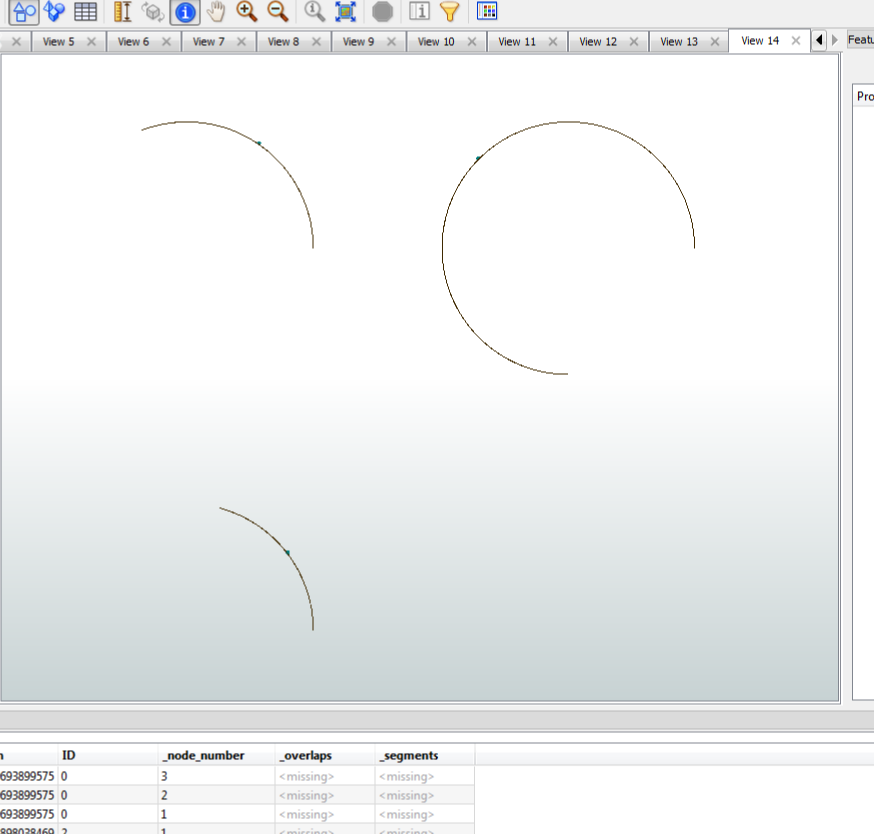
Yes i forgot, it outputs the point if start and end are same...erhmm.