


Question

AutoCAD Extended Entity Data not writing out correctly.

  • February 20, 2024
  • 2 replies
  • 81 views

gmbutler2
Contributor
Forum|alt.badge.img+10

I am reading two AutoCAD files and sending them through a ChangeDetector to identify the differences between files.  For my updated features, I am trying to write out the attributes to my blocks to displayy the following attributes as extended entity data:

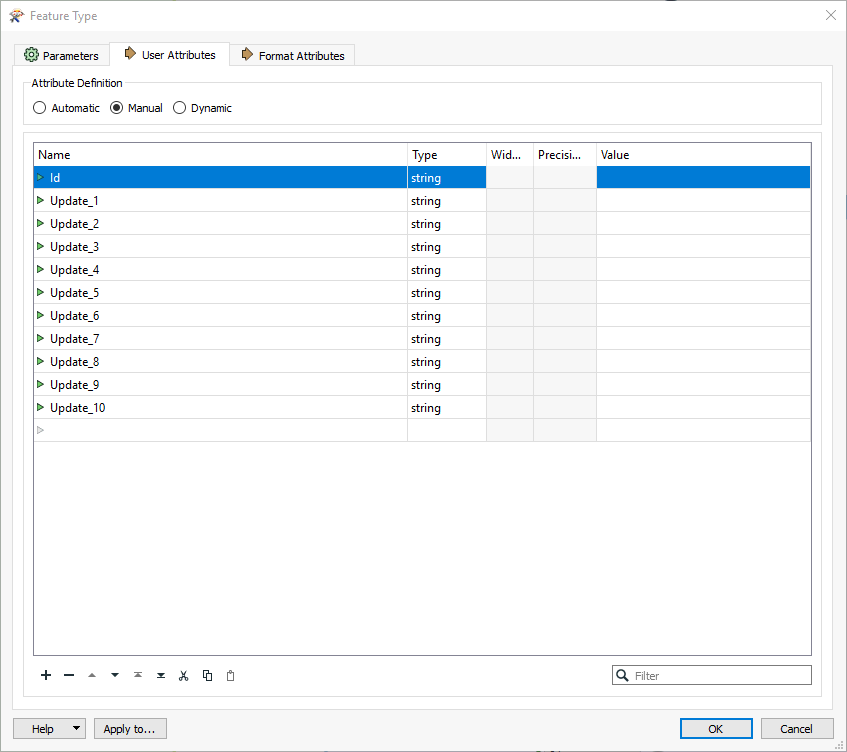
Id, Update_1,Update_2, Update_3 (all the way through Update_10)
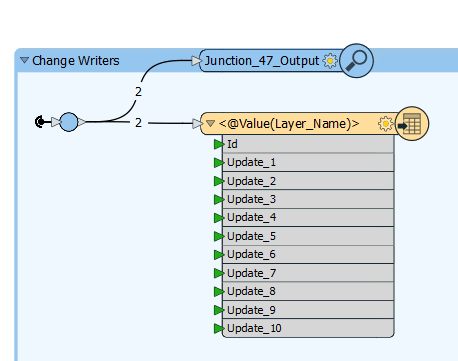
Writer Feature Type Showing all the attributes.
​​​​

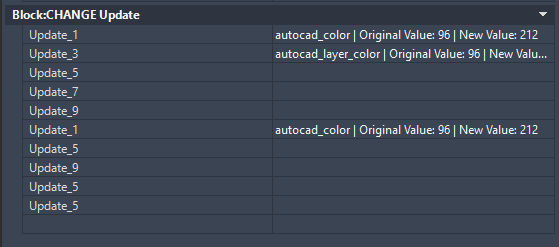
However, when I open the drawing, the Extended Entity Data is being written as such:
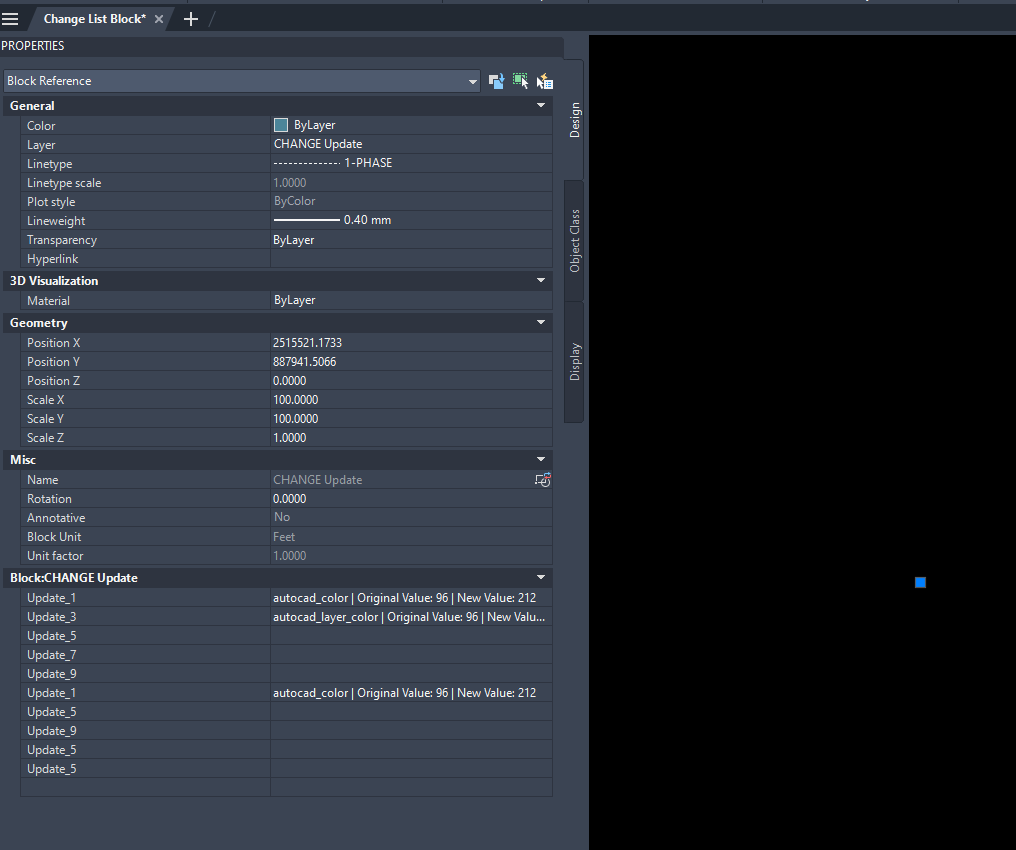
Block Extended Entity Data is repeated, missed, and “garbled”.

Can someone give me some advice as to why this may be happening?

2 replies

virtualcitymatt
Celebrity
Forum|alt.badge.img+47

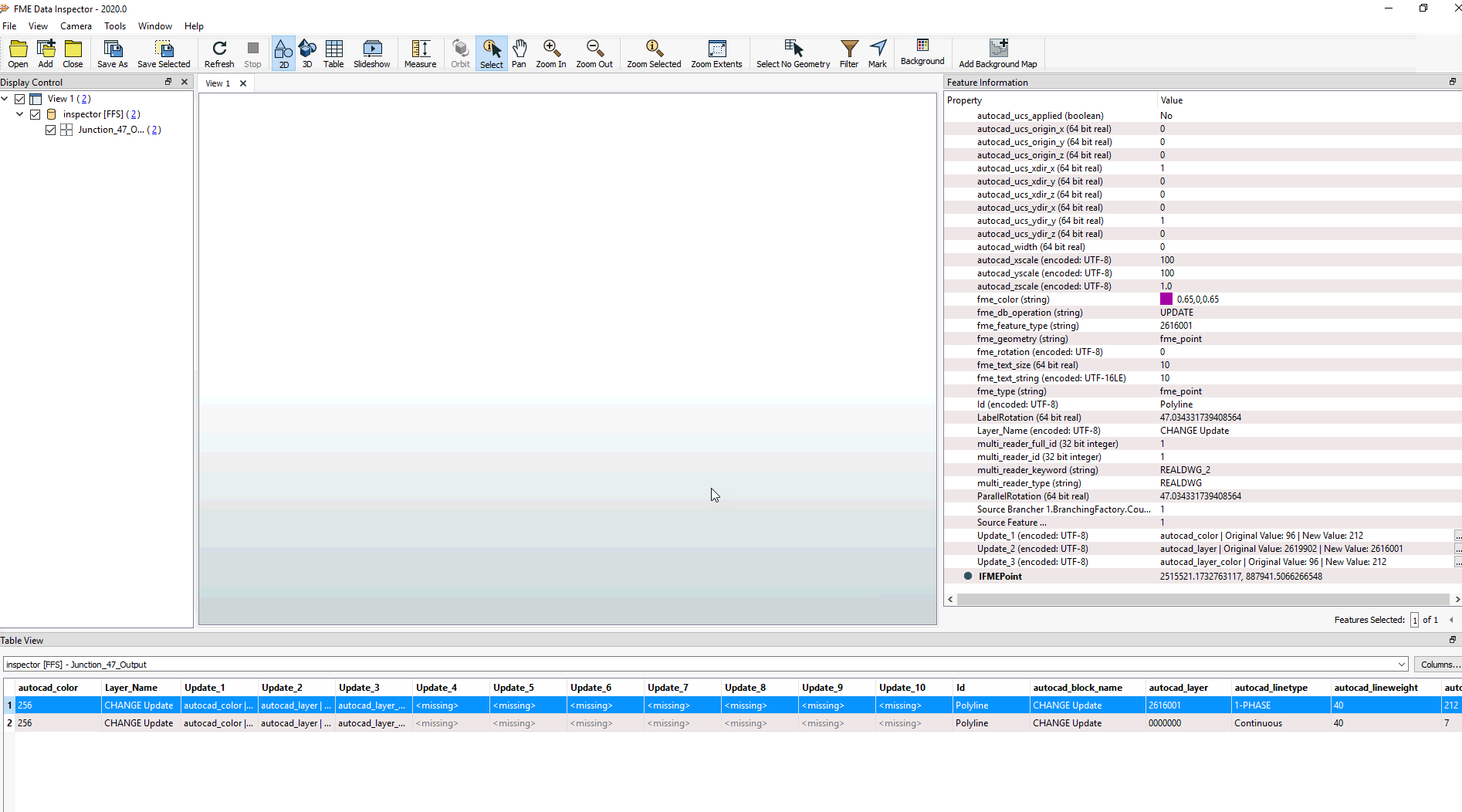
What does the data look like in the data inspector there and what version of FME are you working with?


certainly looks pretty strange


gmbutler2
Contributor
Forum|alt.badge.img+10
  • Author
  • Contributor
  • February 21, 2024

@virtualcitymatt I’ll attach a few screenshots.

Here you can see the 2 items in question that have attributes.  Update 4-10 are supposed to be “missing” or nulls.  These items had 3 of 10 potential changes.  So 4-10 were empty.
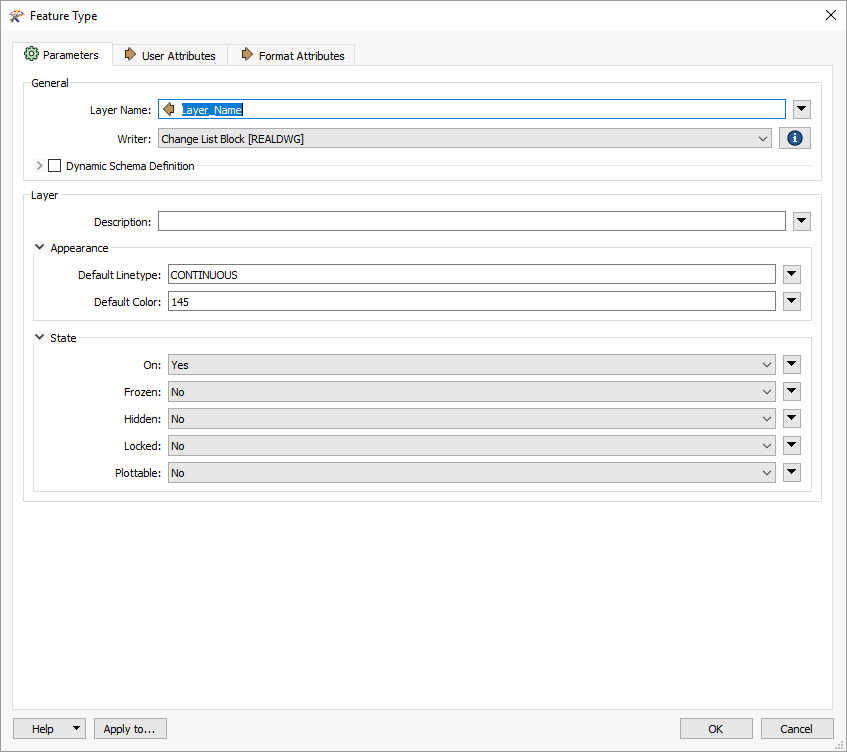
Here you can see the first page of my writer feature type.  The Layer_Name attribute has what the level is supposed to be named in it.  In this case the Layer_Name is “CHANGE Update”.
Here you can see the attributes as they should appear.
Here is a refresh from the initial post of how they end up being written.
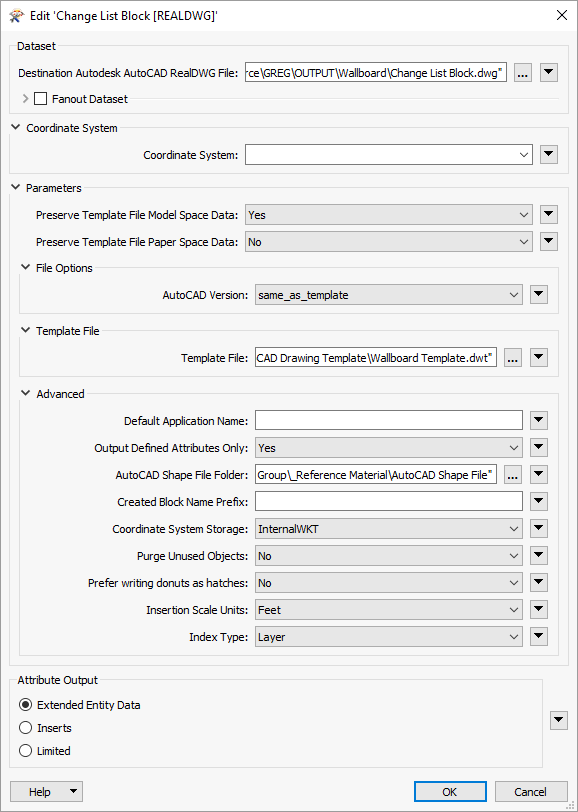
Here is a screenshot of my Writer Parameters
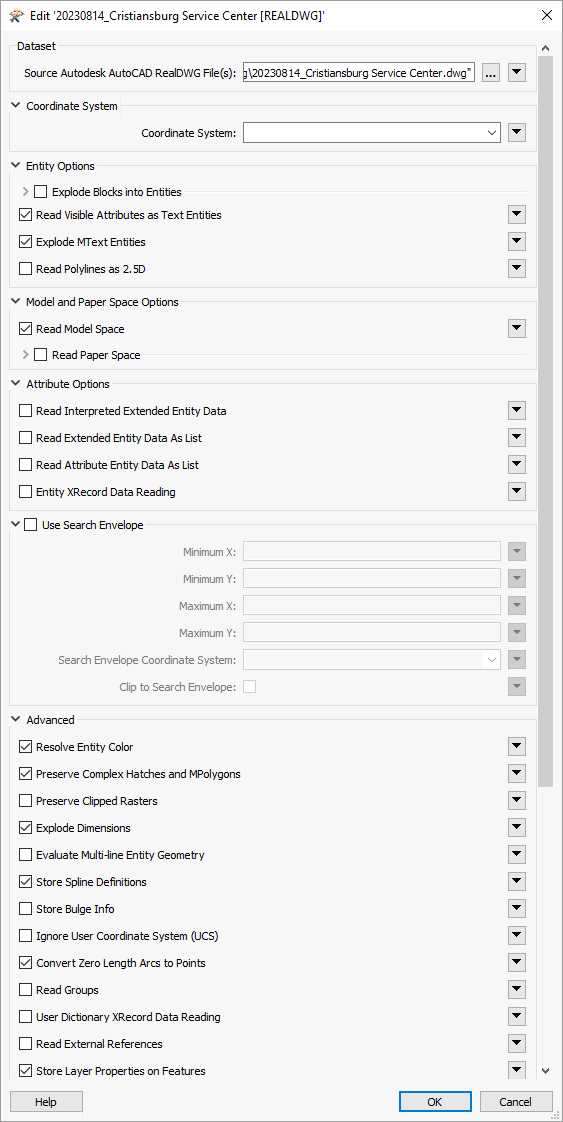
Here is a screenshot of my reader parameters (1 of 2)
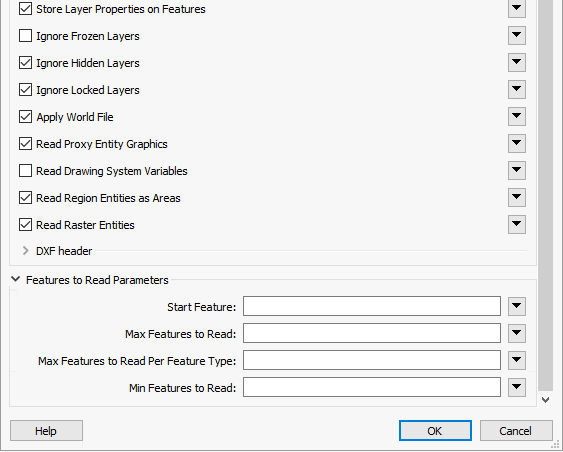
Here is the remainder of my reader parameters (2 of 2)