I'd like to save raster to the JPEG format. The raster includes an alpha band. In order to save to JPEG the alpha band needs to be removed. When the alpha band is there the background appears white in FME Inspector.
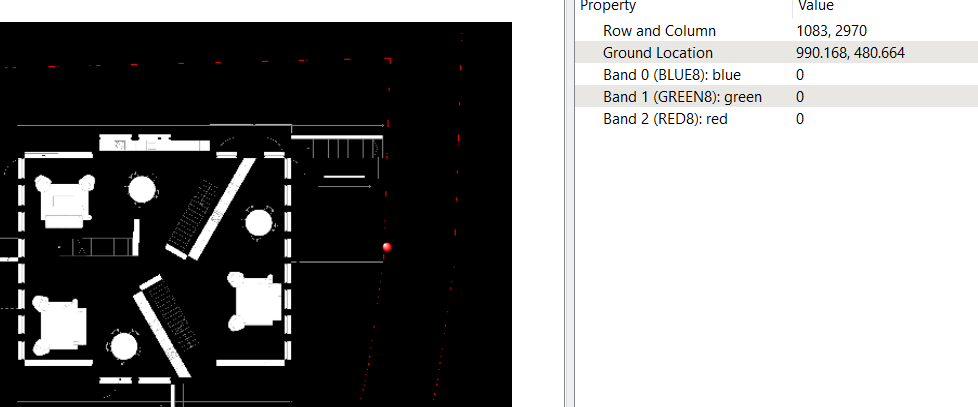
When I remove the alpha band the background turns black. That's also the background color when I save the raster to JPEG. How can I work around this problem and make the background white when I save to JPEG?
With the alpha band. White background.
Without the alpha band. The background turns black. I don't want that.
Best answer by debbiatsafe
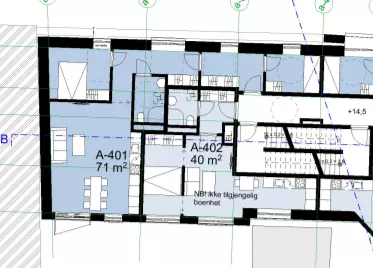
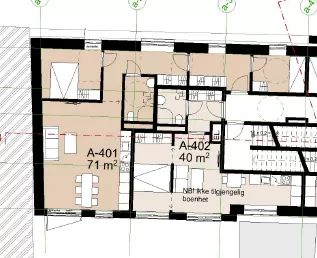
Thank you for your quick reply. I noticed something else in the process. The transformer seems to invert colors. Blue turns to red for example. Why is that and how can I avoid it?
Your initial screenshot shows your input is a BGRA32 raster (instead of RGBA32). Two of the raster bands were switched when the raster was coerced to RGB24. You should be able to avoid the issue by using a RasterBandOrderer (band list: 2 1 0 3) before the RasterInterpretationCoercer.
This post is closed to further activity.
It may be an old question, an answered question, an implemented idea, or a notification-only post.
Please check post dates before relying on any information in a question or answer.
For follow-up or related questions, please post a new question or idea.
If there is a genuine update to be made, please contact us and request that the post is reopened.
Try using the RasterInterpretationCoercer instead of removing the alpha band. The destination interpretation type parameter should be RGB24--ensure the RGBA to RGB parameter is 'Apply the alpha band'.
Thank you for your quick reply. I noticed something else in the process. The transformer seems to invert colors. Blue turns to red for example. Why is that and how can I avoid it?
Thank you for your quick reply. I noticed something else in the process. The transformer seems to invert colors. Blue turns to red for example. Why is that and how can I avoid it?
Your initial screenshot shows your input is a BGRA32 raster (instead of RGBA32). Two of the raster bands were switched when the raster was coerced to RGB24. You should be able to avoid the issue by using a RasterBandOrderer (band list: 2 1 0 3) before the RasterInterpretationCoercer.
Your initial screenshot shows your input is a BGRA32 raster (instead of RGBA32). Two of the raster bands were switched when the raster was coerced to RGB24. You should be able to avoid the issue by using a RasterBandOrderer (band list: 2 1 0 3) before the RasterInterpretationCoercer.

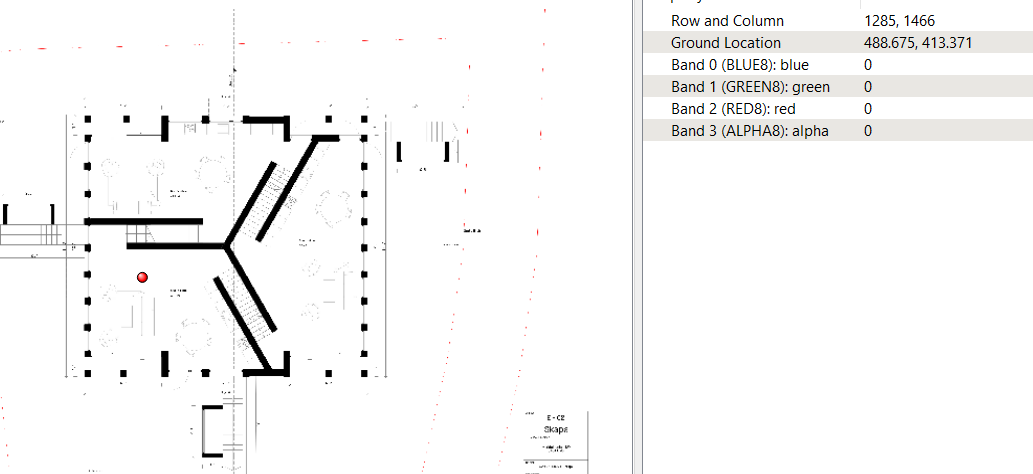 Without the alpha band. The background turns black. I don't want that.